AI Tools You Can't Ignore in 2026 If You Want to Work Faster
Discover the essential AI tools dominating 2026 that will transform your productivity. From ChatGPT to Cursor, learn which tools will help you work faster and smarter.
For managers, AI has evolved from simple automation to what can be described as agentic management. Modern tools don’t just track tasks—they predict risks, automatically schedule workloads, and summarize complex team and meeting dynamics.
The role of a manager in 2026 looks fundamentally different than it did just two years ago. Endless status meetings, manual timeline reshuffling, and drowning in email threads are rapidly becoming relics of the past.
AI hasn’t just automated management tasks—it has redefined how effective leadership works by shifting managers from reactive coordination to proactive decision-making.
67% of managers now use AI for daily task prioritization, 82% report a 30–40% reduction in meeting time, and 91% say AI helps them identify team issues before they escalate.
This guide breaks down the AI tools transforming modern management across project planning, meetings, team health, and strategic execution.
The biggest shift in project management isn’t tracking what’s happening—it’s predicting what will happen and automatically adjusting before problems arise.
⚡ These tools eliminate manual status updates and deadline reshuffling by proactively adapting workflows in real time.
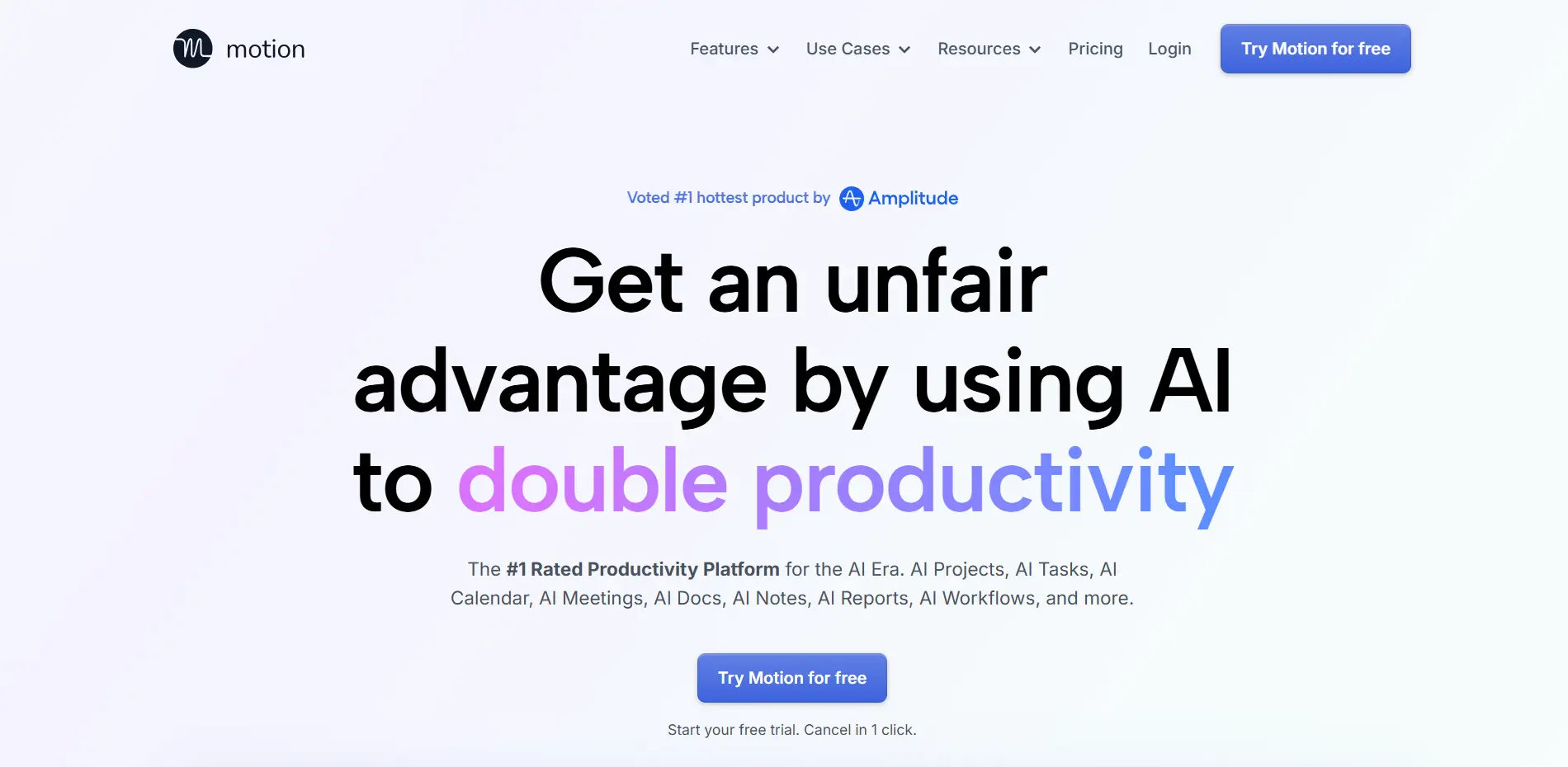
Motion has become the most searched AI scheduling tool because it solves a universal management problem: prioritizing and scheduling work across teams with constantly changing deadlines and priorities.
Traditional project management tools tell you what needs to be done. Motion tells you when to do it, automatically schedules tasks in your calendar, and intelligently reshuffles everything when plans inevitably change.
Motion doesn’t wait for manual updates. If a meeting runs late, it automatically adjusts the rest of your day. If a high-priority task appears, it reschedules lower-priority work without requiring any intervention.
Instead of reacting to chaos, managers operate inside an always-optimized schedule.
Project teams input deliverables and deadlines, and Motion distributes work across members based on availability, workload, and task dependencies. When delays happen, schedules adjust automatically.
Cross-functional managers use Motion to coordinate interconnected teams. Dependencies are mapped automatically, ensuring follow-up teams are scheduled the moment prerequisites are completed.
Remote team leaders rely on Motion to manage time-zone differences, scheduling collaboration during overlap hours while protecting individual focus time.
Executives balance strategic and operational work by ensuring important long-term projects are scheduled instead of being endlessly postponed by urgent tasks.
Intelligent task scheduling automatically finds the best time slots based on deadlines, task duration, energy levels, and dependencies.
Automatic rescheduling reorganizes entire calendars instantly when priorities change—replacing 30 minutes of manual calendar work with seconds of AI optimization.
Team capacity planning highlights overload risks before burnout happens, giving managers early warnings rather than last-minute crises.
Deadline protection works backward from due dates, ensuring tasks start with buffer time and alerting managers days in advance if risks appear.
Meeting optimization blocks focus time automatically and suggests which meetings can be skipped, delegated, or shortened.
A product manager running three concurrent launches reduced daily planning time from 90 minutes to 10 minutes, letting Motion handle coordination and scheduling.
An engineering manager overseeing 12 developers increased team velocity by 40% by optimizing work around meetings instead of fragmenting focus time.
Managers consistently report reduced stress and decision fatigue. Instead of asking “What should I work on next?”, they trust Motion’s AI to surface the optimal task automatically.
Dependency management ensures follow-up work is scheduled immediately when prerequisite tasks are completed.
Workload balancing prevents uneven distribution of work by allocating tasks based on real-time capacity.
Priority alignment ensures daily schedules reflect organizational goals without constant manual adjustment.
Motion integrates with Slack, Gmail, Zoom, Asana, Jira, and other tools, acting as an orchestration layer rather than replacing existing systems.
Motion costs between $19 and $34 per user monthly. Saving even one hour per week for a manager earning $80,000 annually equates to roughly $2,000 per year in recovered time.
Most managers report saving five to ten hours weekly, resulting in a 10–20× return on investment.
Motion performs best when teams trust its scheduling decisions. Teams that frequently override the AI see limited benefits, while successful teams allow a short adjustment period to build confidence.
Teams using Motion consistently outperform peers in deadline adherence, project completion rates, and satisfaction scores. The ability to adapt instantly to changing priorities provides a real competitive edge.
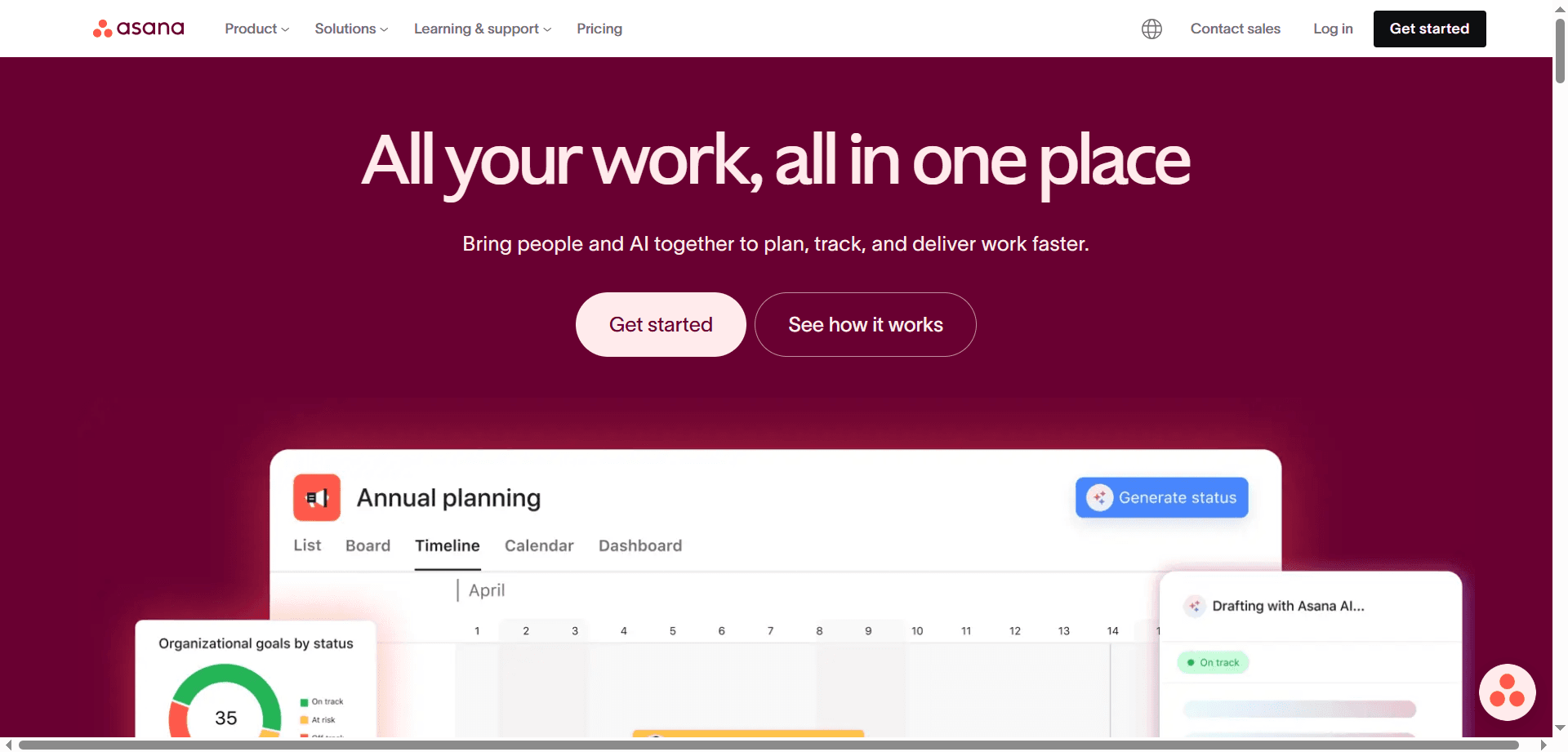
Asana has evolved far beyond a simple task list. With AI Teammates, it has become an intelligent management platform that actively identifies problems, suggests solutions, and removes administrative overhead from managers’ daily work.
AI Teammates function like invisible team members monitoring projects around the clock. They surface risks before they turn into crises and handle the coordination and reporting work that typically consumes a manager’s time.
Bottleneck detection continuously scans projects to identify tasks blocking progress. When critical work sits unassigned or a single team member becomes a constraint across multiple workflows, managers receive proactive alerts with suggested fixes.
Automated status updates replace manual check-ins. AI Teammates generate accurate summaries by analyzing task progress, comments, and timelines—many managers share these directly with stakeholders.
Dependency intelligence tracks relationships between tasks and notifies teams the moment dependencies are met or blocked, eliminating constant follow-ups and fragmented attention.
Smart nudging sends gentle reminders when work falls behind and others depend on it, maintaining accountability without managers having to chase updates.
Marketing managers coordinate content creation, design, approvals, and publishing across channels. AI Teammates identify approval bottlenecks and suggest timeline or ownership adjustments.
Engineering leads manage sprints, bugs, and releases while AI Teammates flag scope creep, unresolved bug accumulation, or sprint capacity risks.
Operations managers overseeing cross-functional processes receive alerts when delays in one department cascade into others.
Client services managers balance multiple client engagements while AI Teammates ensure no deadlines slip unnoticed.
Smart task assignment recommends optimal owners based on workload, skills, and past performance, allowing managers to approve assignments with a single click.
Automatic priority adjustment realigns work instantly when organizational goals change, eliminating manual reshuffling across projects.
Status report generation compiles executive-ready updates highlighting achievements, risks, and projected timelines without manual reporting.
Meeting preparation summaries highlight progress, blockers, and decisions needed—removing the typical hour of pre-meeting prep.
AI Teammates dramatically reduce communication overhead, which often consumes 40–60% of a manager’s time. Routine updates and coordination happen automatically, freeing managers for higher-value decisions.
Comment summarization condenses long discussion threads so managers can catch up instantly.
Decision tracking extracts decisions from comments or meetings and converts them into follow-up tasks automatically.
Context sharing generates onboarding summaries for new team members, covering project history, current status, and next steps.
Asana integrates with over 200 tools, including Slack, Microsoft Teams, Salesforce, Jira, GitHub, and Google Workspace. AI Teammates combine data across these systems to deliver unified project intelligence.
AI Teammates automatically track task velocity, bottleneck frequency, dependency delays, workload distribution, and timeline accuracy—helping managers identify systemic issues and improve processes over time.
Asana with AI Teammates costs roughly $25–30 per user each month. For teams of ten or more, the reduction in coordination and reporting often saves 15–20 team hours weekly, delivering a 5–10× return on investment.
Teams that succeed with AI Teammates trust AI-generated status updates, respond quickly to bottleneck alerts, use AI task assignments as a starting point, and allow the system to handle routine communication—reserving manager effort for complex challenges.
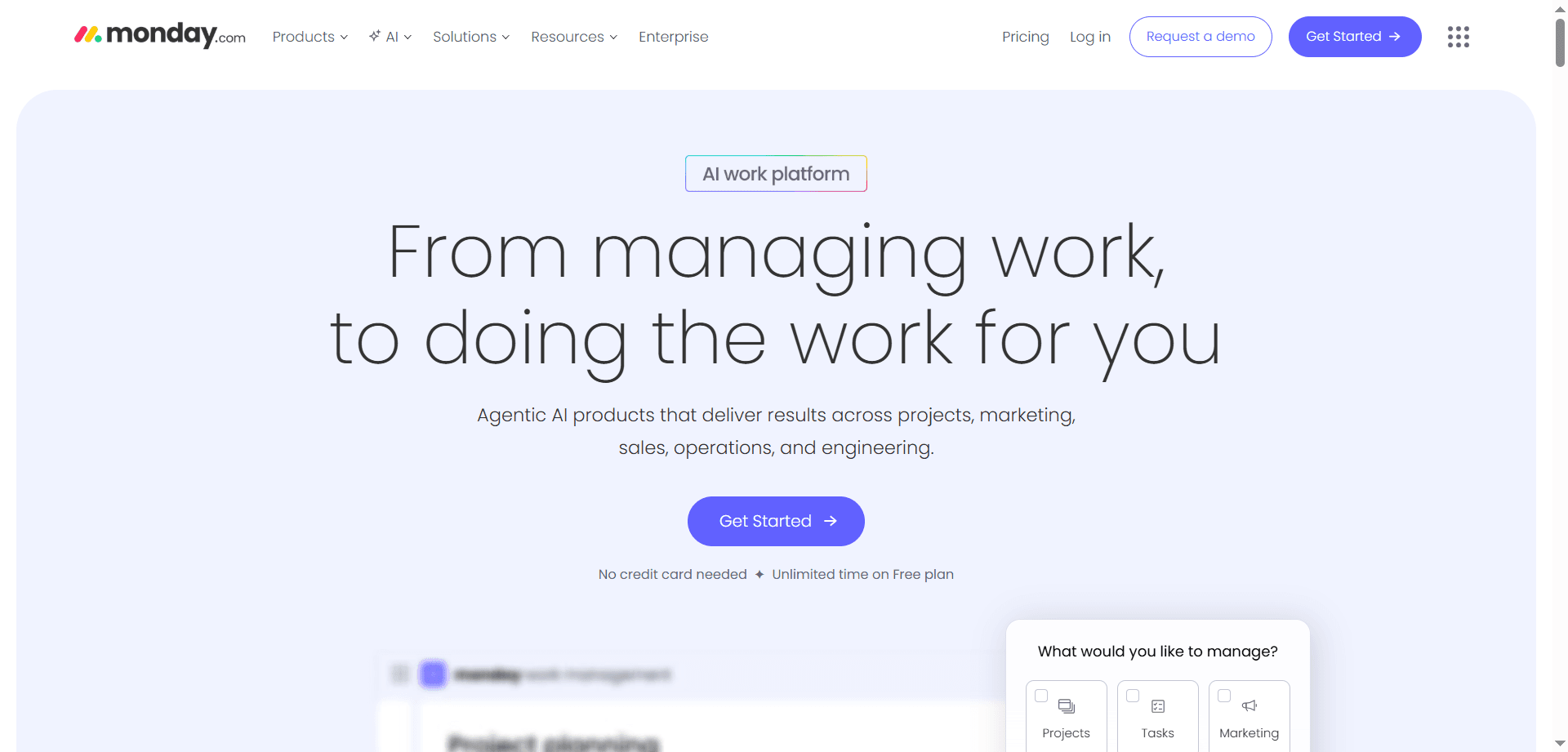
Monday.com’s AI Assistant is known for its predictive intelligence and AI Formula Builder, helping managers anticipate risks and prevent project failures before they occur.
While most project management AI focuses on what’s happening right now, Monday.com’s AI predicts what will happen next by analyzing historical performance, current team velocity, and project complexity.
Deadline risk prediction analyzes past completion rates for similar tasks and warns managers two to three weeks in advance if a project is likely to miss its deadline, giving time to adjust scope or resources.
Resource bottleneck forecasting identifies when specific team members are likely to become overloaded, enabling proactive workload redistribution.
Budget overrun alerts detect spending patterns that signal future budget issues and recommend adjustments before financial risk escalates.
Quality risk identification flags scenarios where compressed timelines historically lead to quality problems or rework, allowing managers to intervene early.
Agency project managers use Monday.com’s AI to identify client projects at risk of delay, allowing early renegotiation or resource allocation.
Construction managers rely on predictive insights to manage critical paths involving materials, contractors, and external dependencies.
Event planning teams benefit from AI predictions that ensure interdependent tasks stay aligned with fixed event dates.
Product launch coordinators detect cascading delays across engineering, marketing, sales, and support teams before launches are impacted.
The AI Formula Builder allows managers to create advanced analytics using plain language instead of complex formulas or technical skills.
Managers can request calculations such as average task completion time per team member, budget usage relative to progress, or automated alerts when projects fall behind schedule.
This democratization of analytics enables teams to build dashboards and alerts without relying on data analysts.
Monday.com’s AI observes management patterns and suggests automations, such as adding review steps automatically, sending reminders when tasks stall, or adopting faster-performing workflows used by similar teams.
The AI tracks how quickly teams complete different types of work and uses this data to generate realistic timelines for future projects.
As the system learns team behavior, its estimates become increasingly accurate, improving planning reliability over time.
Monday.com integrates with over 70 tools including Slack, Microsoft Teams, Gmail, Zoom, Salesforce, HubSpot, and Jira. The AI synchronizes activity across these platforms to keep projects updated automatically.
For example, when a deal closes in Salesforce, Monday.com can create an implementation project, assign tasks based on deal complexity, and schedule kickoff meetings without manager involvement.
AI-powered analysis of boards, timelines, and Gantt charts reveals bottlenecks, workload imbalances, and progress patterns that are difficult to detect manually.
Color-coded capacity views and automated progress indicators provide instant visibility into team health and project status.
Organizations using Monday.com’s AI report improved deadline adherence, reduced planning time, fewer crisis meetings, and better resource utilization across teams.
Monday.com with AI features typically costs between $12 and $24 per user each month. Its predictive capabilities are especially valuable for teams managing complex projects where delays carry high costs.
ClickUp Brain takes a fundamentally different approach to project management AI. Instead of focusing only on tasks, it acts as an organizational knowledge manager that understands the relationships between tasks, documents, conversations, and decisions across your entire company.
Rather than forcing managers to search through multiple tools and documents, ClickUp Brain lets you ask questions in natural language and receive clear, comprehensive answers synthesized from across your workspace.
Each response is fully referenced, with clickable links that take you directly to the underlying tasks, documents, or discussions.
When a manager asks for the status of a project, ClickUp Brain returns a structured summary covering progress percentage, deadlines, completed work, active tasks, blockers, and ownership—all in seconds.
What normally requires checking multiple tools and messaging several people now takes less than ten seconds.
Executives can request instant project updates without managers scrambling to compile reports from different sources.
Cross-functional leaders can ask what is blocking a launch and receive a complete view of dependencies and blockers across teams.
New managers joining projects can retrieve historical context by asking why decisions were made, with answers citing original documents and discussions.
Client-facing teams can respond to detailed status questions immediately instead of chasing updates internally.
ClickUp Brain understands relationships rather than just keywords. It knows how completed tasks unlock dependent work and includes this context in answers.
It accounts for time, recognizing that recent decisions override older plans, and includes accountability by identifying who owns each task.
When projects share resources or dependencies, ClickUp Brain explains how they impact each other.
Managers prepare daily standups by asking what the team completed yesterday and what’s planned today—no manual reporting required.
When team members ask what to work on next, ClickUp Brain considers deadlines, dependencies, and priorities to recommend the optimal task.
Decision documentation becomes simple by asking what was decided on a topic and receiving a timeline of discussions and resulting actions.
Skill discovery is streamlined by asking who has experience with a specific technology or domain, based on past work and documented expertise.
ClickUp Brain can generate executive-ready status reports by synthesizing information across all active projects.
It creates project briefs, meeting agendas, and onboarding guides by pulling relevant context from tasks, documents, and past discussions.
This removes repetitive documentation work while keeping information consistent and up to date.
ClickUp Brain learns from how teams work by identifying frequently asked questions and suggesting automated reports or dashboards.
It highlights information gaps and recommends documentation improvements when users repeatedly search for missing context.
Common workflows are detected and converted into reusable templates and automations.
ClickUp Brain integrates with document storage tools, communication platforms, email systems, code repositories, and CRM tools—creating a unified search and synthesis layer across the digital workplace.
Managers report saving 45 to 60 minutes daily on status updates, two to three hours weekly on report generation, and several hours monthly on onboarding and knowledge transfer.
For a manager earning $100,000 annually, this equates to roughly $15,000–20,000 in recovered time value each year.
Beyond manager efficiency, ClickUp Brain reduces interruptions for team members by minimizing status questions and information searches, freeing more time for actual work.
ClickUp Brain respects permission controls and only surfaces information users are authorized to see, ensuring sensitive data remains protected.
Organizations see the best results when they maintain clear task descriptions, document decisions inside the platform, use consistent naming conventions, and encourage teams to consult ClickUp Brain before interrupting colleagues.
Managers spend up to 40% of their time in meetings, yet much of that time is lost to note-taking, follow-ups, and administrative cleanup. AI-powered meeting tools are changing this by handling the operational overhead automatically.
The modern meeting crisis is real: too many meetings, too little focus, and poor follow-through. AI transforms meetings from time drains into documented, searchable decision engines.
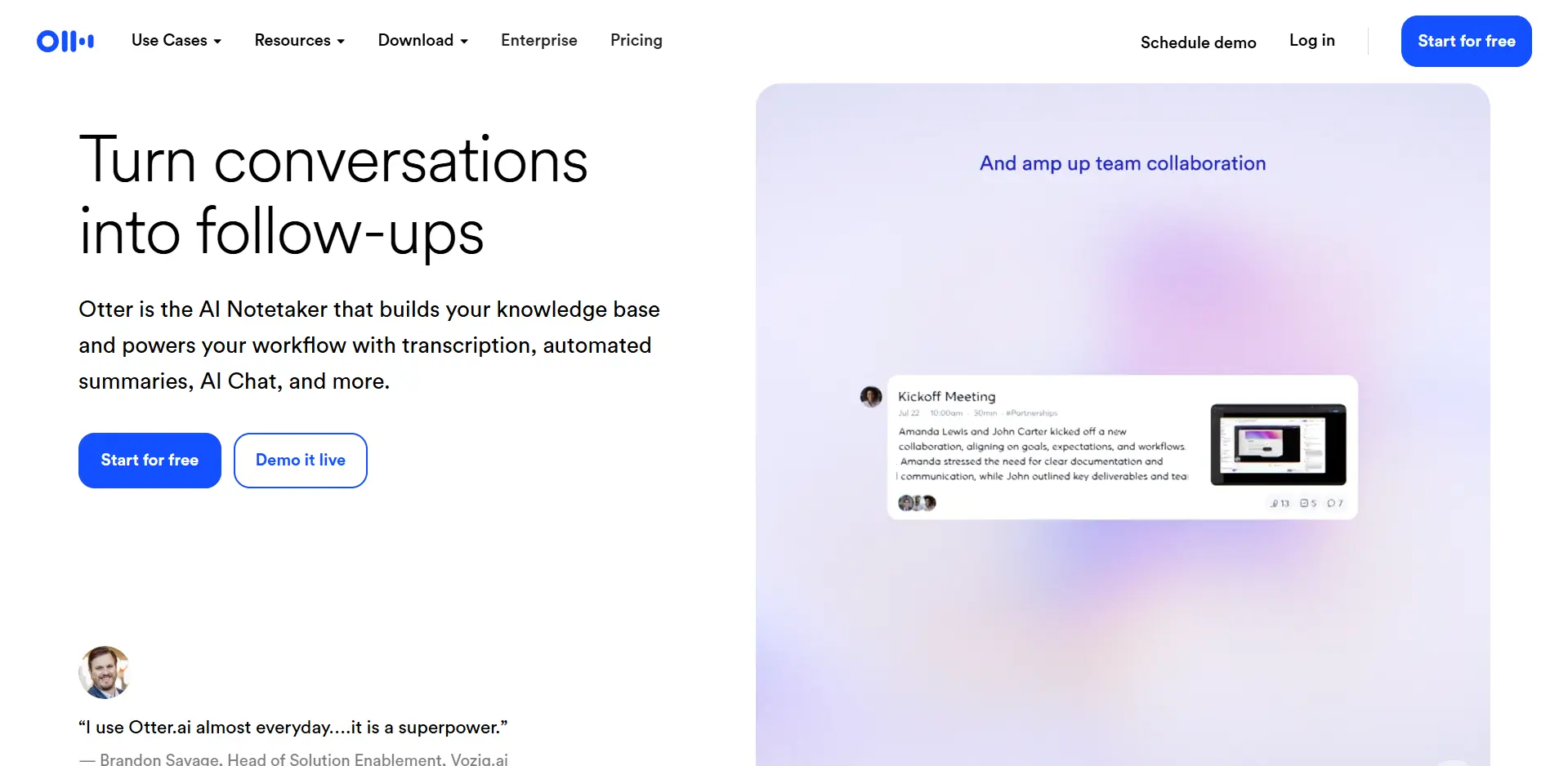
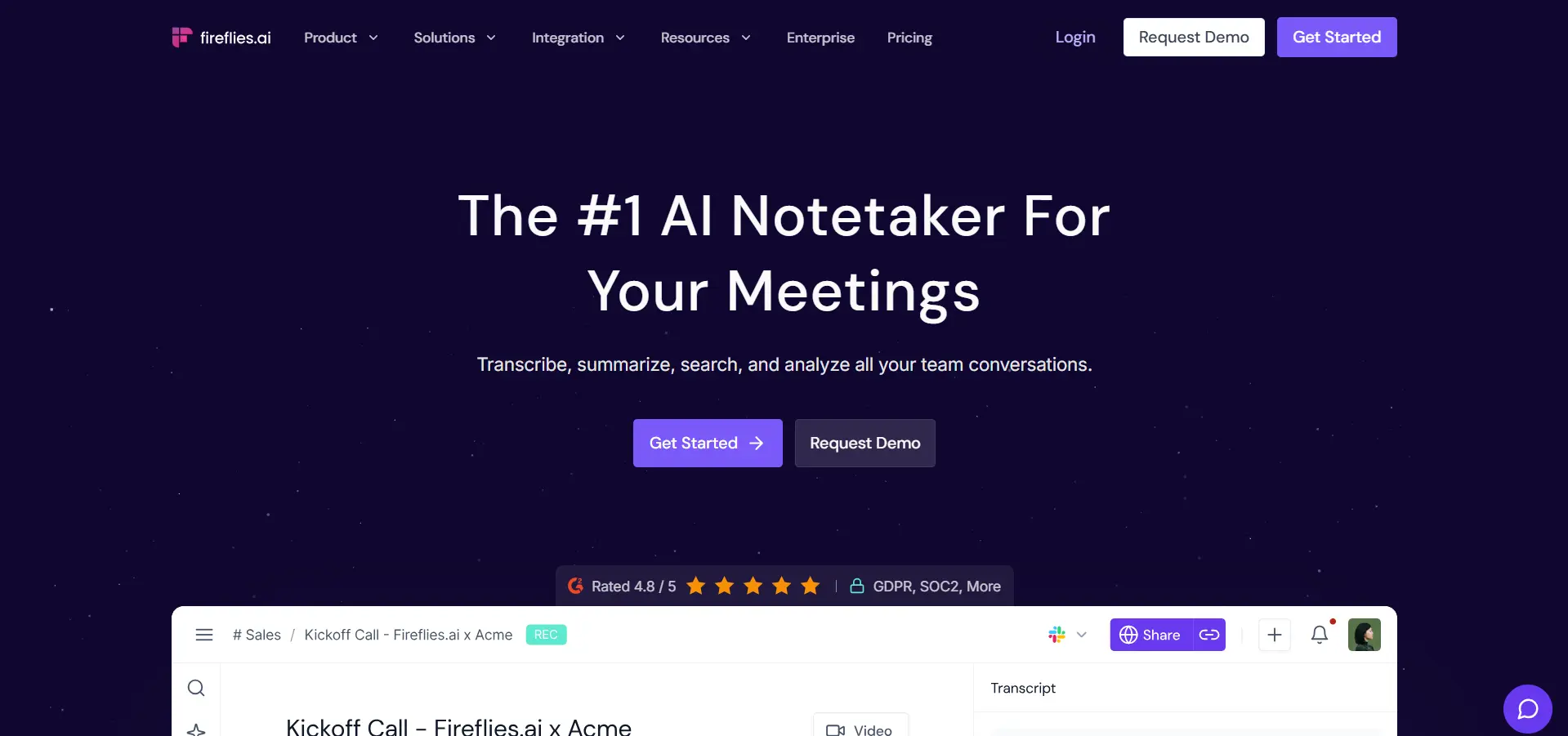
Otter.ai and Fireflies.ai have become essential for managers who want to fully participate in conversations without sacrificing accurate documentation.
Most managers attend between five and fifteen meetings per day. Taking detailed notes means missing nuance, while active participation often leads to forgotten details. These AI assistants eliminate the trade-off by documenting everything automatically.
Both tools automatically join Zoom, Microsoft Teams, and Google Meet calls to transcribe meetings in real time, allowing managers to stay fully engaged.
Speaker identification clearly tracks who said what, preserving accountability and decision context.
Action items, decisions, and commitments are automatically extracted and organized for follow-up.
The most powerful feature is searchable meeting history. Managers can instantly retrieve past decisions, discussions, and commitments across all recorded meetings.
Executive leaders engage fully in board meetings and strategic sessions, reviewing AI summaries afterward to ensure nothing is missed.
Project managers use transcripts to validate task assignments, track changing requirements, and resolve conflicting stakeholder requests.
Sales managers review call recordings to coach performance, identify winning patterns, and ensure customer commitments are honored.
HR leaders document sensitive conversations accurately, supporting compliance, conflict resolution, and performance management.
Instead of relying on memory or rewatching recordings, managers can search for keywords and instantly locate the exact moment a decision or commitment was made.
Institutional knowledge shifts from informal recollection to precise, verifiable records with timestamps.
AI-generated summaries highlight key points, decisions, and action items, making them sufficient for team members who missed the meeting.
Sentiment analysis identifies tense or unresolved moments that may require follow-up.
Talk-time analytics reveal participation imbalances, helping managers ensure all voices are heard.
Meeting action items automatically sync into project management tools, ensuring decisions translate into execution without manual effort.
Otter.ai excels in mobile recording, technical transcription accuracy, and collaborative transcript editing.
Fireflies.ai offers deeper CRM integrations, stronger meeting analytics, advanced action-item detection, and a more flexible API.
Most teams choose the tool that best integrates with their existing calendar and workflow, as both deliver excellent core functionality.
When meetings are automatically documented, commitments become clearer, follow-through improves, and discussions are more intentional.
Teams speak more precisely, disagreements surface earlier, and decisions are less likely to be forgotten or misinterpreted.
Both tools clearly indicate when meetings are being recorded and provide controls for hosts. Successful teams establish transparent norms around recording and transcript usage.
Without AI, managers spend roughly 173 hours per year on meeting note-taking. With AI summaries, this drops to about 17 hours annually—saving nearly four full work weeks.
🎯 Best for: Executives, project managers, sales leaders, HR managers, and anyone who spends significant time in meetings.
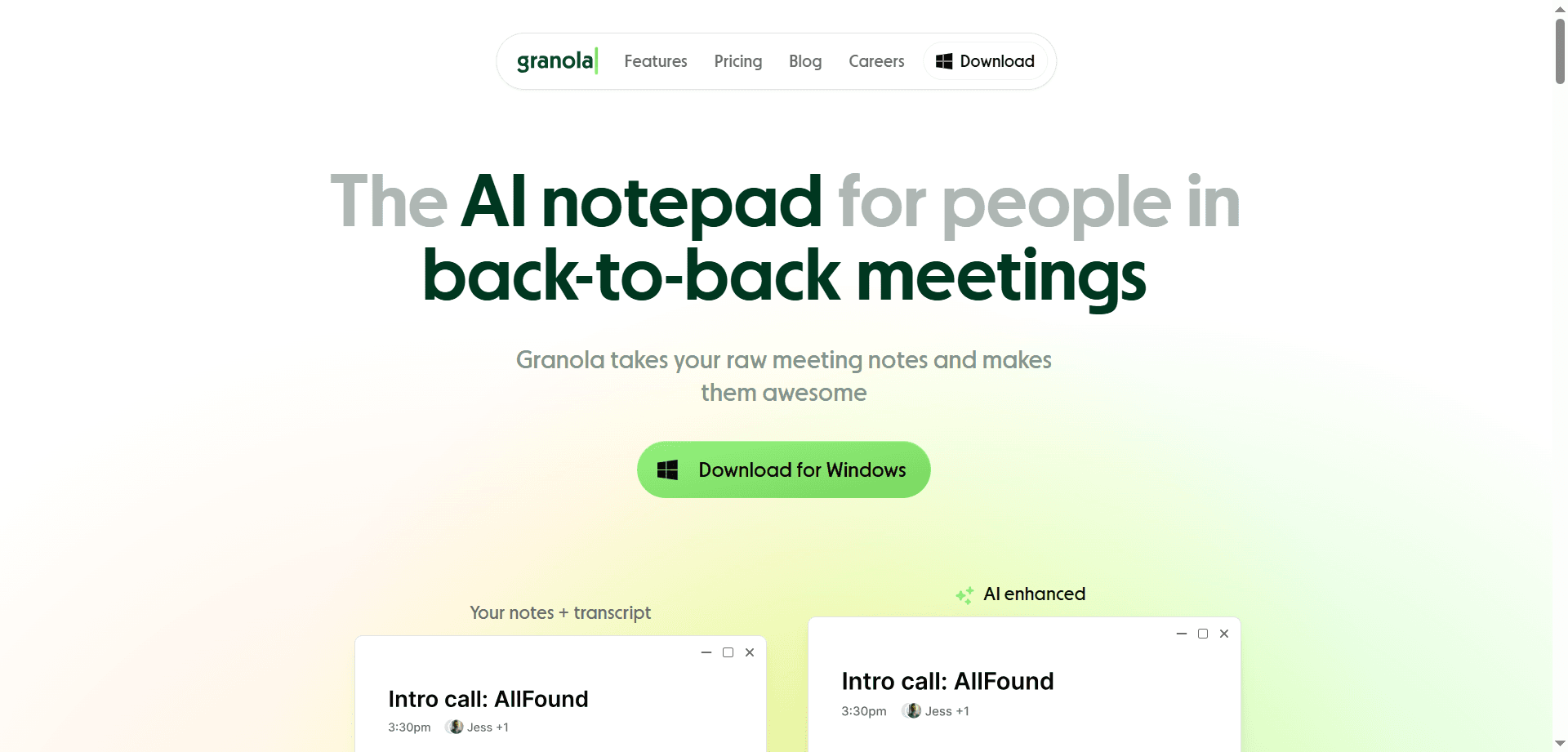
Granola has emerged as a favorite for thoughtful managers who want more than raw meeting transcripts. Instead of capturing everything that was said, Granola focuses on documenting what actually matters—structured in a way that mirrors how effective managers think and take notes.
While traditional meeting tools produce verbatim transcripts, Granola creates curated meeting notes. It’s the difference between a court transcript and well-written meeting minutes that capture intent, outcomes, and reasoning.
Granola understands meeting context and produces structured summaries that feel like they were written by a skilled executive assistant.
Each summary typically includes an executive overview, key discussion points, decisions made with reasoning, clearly assigned action items, and open questions that need follow-up.
This structure makes meeting notes immediately useful instead of forcing managers to extract meaning from long transcripts.
In one-on-one meetings, Granola captures feedback, concerns, goals, and commitments in an organized, longitudinal record without requiring managers to take sensitive notes manually.
For client meetings, Granola generates professional summaries that can be shared immediately, ensuring alignment and reinforcing trust.
During strategy sessions, it preserves the narrative behind decisions, not just the outcomes—critical for long-term strategic clarity.
In performance reviews and HR conversations, Granola documents discussions with appropriate structure and tone while remaining readable and fair.
Granola learns how you prefer to take notes over time, adapting to your tone, desired level of detail, focus areas, and preferred structure.
As it learns, Granola’s summaries increasingly resemble what you would have written yourself with perfect recall and unlimited time.
Granola can automatically draft follow-up emails based on meeting content, saving significant time after every meeting.
It prepares summaries for attendees, executive overviews for stakeholders who didn’t attend, and personalized messages for individuals with specific action items.
Most managers report these drafts need only minor edits before sending, saving 10–15 minutes per meeting.
Granola integrates with calendars to join meetings automatically, project management tools to create tasks, CRM systems to log client notes, and document platforms to archive meeting minutes.
Granola understands meeting context, including attendee roles, calendar details, and previous meeting history.
First meetings receive comprehensive documentation, follow-ups reference earlier discussions, and recurring meetings maintain consistent formats for easy comparison over time.
In cross-functional meetings, Granola places extra emphasis on interdepartmental commitments and dependencies.
Managers can mark discussions as off the record in real time, ensuring sensitive topics are excluded from shared summaries—critical for HR, strategy, and confidential negotiations.
Teams see the best results when Granola is used consistently, templates are customized for different meeting types, and participants understand that structured summaries will follow.
Successful managers position Granola as a productivity enhancer, not a surveillance tool.
Granola typically costs between $15 and $25 per user per month. It sits between basic transcription tools and enterprise meeting intelligence platforms, making it ideal for managers who value thoughtful documentation without unnecessary complexity.
🎯 Best for: Managers who want meaningful, structured meeting notes that reflect how they think—not just what was said.
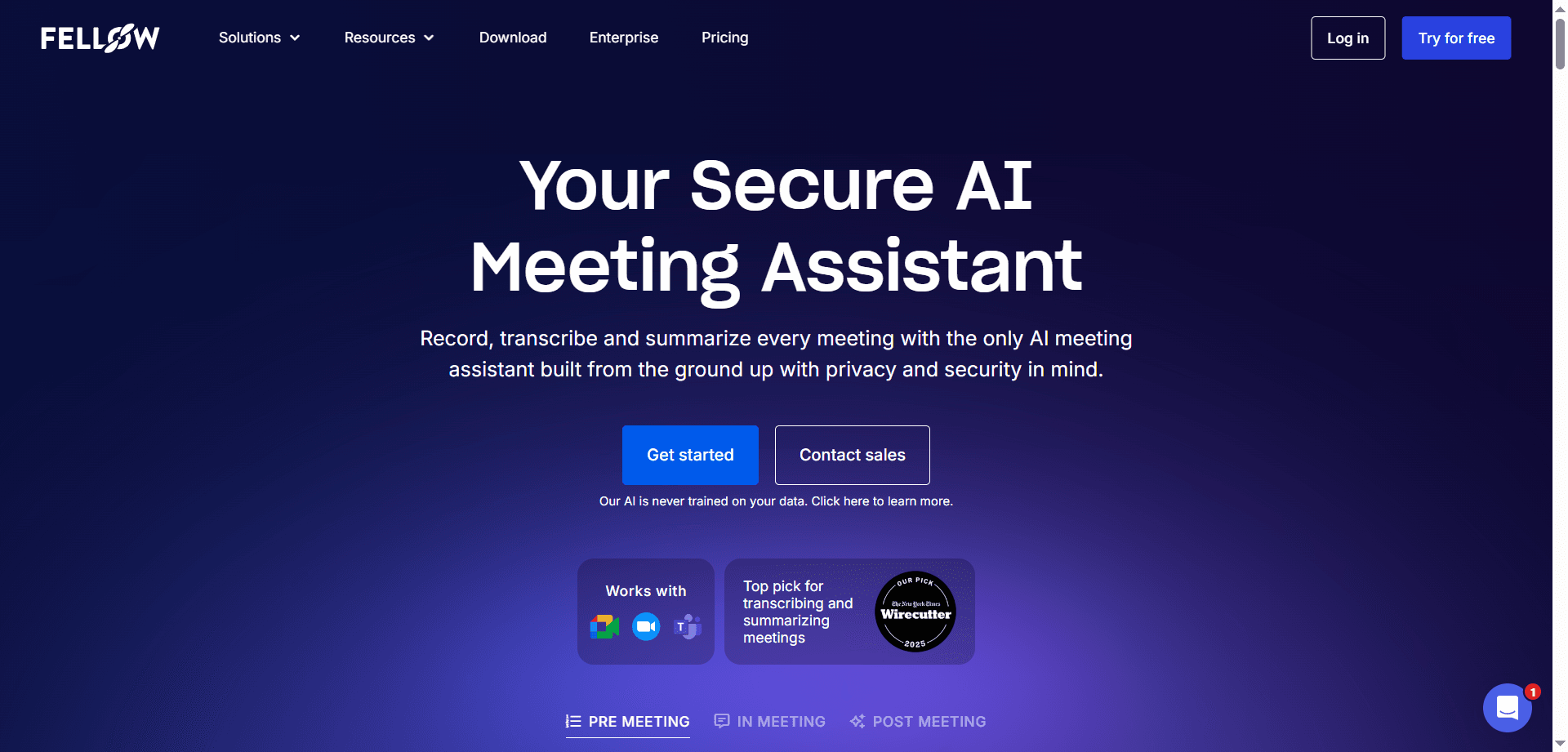
Fellow has carved a clear niche as a tool purpose-built for one-on-ones and team meetings. It uses AI to make these critical management conversations more structured, meaningful, and actionable over time.
One-on-ones are the most important management activity for team health, engagement, and performance, yet they are often neglected. Managers forget past discussions, lose track of commitments, and struggle to monitor growth over time.
Fellow solves these issues by turning one-on-ones from isolated conversations into an ongoing system of development and accountability.
Before each meeting, Fellow suggests intelligent agenda items based on previous conversations, project updates, and team context.
This removes the awkward “what should we talk about?” moment while ensuring important follow-ups never fall through the cracks.
Fellow maintains a complete history of every one-on-one, allowing both managers and team members to review long-term goals, track recurring challenges, and verify follow-through on commitments.
This transforms one-on-ones into continuous development relationships rather than disconnected weekly check-ins.
Fellow’s AI analyzes meeting patterns and flags issues such as participation imbalance, missed meetings, over-focus on tactical topics, and unaddressed action items.
These insights help managers actively improve how they lead conversations instead of repeating ineffective patterns.
Engineering managers use Fellow to track technical growth, project blockers, and career development across their teams, ensuring no one is overlooked.
Sales managers document coaching moments, follow up on pipeline risks, and reinforce skill development using structured conversation history.
Operations managers rely on Fellow to track cross-functional commitments and ensure agreements between departments are followed through.
Remote team leaders use Fellow to maintain strong connections with distributed teams, creating continuity across conversations despite distance.
Beyond one-on-ones, Fellow improves team meetings by allowing agenda co-creation, organizing topics by priority, suggesting time allocations, and capturing decisions automatically.
The AI also monitors participation and highlights when certain voices are consistently missing, helping managers foster inclusive discussions.
Fellow identifies recurring themes across conversations, helping managers spot individual struggles, team-wide process issues, and leadership blind spots early.
This enables proactive leadership instead of reactive problem-solving after issues escalate.
🎯 Best for: Managers who want high-quality one-on-ones, stronger team relationships, and consistent follow-through without relying on memory.
Discover the essential AI tools dominating 2026 that will transform your productivity. From ChatGPT to Cursor, learn which tools will help you work faster and smarter.

Discover the top AI tools revolutionizing content creation in 2026. From video editing to social media management, learn which tools will transform your creative workflow.
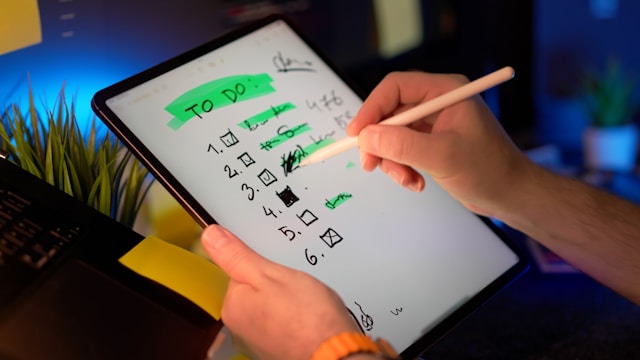
Discover how modern professionals are transforming from manual app-switching to AI-powered integrated orchestration. Learn the tools and strategies that eliminate workflow friction and multiply daily productivity.

Discover how the software development landscape has transformed from AI-assisted coding to Agentic Engineering. Learn about the best AI tools developers use in 2026 to manage fleets of AI agents for autonomous development.