AI Tools You Can't Ignore in 2026 If You Want to Work Faster
Discover the essential AI tools dominating 2026 that will transform your productivity. From ChatGPT to Cursor, learn which tools will help you work faster and smarter.
In 2026, the concept of "daily workflow" has fundamentally transformed from manual app-switching to Integrated Orchestration. Modern professionals no longer work within individual applications—they work with AI agents that seamlessly move between tools, carrying context and intent across platforms. This orchestrated approach eliminates the friction that consumed hours daily in the traditional workflow paradigm.
This evolution means your workday is no longer fragmented by constant tool-switching, manual information transfer, and repetitive coordination tasks. AI agents handle the connective tissue between applications, allowing you to focus on thinking, decision-making, and creative work rather than administrative overhead. The result is dramatically higher productivity with significantly less mental exhaustion from context switching.
In 2026, professionals don't manage applications—they orchestrate AI agents that coordinate across tools automatically, eliminating hours of manual coordination and context switching.
The journey from siloed applications to integrated orchestration represents one of the most significant productivity advances in knowledge work. Traditional workflows required constant manual coordination—checking email, then updating project management tools, then adding calendar items, then noting tasks, then messaging team members. Each transition required mental context switching that drained cognitive resources.
Integrated orchestration inverts this model. Instead of you moving between tools, AI agents monitor all your tools simultaneously and coordinate actions across them. When important email arrives, agents extract action items and add them to your task manager. When meetings produce decisions, agents update relevant documents and notify stakeholders. When deadlines shift, agents automatically adjust your schedule and priorities.
This orchestration operates continuously in the background, maintaining coherence across your digital workspace without requiring constant human intervention. You interact with your workflow at higher levels—making decisions, providing input, reviewing outputs—while agents handle the mechanical coordination that previously consumed hours daily.
The professionals thriving in 2026 are those who've shifted from managing individual tools to orchestrating AI agents that manage tools for them. The mental model has changed from "I need to update my calendar" to "my agents maintain my calendar automatically based on my communications and commitments."
Motion : Auto-Adaptive Scheduling Intelligence
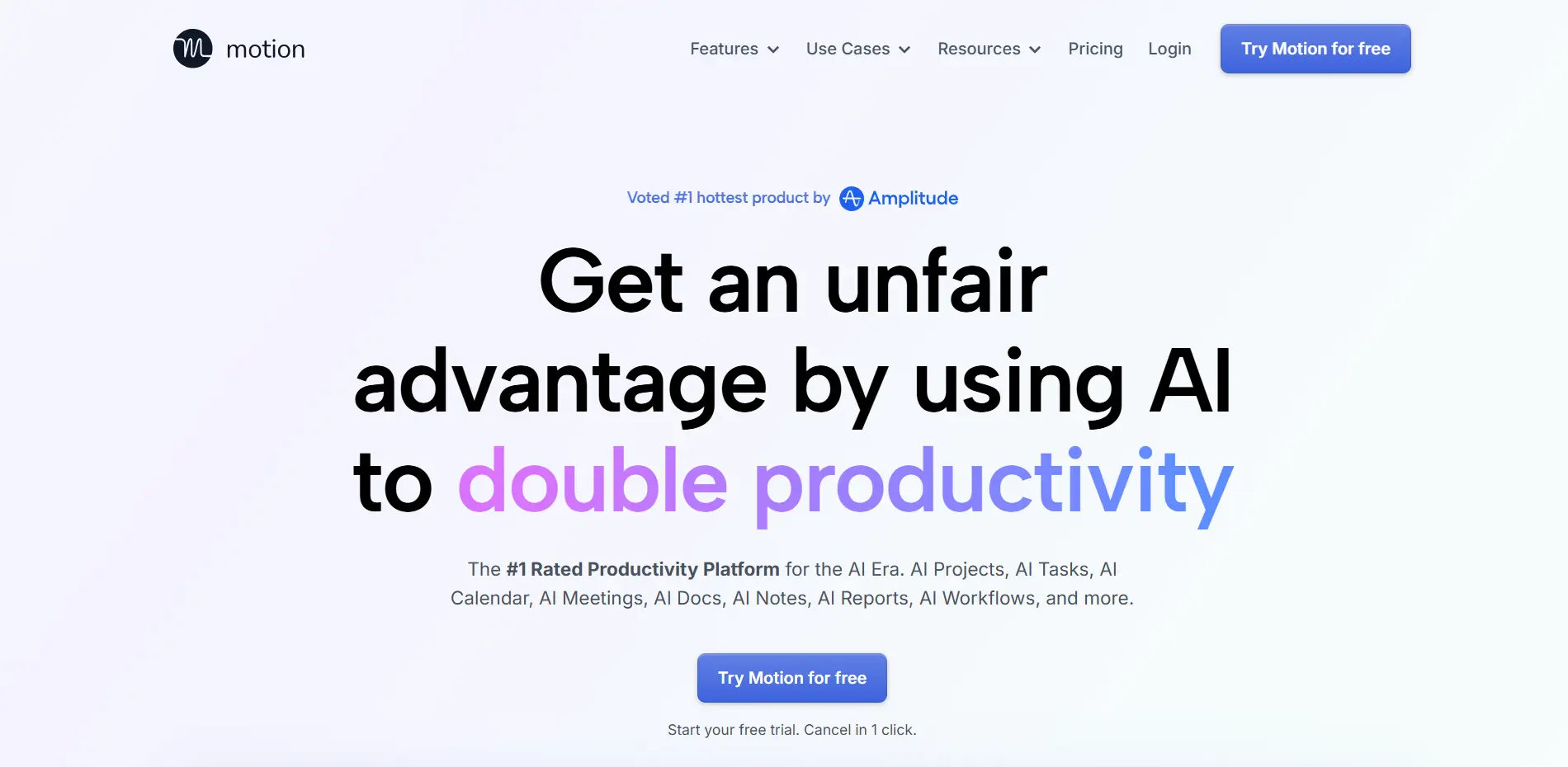
Motion maintains its leadership position through sophisticated auto-adaptive scheduling that continuously optimizes your day in real-time. When meetings run long or urgent tasks emerge, Motion's AI instantly reshuffles your entire task list and adjusts deadlines to ensure your "Big Three" priority tasks still get completed.
This dynamic adjustment eliminates the constant manual replanning that consumed significant time in traditional workflows. Instead of spending fifteen minutes reorganizing your day after every disruption, Motion handles this automatically while you stay focused on actual work.
The system's understanding of task dependencies, deadline criticality, and your personal productivity patterns enables intelligent rescheduling that a human would struggle to match. It considers dozens of factors simultaneously—task priority, required focus time, deadline pressure, energy levels, and existing commitments—to construct optimal schedules that maximize meaningful output.
For professionals managing complex project portfolios with competing deadlines, Motion provides the organizational intelligence that prevents important work from falling through the cracks while maintaining sustainable pace. You trust that if you follow Motion's schedule, critical work gets done even when circumstances constantly shift.
Reclaim.ai : Personal Buffer Technology
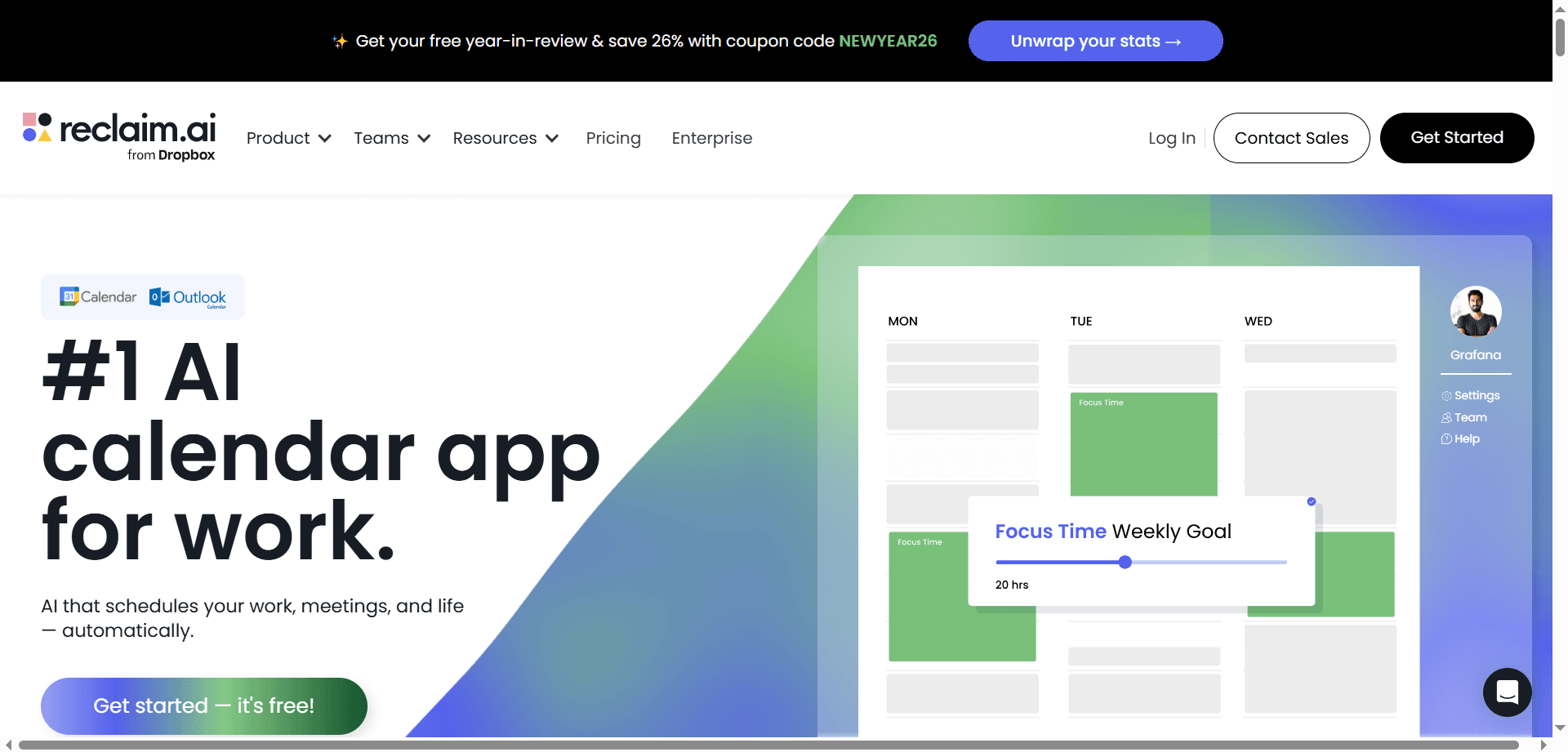
Reclaim.ai has become highly trending for its "Personal Buffer" technology that automatically synchronizes work and personal calendars while defending time for lunch, exercise, family, and other personal commitments. The AI ensures colleagues can book meetings during flexible work hours without encroaching on protected personal time.
This automatic boundary maintenance is invaluable for professionals struggling with work-life balance in always-on work cultures. Reclaim treats personal time as non-negotiable, automatically moving it when work conflicts arise rather than allowing it to disappear.
The synchronized calendar approach solves the common problem where work meetings get scheduled over personal commitments because colleagues only see your work calendar. Reclaim maintains appropriate boundaries while providing necessary availability visibility to enable effective collaboration.
For remote workers whose home and office occupy the same physical space, Reclaim provides the structural boundaries that previously existed naturally through commutes and separate work locations. It ensures work expands to fill available time without consuming time needed for health, relationships, and rest.
Akiflow : Unified Command Center
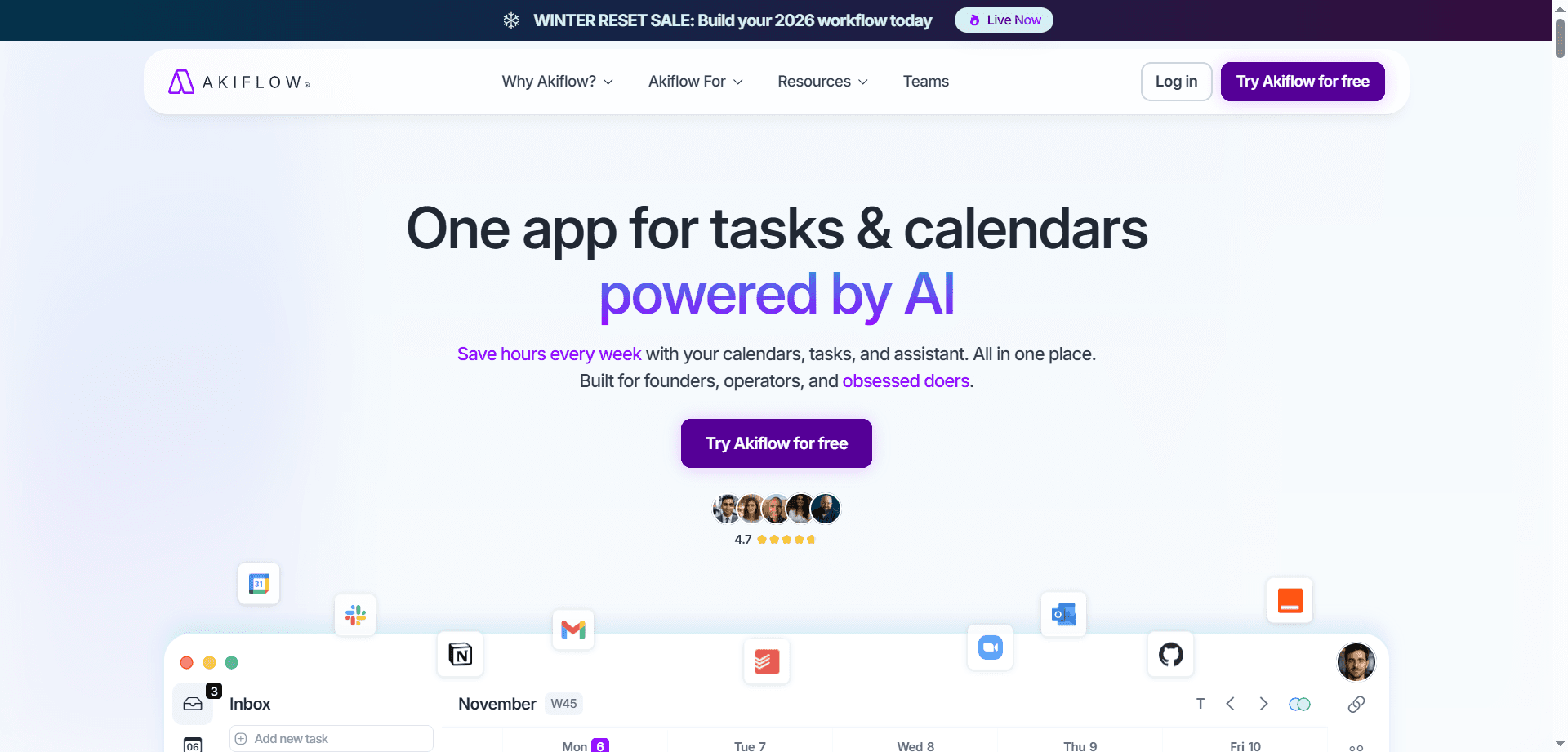
Akiflow functions as the ultimate command center by centralizing tasks from Slack, Gmail, Asana, and other sources into a single unified view. The AI analyzes your historical productivity patterns to suggest optimal timing for each task based on when you typically do your best work.
This consolidation eliminates the productivity drain of switching between multiple tools to see all your commitments. When tasks exist in different systems, maintaining comprehensive awareness becomes impossible. Akiflow aggregates everything, providing complete visibility of obligations and priorities.
The AI timing suggestions based on historical patterns help you work with your natural rhythms rather than against them. If you're consistently most creative in mornings and most administrative in afternoons, Akiflow schedules tasks accordingly, maximizing the quality of work you produce.
For professionals managing work across multiple platforms and communication channels, Akiflow eliminates the mental overhead of tracking everything while providing AI-powered guidance on optimal task sequencing.
Microsoft Copilot and Gemini for Workspace: Native Email Intelligence
Microsoft Copilot and Gemini for Workspace have become natively embedded in email platforms, transforming how professionals manage communication. These tools can summarize eighty-email threads into three concise bullet points and suggest next-best actions—like drafting responses or scheduling follow-ups—without requiring you to open the entire thread.
This summarization capability reclaims hours weekly for professionals managing high-volume email. Instead of reading through lengthy back-and-forth exchanges to understand current status, you receive concise summaries of key points, decisions, and outstanding questions.
The suggested next actions reduce decision fatigue by recommending appropriate responses based on context. Instead of figuring out what to do with each email, the AI suggests logical next steps, allowing you to confirm or modify rather than generating ideas from scratch.
The native embedding means these capabilities work within familiar email interfaces rather than requiring separate tools. This integration reduces friction, increasing the likelihood you'll consistently use AI assistance rather than treating it as optional extra step.
Shortwave : AI-First Email Client
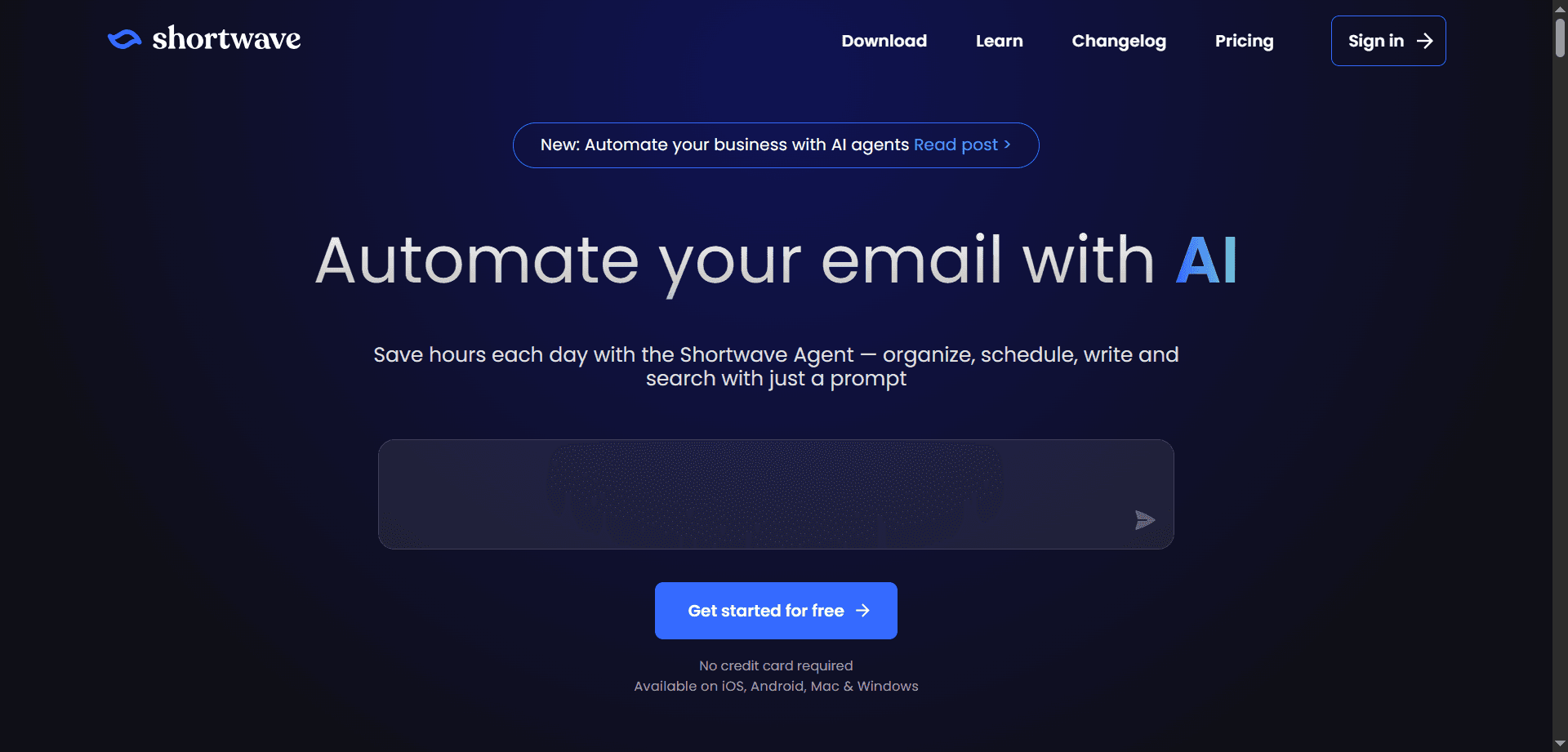
Shortwave has emerged as a trending AI-first email client that categorizes inbox contents by "Actionability"—distinguishing messages requiring response or action from informational messages that merely need reading or can be ignored entirely.
The autonomous reply drafting in your specific voice eliminates the tedious process of composing routine responses. For straightforward emails with predictable replies, Shortwave generates appropriate responses that you can review and send immediately, saving minutes per message that compound to hours weekly.
The intelligent snoozing of low-priority noise until designated deep work hours end prevents interruptions during protected focus time. Instead of constant email notifications fragmenting attention, Shortwave holds non-urgent messages and surfaces them when you're handling communications rather than doing focused work.
For professionals drowning in email but needing to maintain responsiveness, Shortwave provides the filtering and automation that makes inbox management sustainable without sacrificing quality or timeliness.
Grammarly (2026 Edition) : Strategic Tone Control
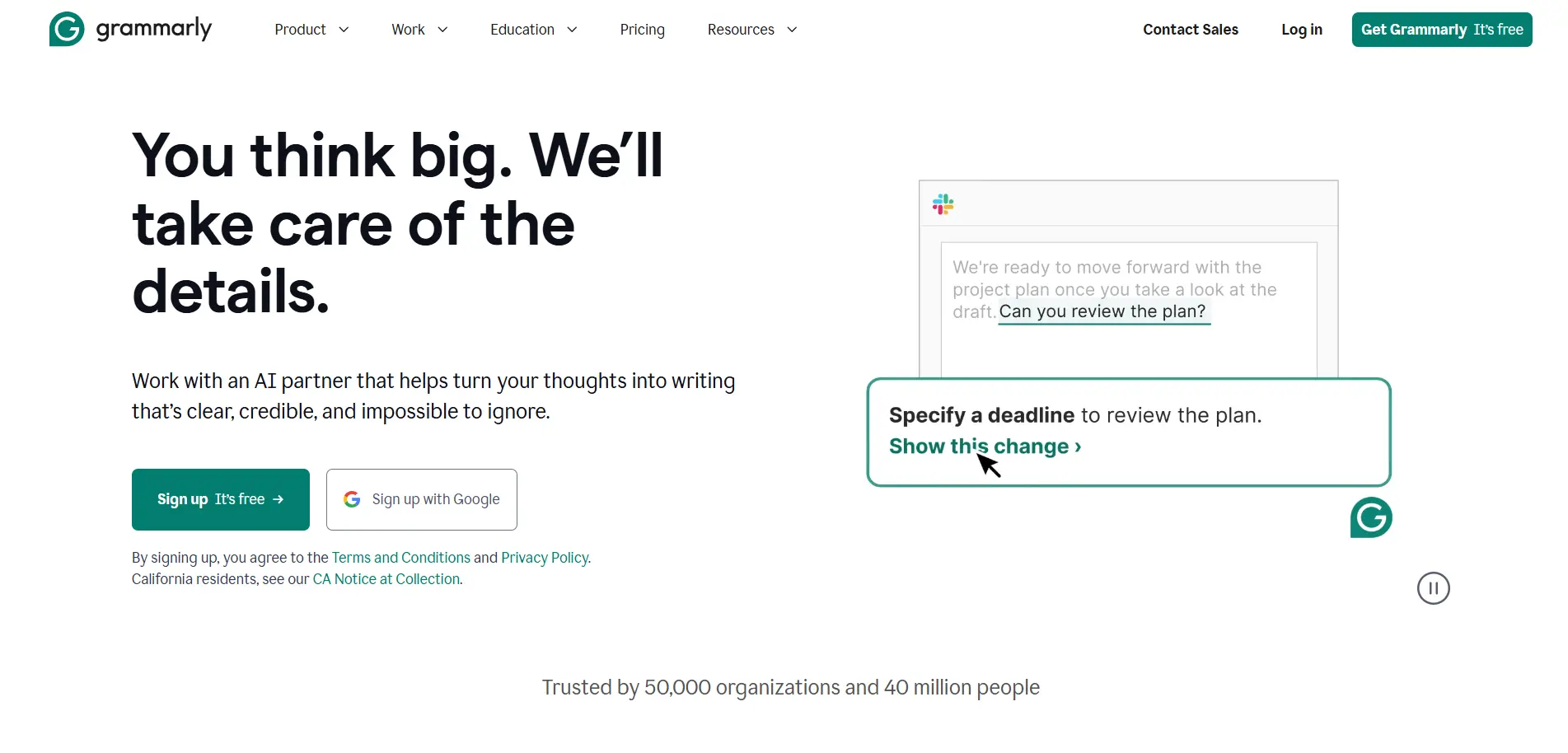
Grammarly has evolved beyond grammar checking to provide strategic tone control that analyzes draft communications and suggests adjustments for greater impact. The system can identify when messages sound "too passive for a CEO update" and offer rewrites that better match communication context and audience.
This strategic assistance helps professionals communicate more effectively by adapting tone, formality, and assertiveness to specific situations. The same information needs different framing for board updates versus team communications versus customer messages—Grammarly helps calibrate appropriately.
The ability to analyze perceived tone and suggest improvements prevents common communication failures where messages are misinterpreted due to tone mismatches. You avoid unintentionally sounding aggressive, passive, unclear, or unprofessional.
For professionals whose success depends on effective written communication—essentially everyone in knowledge work—Grammarly's strategic guidance elevates communication quality beyond basic correctness to genuine effectiveness.
Notion AI : Intelligent Workspace Assistant
Notion AI has become the viral workspace solution of 2026 through its Q&A feature that allows asking questions about your workspace and receiving instant answers sourced from all documents and transcripts. You can ask "What were the three concerns the client raised in last week's meeting?" and receive accurate answers drawn from meeting notes.
This capability solves the persistent problem of information living in scattered documents where it's effectively lost despite being technically accessible. Notion AI makes your accumulated knowledge genuinely queryable, transforming static documents into an interactive knowledge base.
The workspace Q&A eliminates time spent manually searching through documents, meeting notes, and message threads trying to recall specific information. You ask naturally and get direct answers, reclaiming hours that would otherwise vanish into manual information retrieval.
For teams maintaining extensive documentation, Notion AI ensures that documented knowledge actually gets used rather than being created once and forgotten. This makes documentation efforts more valuable by enabling easy access to captured information.
Glean : Enterprise Search Intelligence
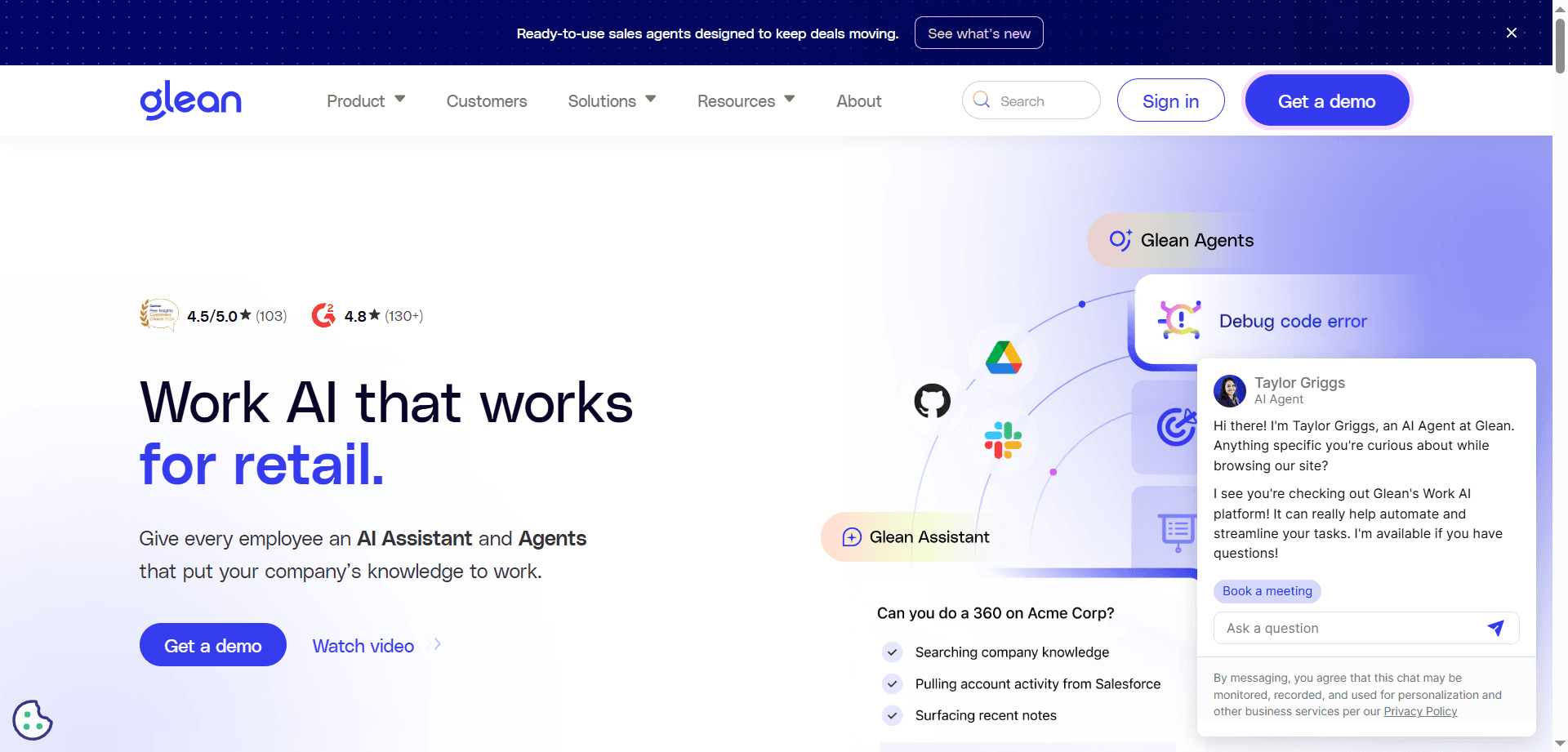
Glean has become the trending choice for enterprise search by functioning as a private Google for your organization. The tool finds any file, chat message, or link hidden across Slack, Google Drive, Jira, and dozens of other platforms through a single search interface.
This unified search eliminates the frustrating experience of knowing information exists somewhere but being unable to find it because you can't remember which tool contains it. Glean searches everywhere simultaneously, surfacing relevant information regardless of where it lives.
The AI understands context and relevance, ranking results based on importance and relationship to your query rather than simple keyword matching. This intelligent ranking means the information you actually need appears first rather than being buried in irrelevant results.
For large organizations where information scatters across dozens of platforms, Glean provides the unified discovery layer that makes distributed information architectures actually functional rather than frustrating.
Otter.ai and Fireflies: Meeting Agent Automation
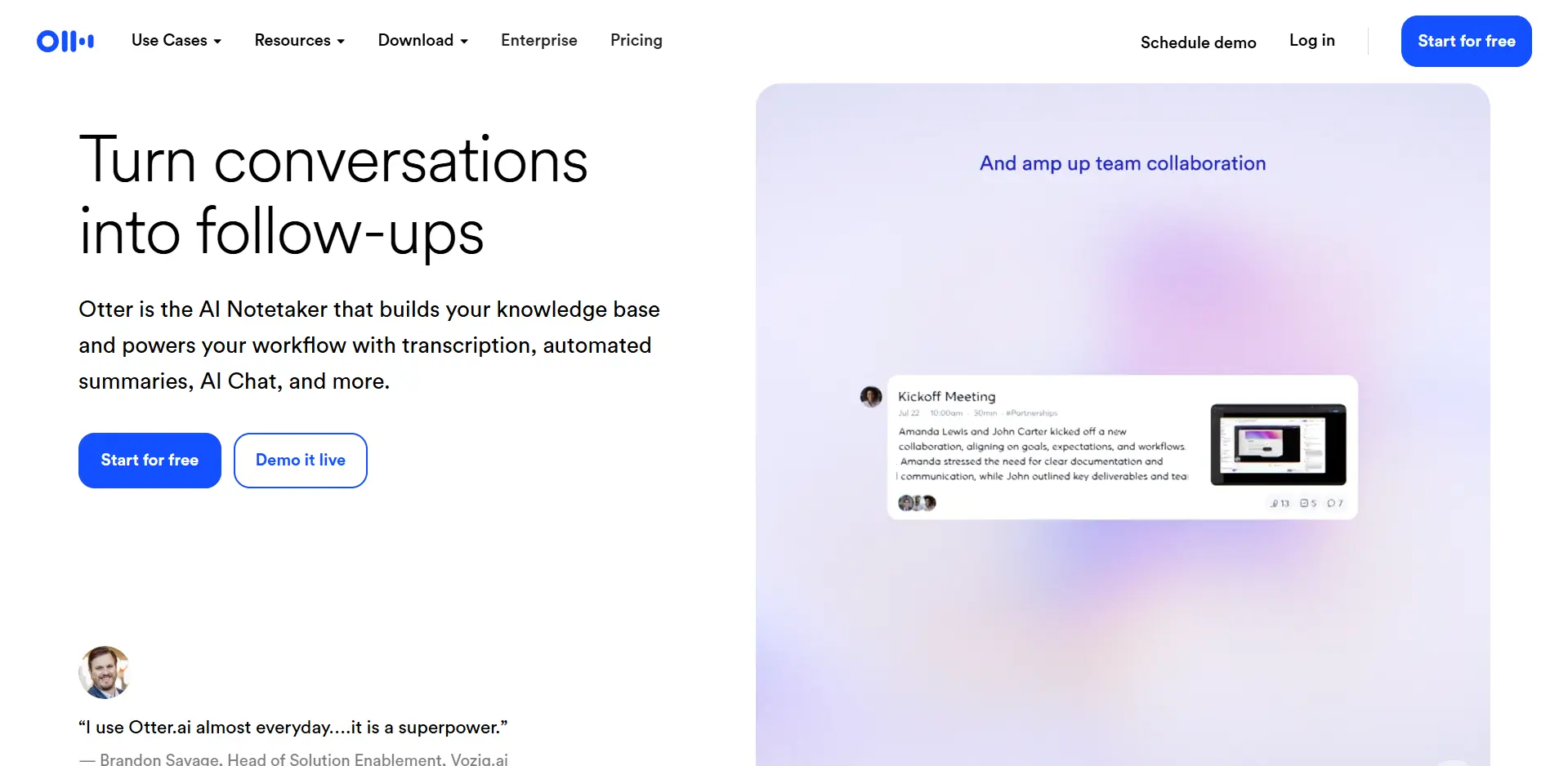
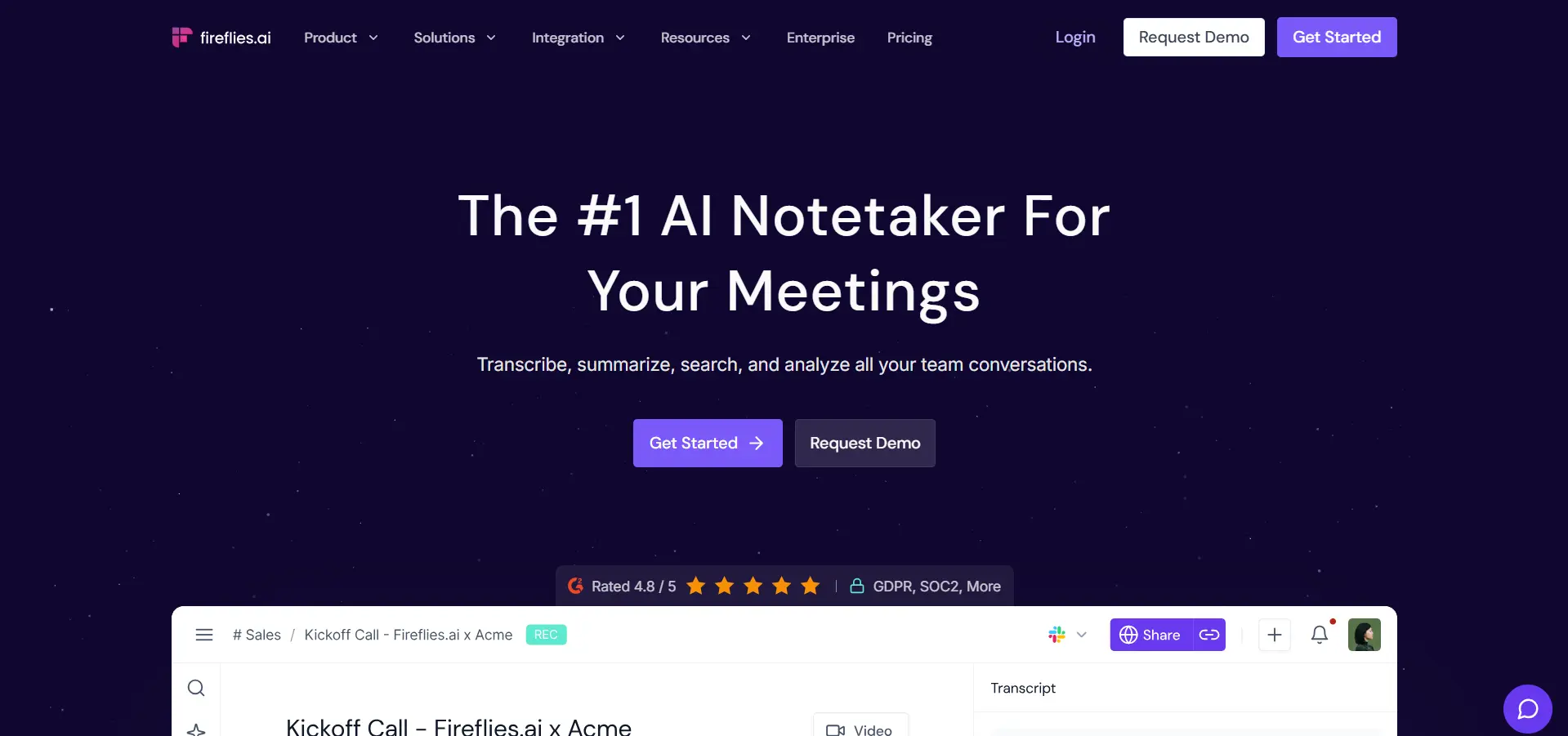
Otter.ai and Fireflies have evolved from simple transcription services into full "Meeting Agents" that join Zoom or Teams calls, identify decisions and action items, and automatically push tasks into project management software like Monday.com or ClickUp.
This automatic task extraction and routing ensures decisions made in meetings actually get implemented rather than being forgotten. The common failure mode where meetings produce great discussions but no follow-through is eliminated when AI agents automatically create and assign tasks.
The meeting agents also enable asynchronous participation—team members who couldn't attend receive comprehensive summaries and transcripts allowing them to stay informed without requiring meeting recordings to be watched in full. This supports distributed teams across time zones without forcing synchronous attendance.
For professionals spending significant time in meetings, these agents reclaim the hours traditionally spent manually documenting decisions, creating follow-up tasks, and communicating outcomes to stakeholders. The automation handles these mechanical steps, allowing humans to focus on the actual meeting content.
Zapier Central : Natural Language Automation
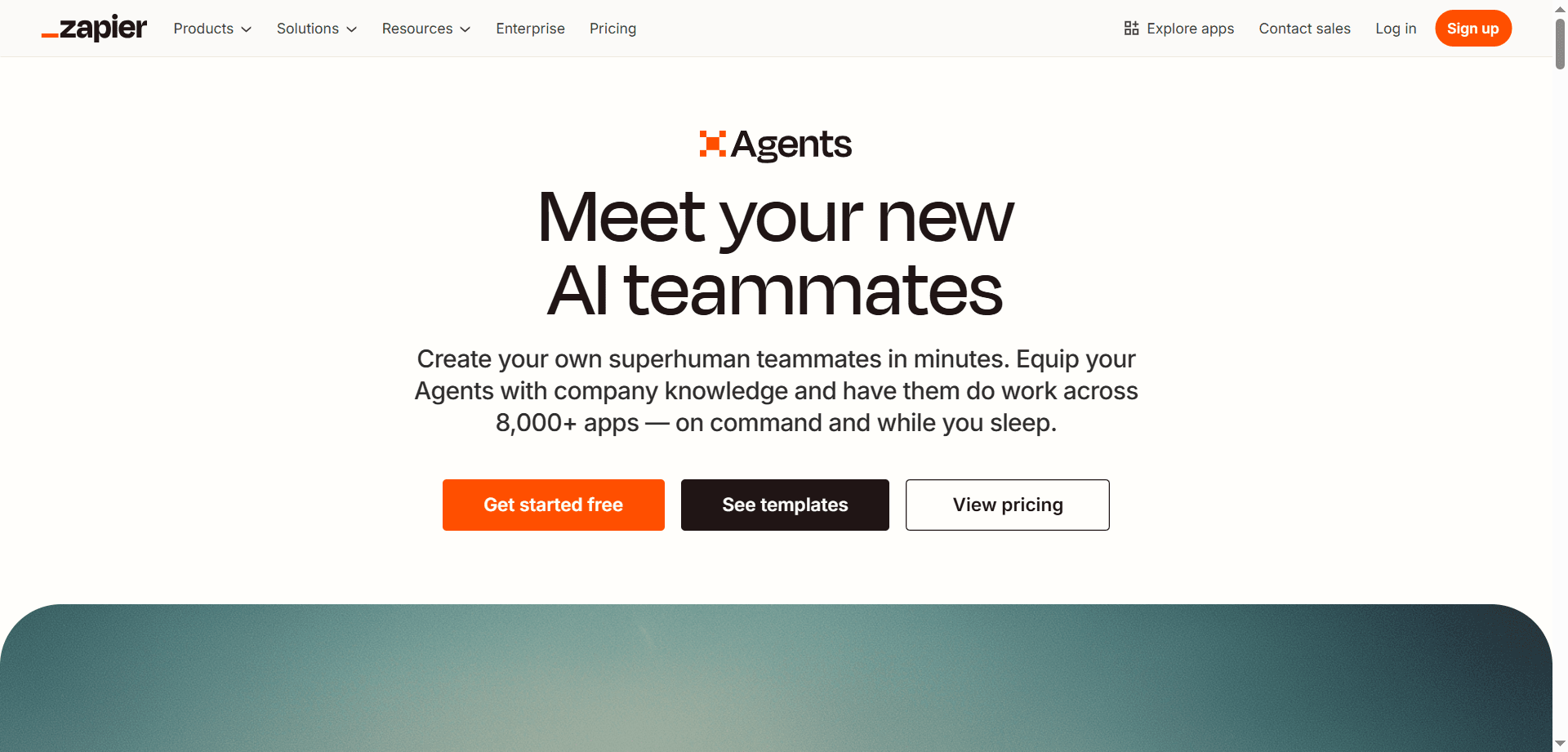
Zapier Central represents a breakthrough in workflow automation by enabling building AI agents using natural language rather than technical configuration. You can describe desired behaviors like "Whenever I get a new lead on LinkedIn, research their company and ping me on Slack if they're in the Tech sector" and the system creates appropriate automation.
This natural language approach democratizes automation, making sophisticated workflows accessible to non-technical users. You don't need to understand API integration or complex logic—you describe what you want and the AI translates your intent into functional automation.
The agents operate continuously in the background, monitoring for specified conditions and executing defined actions without requiring human intervention. This transforms one-time manual processes into automatic, consistent workflows that scale without additional effort.
For professionals managing repetitive processes that follow predictable patterns, Zapier Central eliminates the manual execution overhead while ensuring consistency and thoroughness that manual processes often lack.
Make.com : Visual Workflow Orchestration
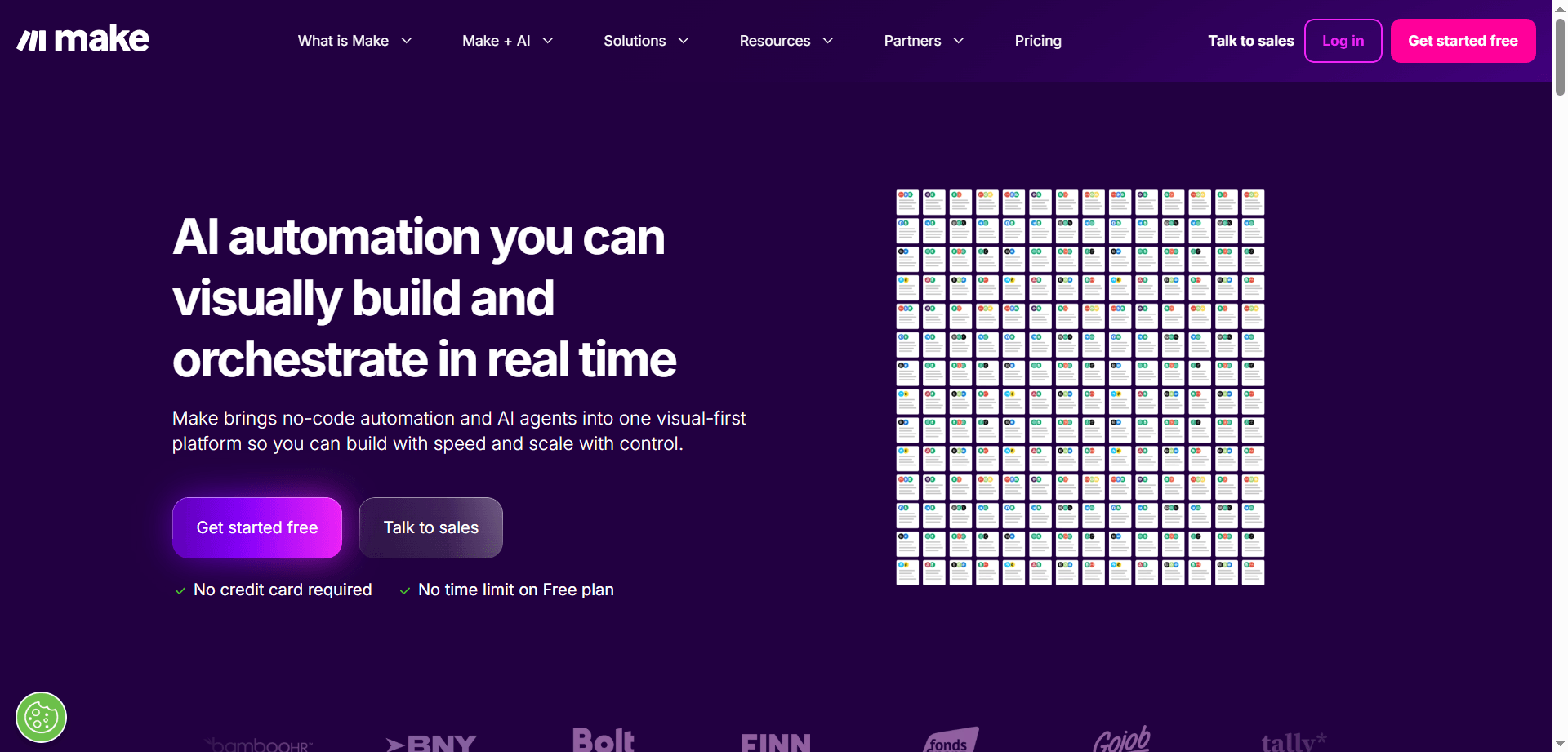
Make.com provides the visual alternative for complex, branching workflows with multiple conditions and pathways. The 2026 AI-Assisted Mapping feature helps construct ten-step automations by describing the end goal, allowing the AI to suggest appropriate workflow structure.
This visual approach helps users understand complex automation logic that would be opaque in text-based systems. Seeing workflow structure graphically makes it easier to identify issues, understand conditional logic, and maintain sophisticated automations over time.
The AI assistance in workflow construction reduces the expertise required to build complex automations. Instead of needing to understand all possibilities and manually construct optimal logic, you describe what you want and the AI suggests appropriate structure.
For users managing workflows with complex branching logic—if-then-else conditions, parallel processes, error handling—Make.com provides the visual representation and AI assistance that makes sophisticated automation accessible.
Daily Planning → Motion
The "2026" Advantage: It plans your day for you. Dynamic rescheduling adapts to disruptions automatically, ensuring priorities get accomplished despite constant change.
Meeting Notes → Otter.ai
The "2026" Advantage: Syncs action items directly to your to-do list. Eliminates manual task creation and ensures meeting decisions get implemented.
Email Overload → Shortwave
The "2026" Advantage: Ghost-writes replies in your voice. Handles routine responses automatically while flagging messages requiring personal attention.
File Retrieval → Glean
The "2026" Advantage: Finds any file across 50+ apps instantly. Eliminates time wasted searching for information you know exists somewhere.
Task Consolidation → Akiflow
The "2026" Advantage: Centralizes tasks from all sources. Provides single view of all commitments with AI-suggested optimal timing.
Workflow Automation → Zapier Central
The "2026" Advantage: Natural language automation building. Creates sophisticated workflows without technical expertise.
Knowledge Management → Notion AI
The "2026" Advantage: Q&A across all documentation. Makes accumulated knowledge genuinely accessible through conversational queries.
Successfully implementing integrated orchestration requires thoughtful design that connects tools appropriately while maintaining human oversight where it matters.
Begin by identifying where you lose most time to manual coordination—task switching, information retrieval, routine communications, meeting follow-up. Address the highest-friction areas first for immediate impact.
Start with foundation tools like calendar management (Motion or Reclaim), then add communication management (Shortwave or Copilot), then automation (Zapier or Make.com). Each layer should integrate with previous layers rather than creating new silos.
Spend time configuring how AI agents should behave—what gets automated versus flagged for review, which communications deserve immediate attention, what information is most frequently needed. Upfront configuration pays long-term dividends.
Even with extensive automation, maintain regular reviews of agent actions to ensure they're operating as intended. Weekly reviews catch issues before they compound and allow continuous optimization of agent behaviors.
Automate execution and coordination, but maintain human involvement in decisions requiring judgment, creativity, or relationship considerations. Orchestration should handle mechanics while preserving human control over strategy and important choices.
The orchestrated morning routine exemplifies how integrated AI systems transform daily work:
Glean compiles overnight communications, Notion AI summarizes relevant updates, Shortwave categorizes urgent emails. You begin the day with complete context without manually reviewing dozens of sources.
Motion reviews your calendar and tasks, automatically adjusting priorities based on overnight developments. You see an optimized schedule reflecting current reality rather than yesterday's plan.
Meeting agents provide briefings on today's meetings—relevant documents, previous discussions, outstanding questions. You enter meetings prepared without spending time manually reviewing context.
Otter and Fireflies surface action items from yesterday's meetings requiring follow-up today. You see commitments needing attention without manually reviewing meeting notes.
This orchestrated morning routine compresses what traditionally required 30-60 minutes into 5-10 minutes of reviewing AI-prepared summaries and adjusting plans where human judgment is needed.
The orchestrated workflow dramatically reduces context switching—one of the most significant productivity drains in knowledge work:
Tools like Akiflow and Notion consolidate information from multiple sources into single views, eliminating constant tool switching to see all commitments.
Agents move information between systems automatically. Meeting decisions become tasks, email action items appear in project management tools, calendar changes trigger task adjustments. You never manually transfer information between tools.
Instead of constant interruptions from multiple tools, orchestration layers provide unified, intelligent notifications surfacing only what requires immediate attention during appropriate times.
When you do switch contexts, agents provide necessary context automatically. Opening a document surfaces related communications, tasks, and discussions without manual searching.
The reduction in context switching preserves cognitive resources for actual work rather than depleting them through constant mental gear-shifting between different tools and contexts.
The orchestrated evening routine ensures clean closure and effective next-day preparation:
Notion AI and meeting agents compile what was accomplished, decisions made, and commitments created. You review summaries rather than manually reconstructing your day.
Agents surface incomplete tasks and approaching deadlines, allowing conscious decisions about rescheduling versus working longer to complete them.
Motion previews tomorrow's schedule with any overnight adjustments, allowing review and modification before the day begins.
Shortwave and Copilot surface any emails requiring responses before day's end, preventing important communications from being forgotten overnight.
This orchestrated closure compresses evening wrap-up from 20-30 minutes into 5-10 minutes while ensuring nothing important is overlooked and tomorrow begins with clear priorities.
The true power of orchestrated workflows emerges from cross-platform intelligence where agents understand context spanning multiple tools:
Email and Slack messages automatically generate tasks in project management tools when they contain commitments or requests requiring follow-up.
Meeting schedules trigger automatic preparation briefings compiled from relevant documents, previous meeting notes, and related communications.
Approaching deadlines trigger automatic check-ins with stakeholders, asking whether timelines remain realistic or need adjustment.
Information added to documentation becomes searchable through Glean and queryable through Notion AI immediately, ensuring knowledge is accessible as soon as it's captured.
This intelligence across platforms means context is never lost, information flows appropriately between systems, and you maintain comprehensive awareness without manually coordinating across tools.
The trajectory of orchestrated workflows points toward increasingly intelligent systems requiring progressively less human coordination:
Future systems will anticipate needs before you're aware of them—preparing briefings for meetings you'll need to schedule, flagging potential deadline conflicts before they become crises, suggesting proactive communications before issues emerge.
Agents will learn your work patterns, communication style, and priorities over time, providing increasingly personalized orchestration that matches your specific workflow preferences and productivity rhythms.
More routine work will be handled entirely by agents without human involvement beyond approval—responses to standard inquiries, routine data updates, predictable coordination tasks.
Interaction with workflow orchestration will become increasingly conversational. Rather than configuring systems through settings, you'll describe desired behaviors naturally and agents will implement appropriate automation.
Orchestration will operate more transparently, coordinating your digital workspace so seamlessly that you're barely aware of the automation occurring—you simply experience smoothly flowing work without friction.
The professionals thriving in this future will be those who develop skill in orchestrating AI agents rather than executing tasks manually. The competitive advantage shifts from personal productivity techniques to effectiveness in directing AI systems that multiply human capability.
Daily work in 2026 isn't about managing applications—it's about thinking clearly, making good decisions, and directing AI agents that handle the mechanical coordination previously consuming hours daily. The goal isn't working faster at manual tasks but eliminating manual coordination entirely, preserving human cognitive resources for work requiring judgment, creativity, and strategic thinking.
The transformation from app-switching to integrated orchestration represents one of the most significant productivity advances in knowledge work history. Early adopters of orchestrated workflows operate at productivity levels that seem impossible to those still manually coordinating across siloed applications. This productivity gap will only widen as orchestration systems become more sophisticated.
The future of work isn't humans competing with AI for task execution—it's humans directing AI agents that handle coordination while humans focus on the thinking, creativity, and relationship building that remains distinctly human. The question isn't whether to adopt orchestrated workflows but how quickly you can transition from manual coordination to directing AI agents that multiply your impact while reducing the friction that makes work exhausting.
Your daily workflow in 2026 should feel less like juggling dozens of applications and more like having a capable team handling coordination while you focus on important decisions and creative work. If you're still manually switching between apps and transferring information between systems, you're working harder than necessary while achieving less than peers who've embraced orchestrated workflows. The tools exist today—the question is whether you'll leverage them to transform how you work.
Discover the essential AI tools dominating 2026 that will transform your productivity. From ChatGPT to Cursor, learn which tools will help you work faster and smarter.

Discover the top AI tools revolutionizing content creation in 2026. From video editing to social media management, learn which tools will transform your creative workflow.
Discover how the software development landscape has transformed from AI-assisted coding to Agentic Engineering. Learn about the best AI tools developers use in 2026 to manage fleets of AI agents for autonomous development.
Discover the top AI tools revolutionizing content creation in 2025. From video editing to social media management, learn which tools will transform your creative workflow.