📊 Quick Stats
190+ AI tools launched in 2025 alone
73% of professionals now use AI daily
5+ hours saved per week on average
The good news? The AI revolution has arrived with tools so powerful and accessible that anyone can multiply their productivity overnight. Whether you're a founder managing multiple projects, a content creator racing against deadlines, or a developer building the next big thing, these AI tools will fundamentally change how you work.
Here’s your comprehensive guide to the essential AI tools dominating 2026—organized by exactly how they’ll make your work faster, easier, and more effective.
🚀 The "Big Three" All-Rounders: Your AI Operating System
Think of these as your new co-workers who never sleep, never complain, and handle everything from brainstorming to debugging code.
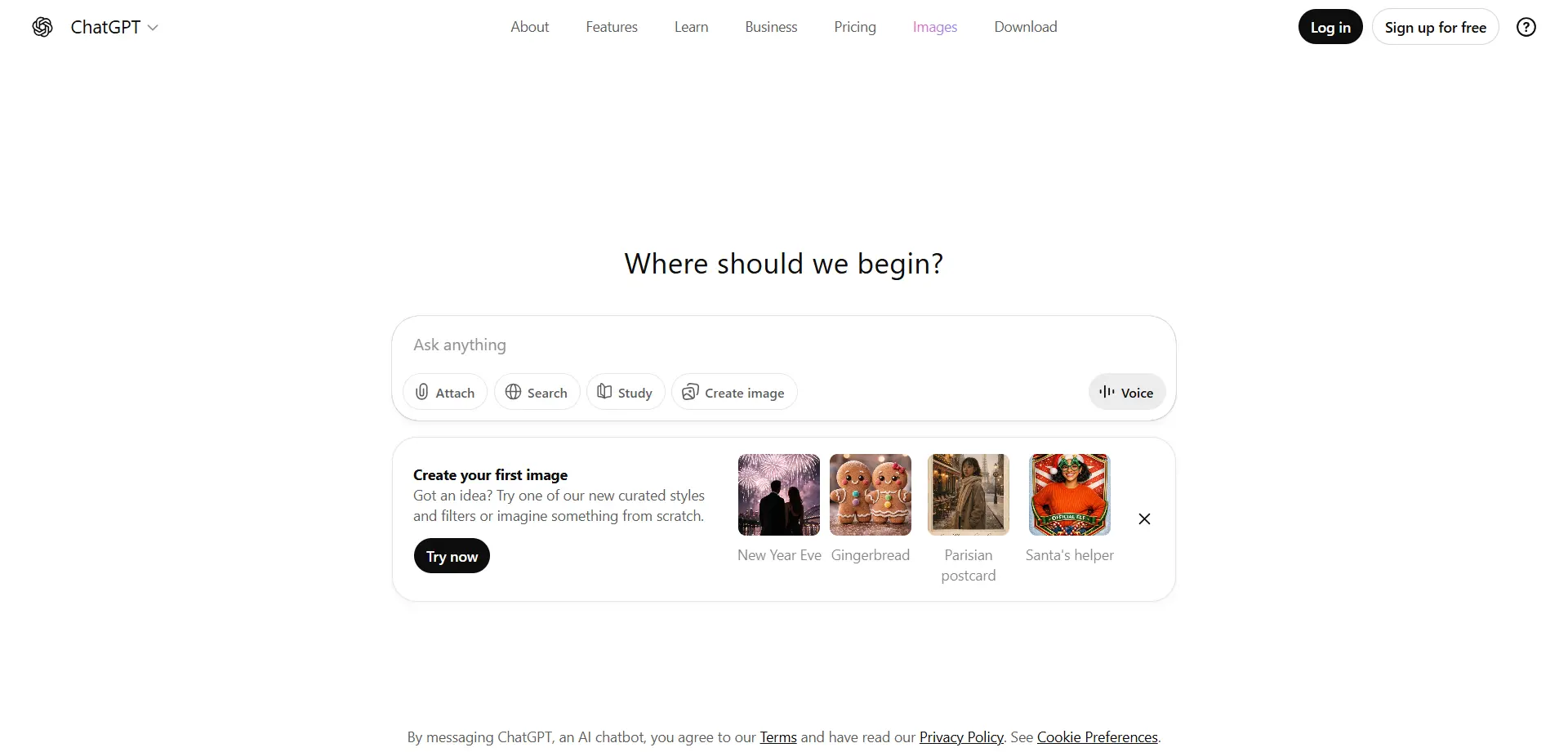
💬 ChatGPT (OpenAI): The Swiss Army Knife of AI
ChatGPT remains the most searched and widely used AI tool globally, and for good reason. It has evolved far beyond simple chatbot conversations into a comprehensive productivity platform.
Its game-changing “Search” feature competes directly with Google by pulling real-time information from the web and synthesizing it into clear, summarized answers—no more clicking through ten blue links.
✨ What makes it indispensable
From drafting professional emails to debugging code and generating creative campaign ideas, ChatGPT handles an enormous range of tasks with remarkable versatility.
🎯 Best for: Anyone who needs an all-purpose AI assistant that can switch instantly between writing, analysis, coding, and planning.
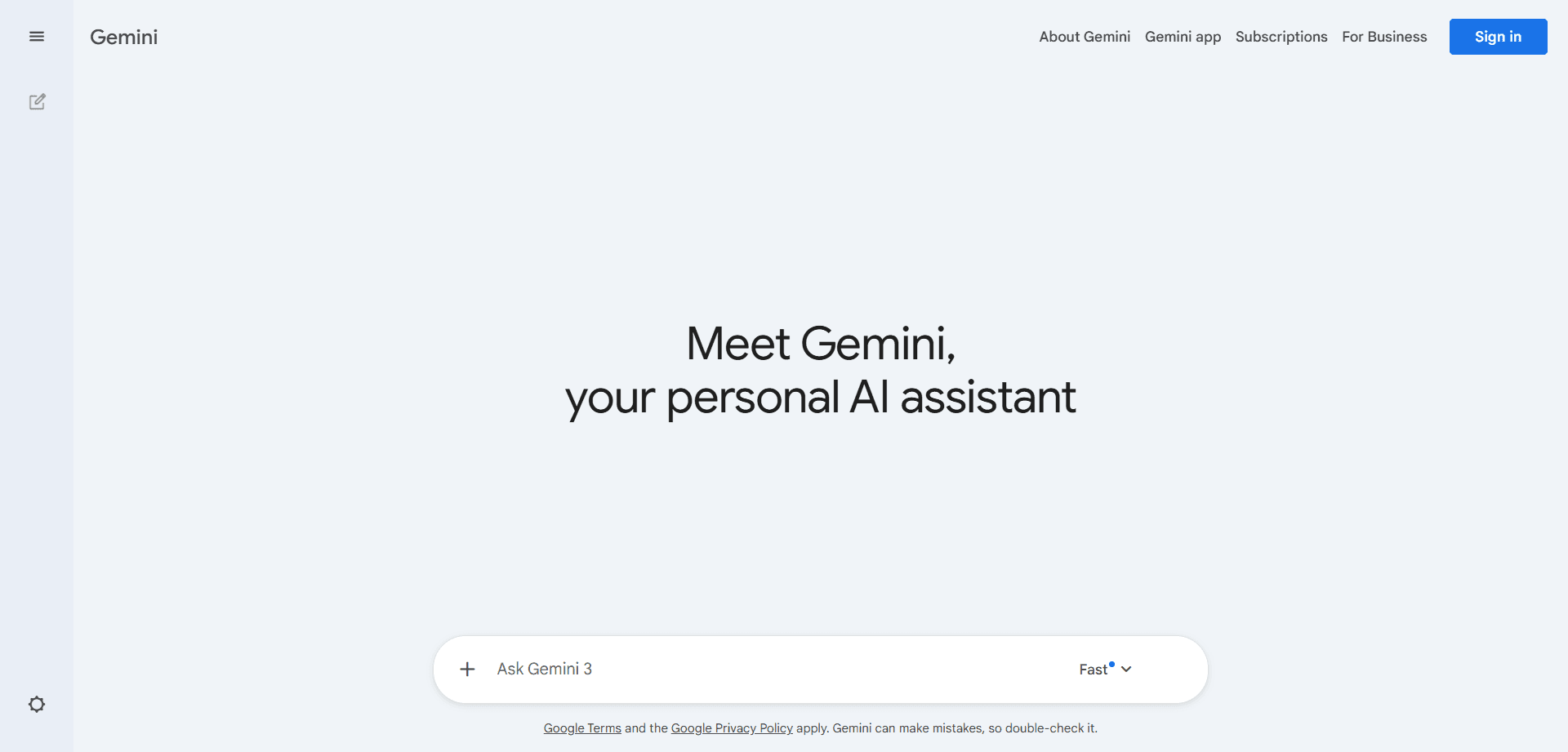
🔷 Gemini (Google): The Workspace Powerhouse
Gemini is the go-to choice for professionals already living inside the Google ecosystem. It integrates deeply with Gmail, Docs, Sheets, and Drive, allowing AI-powered assistance without breaking workflow.
Gemini can process up to 2 million tokens of context, making it ideal for analyzing entire books, large reports, and massive datasets in one conversation.
🎯 Best for: Teams using Google Workspace who want AI tightly integrated into daily tools.
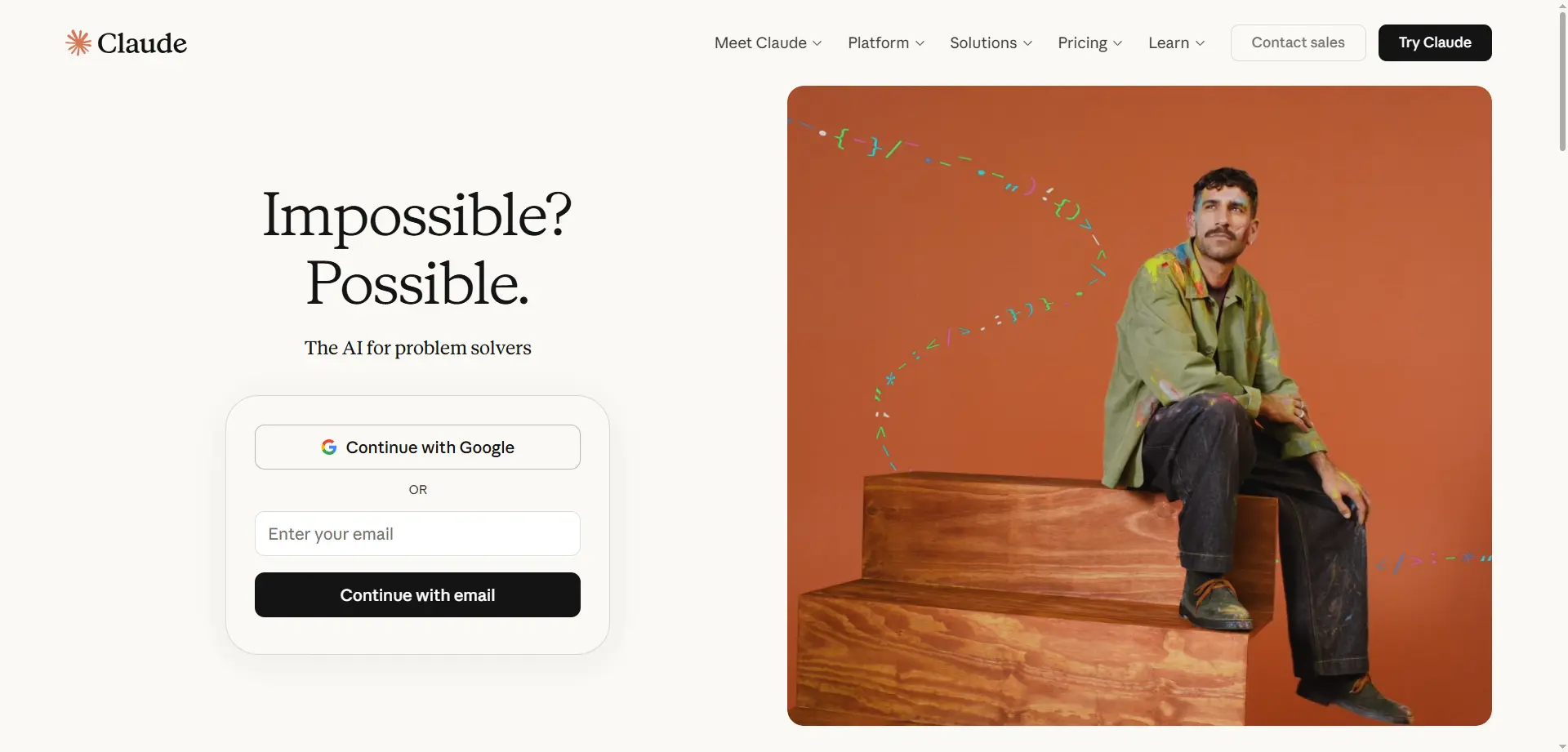
🧠 Claude (Anthropic): The Thinking Person’s AI
Claude is favored by writers, developers, and researchers who value nuance and depth. Its responses feel human and are especially strong in long-form reasoning tasks.
The standout “Artifacts” feature lets you build documents, apps, and visual outputs in real time while chatting—making rapid prototyping incredibly natural.
🎯 Best for: Writers, researchers, and deep-thinking professionals.
🔍 Research & Information Search
Traditional link-clicking search is fading fast. These tools represent the future of research and information synthesis.
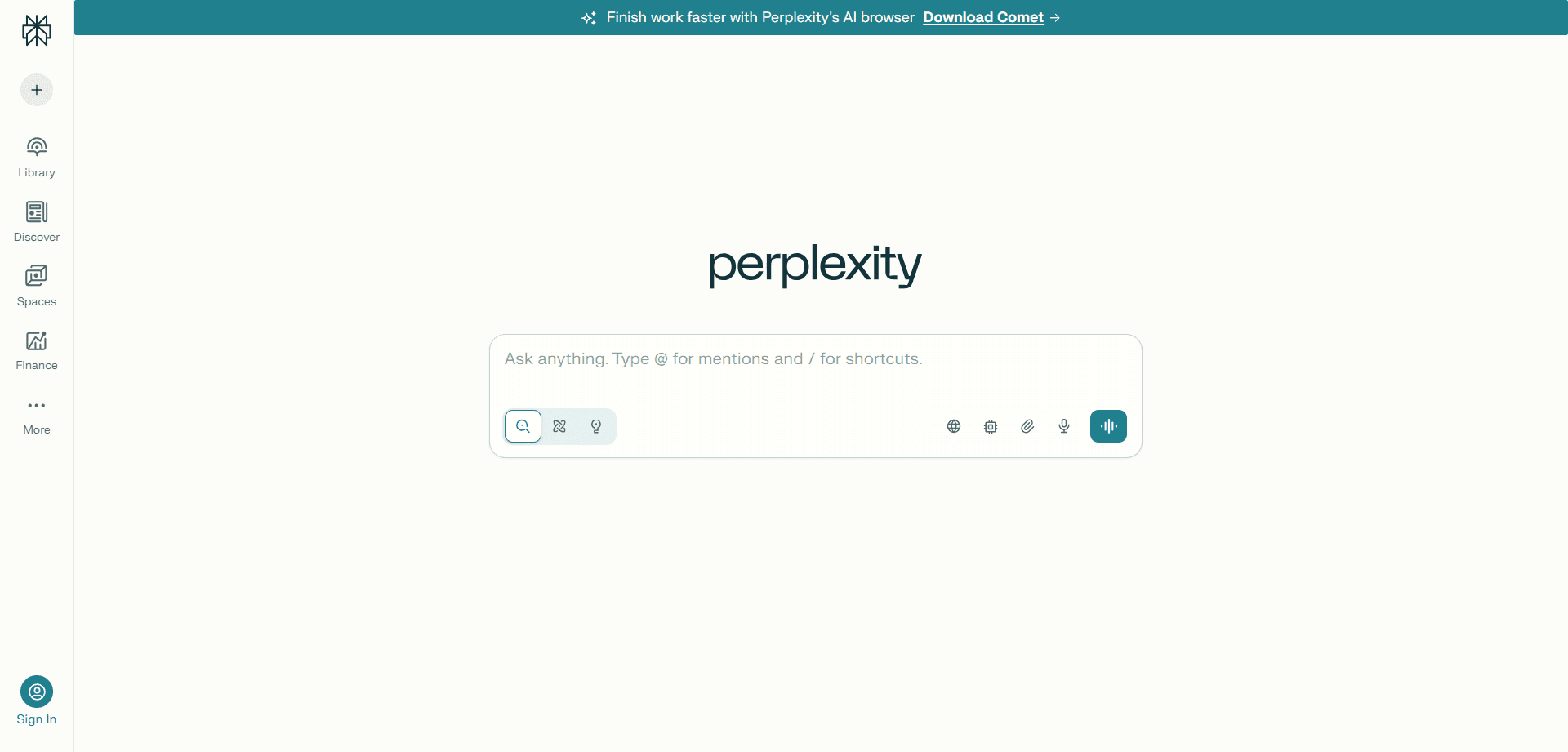
🌐 Perplexity AI: Your Research Assistant
Perplexity AI has exploded in popularity because it fundamentally reimagines how we search for information. Instead of giving you a list of websites, it acts as a conversational research assistant that synthesizes answers from multiple sources and cites them transparently.
💡 Why it’s replacing Google for many users
Perplexity delivers direct answers to complex questions with full source citations, allowing you to verify information without drowning in browser tabs. It feels less like a search engine and more like having a research librarian available 24/7.
🌍 Real-world applications
Market research becomes dramatically faster. You can ask questions like “What are the latest trends in sustainable packaging?” and receive a comprehensive, source-backed analysis drawn from industry reports, recent news, and expert opinions—all in a single response.
For competitive analysis, Perplexity helps you research competitor strategies, product launches, and customer sentiment without manually visiting dozens of websites or documents.
In academic research, it provides quick overviews of complex topics with properly cited sources that you can explore further, making it especially useful for early-stage research and literature reviews.
For investment research, Perplexity allows you to query company financials, industry trends, and market sentiment with transparent sourcing—crucial for validation and due diligence.
💡 Pro tip: Use Perplexity’s “Focus” modes (Academic, Writing, Video, Reddit) to narrow your search to specific source types. The Academic mode is particularly powerful for peer-reviewed research.
✨ What makes it stand out
Unlike traditional search engines optimized primarily for ad revenue, Perplexity prioritizes answer quality. It also learns from your follow-up questions, making each interaction more refined, contextual, and useful than the last.
🎯 Best for: Researchers, students, journalists, and fact-driven work.
📚 NotebookLM: Turn Documents Into Understanding
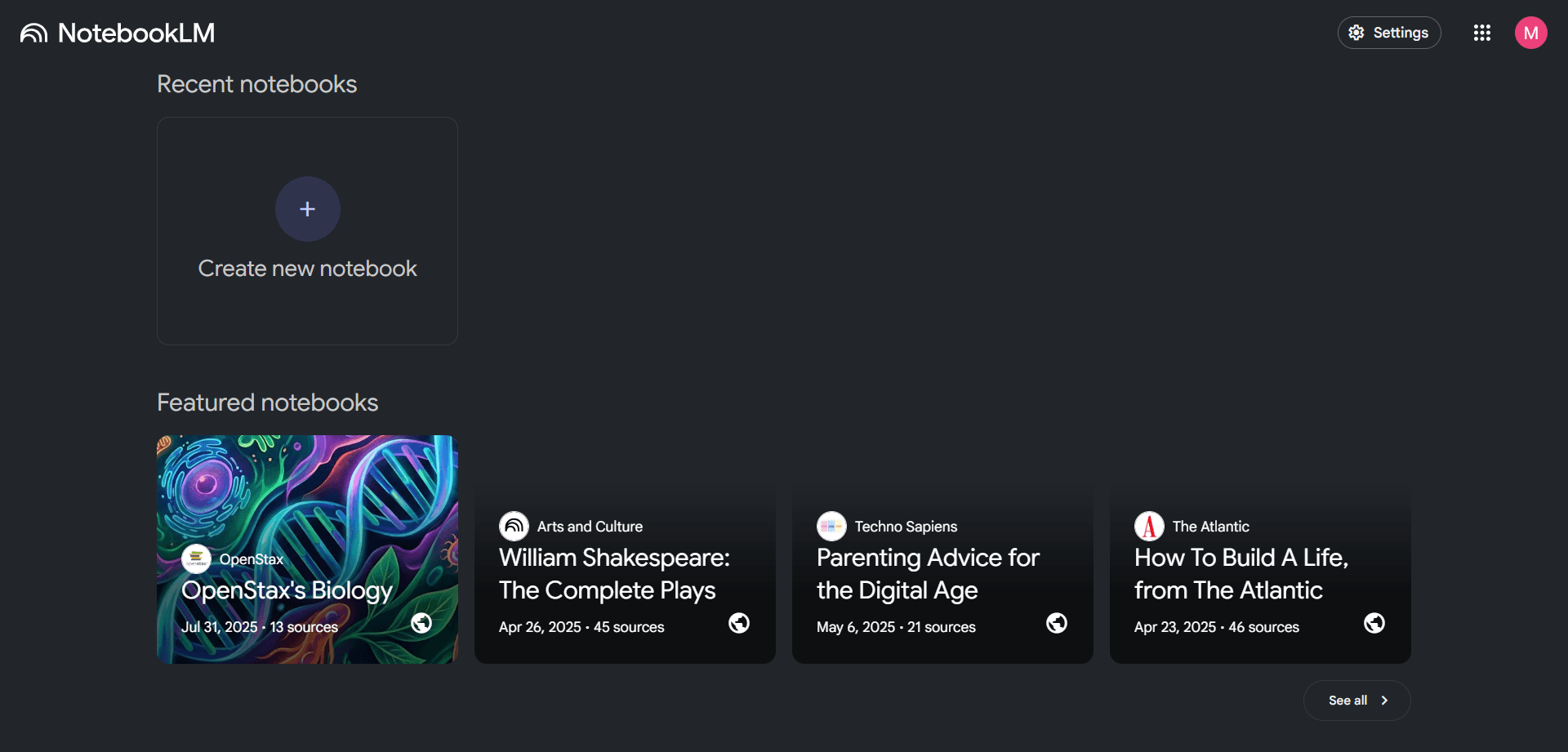
Google’s NotebookLM went viral for good reason—it fundamentally changes how we consume and understand information. By uploading PDFs, research papers, or meeting notes, NotebookLM generates clear summaries, structured study guides, and even AI-powered podcast-style discussions based entirely on your content.
🎙️ The viral feature: Audio Overview
The “Audio Overview” capability produces surprisingly engaging podcast-style conversations between two AI hosts discussing your uploaded materials. This approach is transforming how people study, review documents, and absorb complex information without staring at a screen.
👨💼 How professionals are using it
For executive briefings, leaders upload quarterly reports, meeting minutes, and strategy documents to receive a concise 10-minute AI podcast summarizing everything—perfect for commuting or workouts.
In legal workflows, lawyers upload contracts and case files to get plain-language summaries and surface key clauses without reading hundreds of pages manually.
Students use NotebookLM to upload textbooks, lecture slides, and notes, generating study guides, practice questions, and audio summaries to reinforce learning during exam preparation.
Content creators and bloggers repurpose written articles into audio formats, building multi-format content libraries from a single source of work.
🧠 The learning advantage
NotebookLM’s AI hosts often debate ideas, ask clarifying questions, and connect related concepts. This conversational approach makes complex material more memorable than passive reading alone.
⚙️ A practical workflow
Upload multiple related documents—up to 50 sources at once—to build a comprehensive knowledge base for your topic.
Ask focused questions about the material to guide the AI toward the insights you actually need.
Generate summaries or structured study guides to quickly understand large volumes of information.
Create audio overviews for passive learning while commuting, exercising, or multitasking.
Export notes and insights to reuse in reports, presentations, or ongoing projects.
💎 Hidden gem: NotebookLM can synthesize insights across multiple documents, uncovering connections and patterns that are easy to miss when reviewing sources individually.
🎯 Best for: Students, executives, and anyone drowning in PDFs.
⚙️ DeepSeek: The Technical Powerhouse
DeepSeek has rapidly gained traction as a rising star in the AI landscape, especially among technical users. It delivers strong performance on coding tasks and complex technical queries while remaining remarkably efficient.
🔧 What sets it apart
DeepSeek punches well above its weight in technical and coding capabilities. Its precision and efficiency have made it a favorite among developers and data scientists who want accurate answers without unnecessary overhead.
💻 Why developers are switching
DeepSeek excels at generating production-ready code with fewer errors and better optimization compared to many competing models, making it reliable for real-world development work.
It provides clear, accurate explanations of complex algorithms, frameworks, and technical concepts, which is especially valuable when working with unfamiliar systems or advanced topics.
For debugging, developers can paste error logs or problematic code and receive precise issue identification along with multiple possible solution paths.
DeepSeek is also used for system architecture guidance, helping teams design scalable systems, choose appropriate tech stacks, and optimize database queries.
🛠️ Real developer use cases
For API integration, developers can request tasks like generating a Python script to connect to the Stripe API and process recurring subscriptions, receiving clean and well-documented code with proper error handling.
In algorithm optimization, DeepSeek offers multiple optimization approaches along with time and space complexity analysis, helping developers choose the most efficient solution for large datasets.
During code reviews, teams paste existing code and ask DeepSeek to identify security vulnerabilities, performance bottlenecks, or violations of best practices.
When learning new frameworks, developers can ask for practical explanations—such as React hooks—paired with working code examples that reinforce understanding.
⚡ The efficiency factor
DeepSeek’s responses are typically concise and focused, delivering solutions without excessive preamble. This makes it particularly valuable when developers are in a flow state and want answers fast.
💰 Cost advantage
For API users, DeepSeek offers competitive pricing while maintaining high-quality output, making it an attractive option for production environments where both performance and cost matter.
🎯 Best for: Developers and data-driven professionals.
🎤 Meetings & Communication
Meetings are one of the biggest productivity killers. These tools give you your time back.
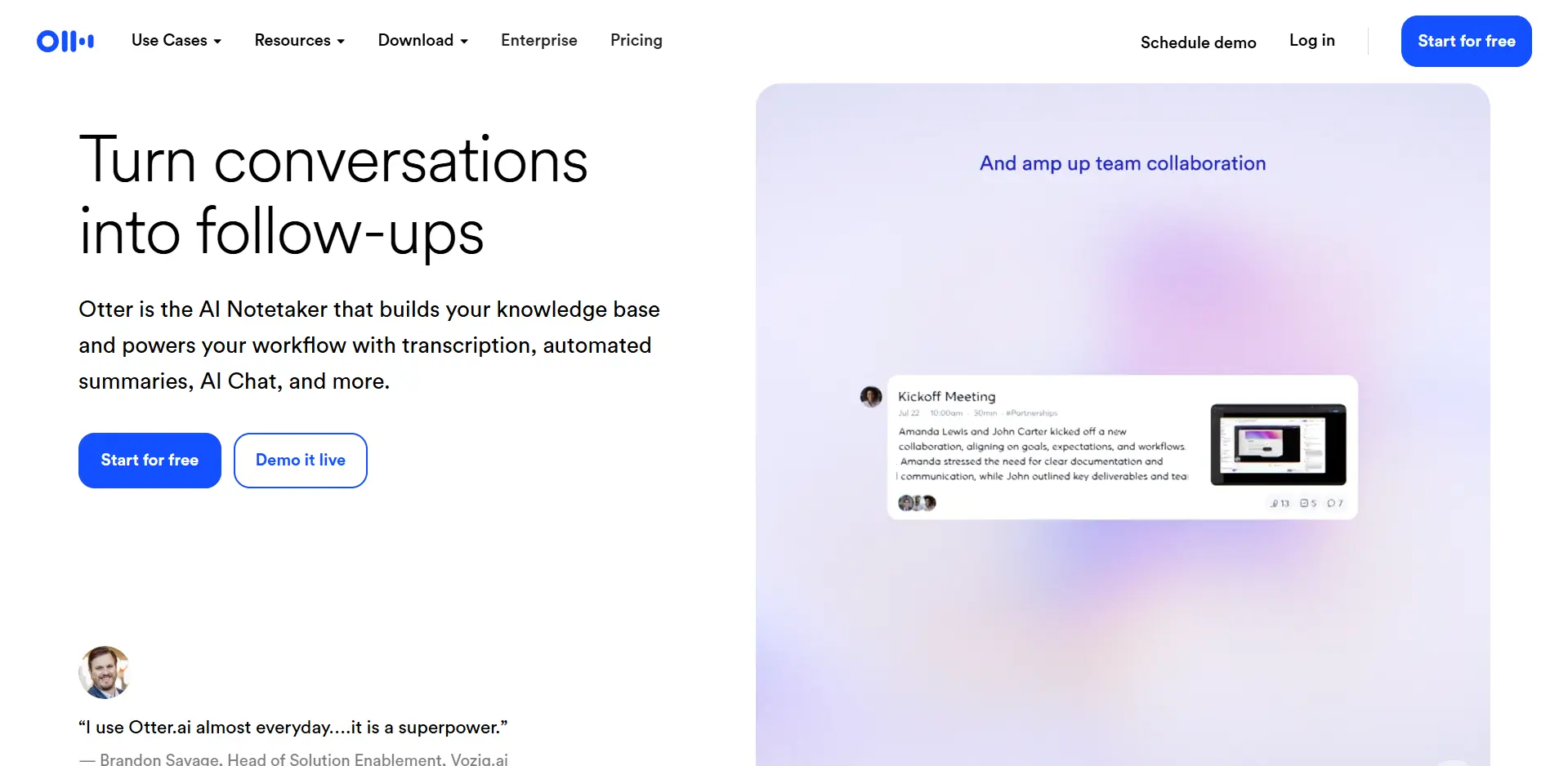
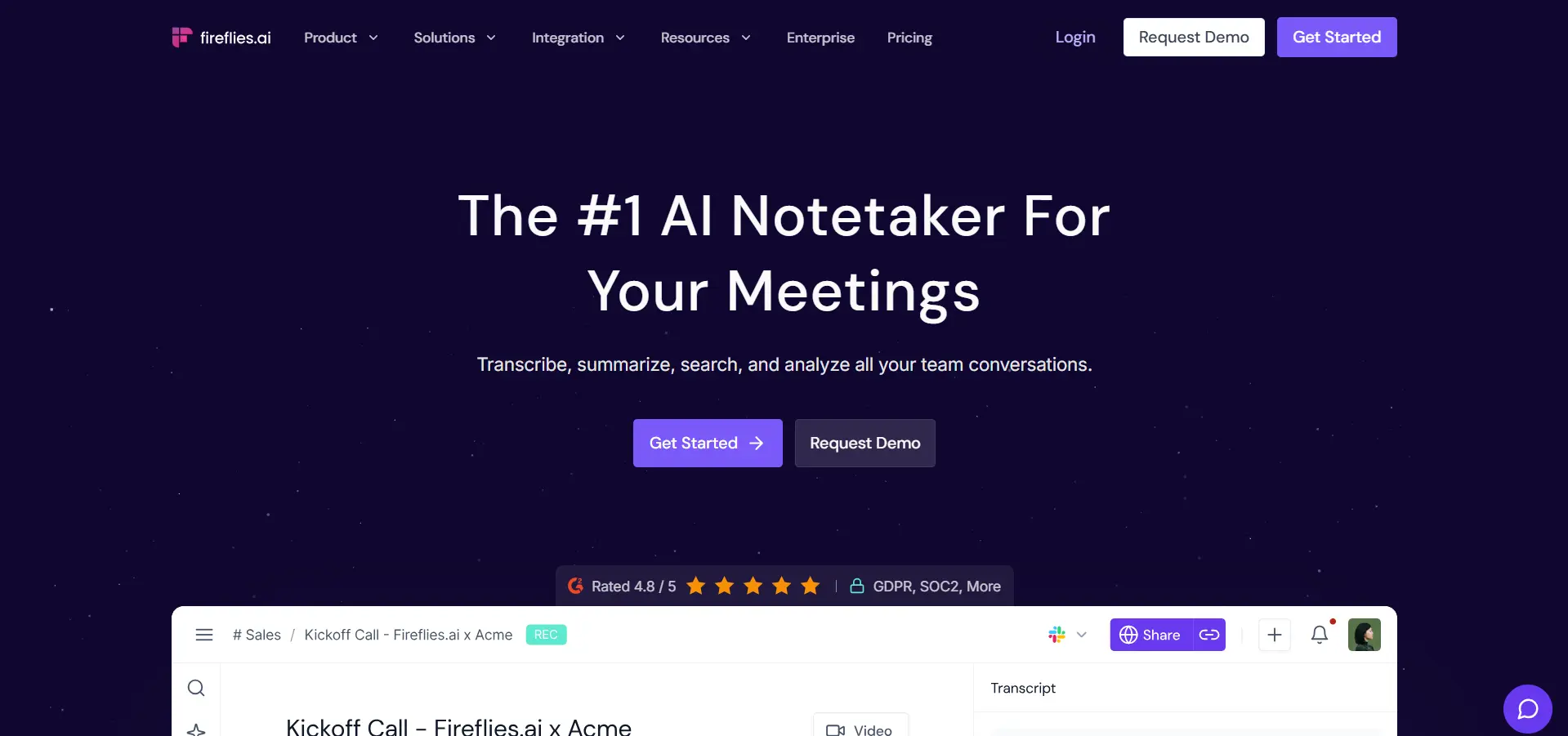
These meeting assistants have become the gold standard for professionals who are tired of frantically scribbling notes while trying to actively participate in conversations. Both tools automatically join Zoom, Microsoft Teams, or Google Meet calls, record everything, and email detailed summaries with clearly highlighted action items.
⏱️ The productivity multiplier
Imagine focusing fully on the conversation instead of taking notes, then receiving a searchable transcript containing key decisions, action items, and even sentiment analysis. In many cases, you can skip meetings entirely and just review the summary afterward.
👥 How teams are transforming their workflow
Sales teams use these tools to automatically capture every client call, extract objections and buying signals, and sync action items directly to their CRM. Call recordings are also reused to improve pitch delivery and train new team members.
Product managers record user interviews and feature discussions, then search across all meetings for topics like “pricing feedback” or “mobile app requests” to identify recurring patterns.
Remote teams reduce meeting fatigue by enabling asynchronous participation. Team members review summaries and contribute feedback in their own time zones without attending live calls.
Hiring managers record interviews (with permission) and share specific clips with the hiring panel, eliminating reliance on handwritten notes and memory.
⚙️ Key features that save hours
Smart summaries generate AI-written overviews with key topics, decisions, and next steps in under 60 seconds after a meeting ends.
Speaker identification recognizes different voices and accurately attributes comments to individual participants.
Searchable transcripts allow teams to find conversations from months ago by simply searching keywords like “Q4 budget” or “product roadmap.”
Deep integrations with tools like Slack, Salesforce, HubSpot, and project management platforms automatically turn action items into tasks.
Collaboration features let teammates comment on transcripts, add highlights, and assign responsibilities directly within the meeting record.
⚖️ Otter.ai vs Fireflies.ai
Otter.ai excels at in-person recordings and offers strong mobile apps for capturing conversations on the go.
Fireflies.ai stands out with deeper integrations and advanced team analytics that reveal meeting patterns and participation trends.
⏳ Time savings: If you attend 10 meetings per week and save just 15 minutes per meeting on note-taking and follow-up, that’s 2.5 hours reclaimed every week—or roughly 130 hours per year.
🎯 Best for: Anyone attending frequent meetings.
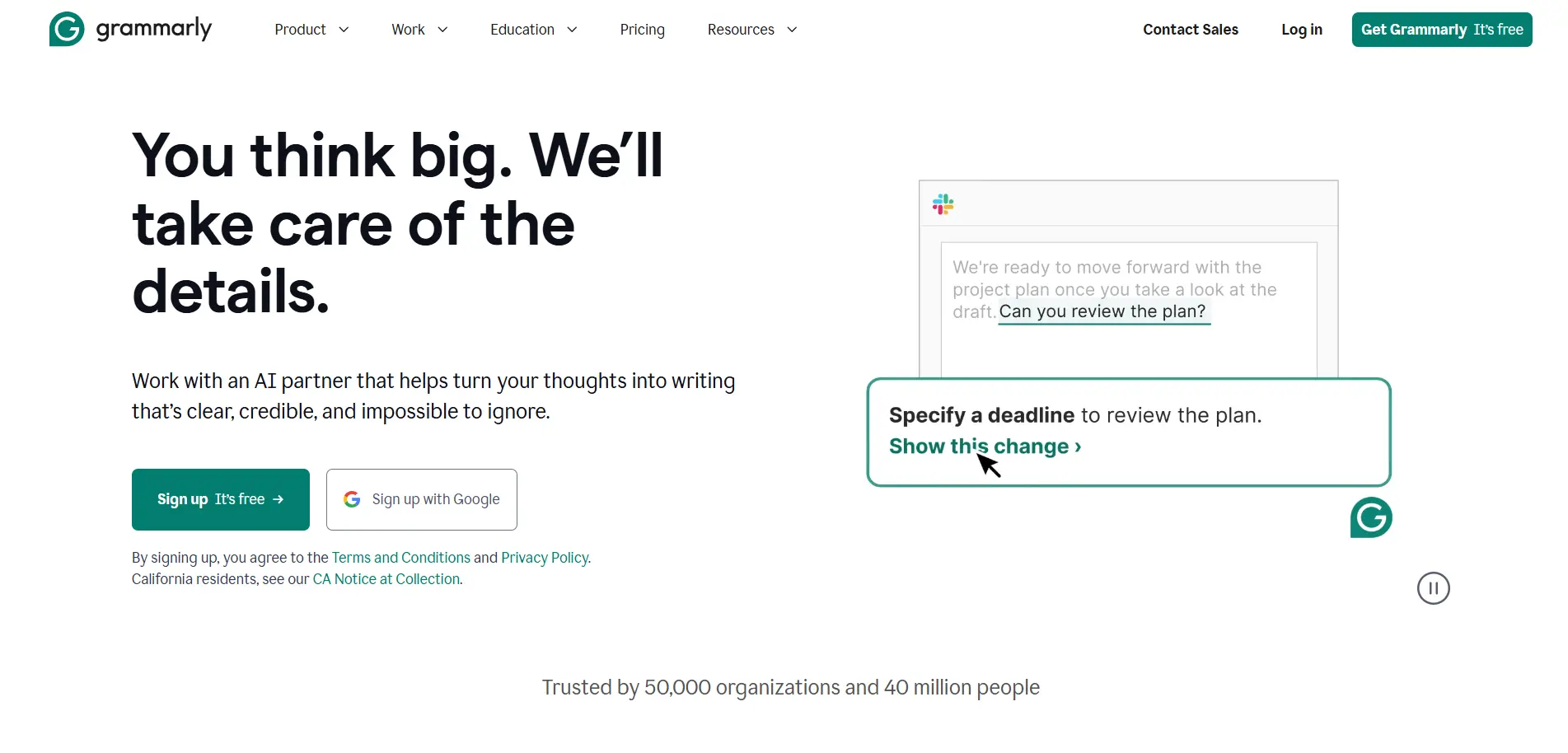
✍️ Grammarly: Beyond Spellchecking
Grammarly has evolved from a basic grammar checker into a comprehensive AI writing assistant. Its AI now helps adjust tone for different audiences, suggests full paragraph rewrites for clarity, and can even draft complete sections based on a short description of your intent.
🎭 The hidden superpower
Real-time tone detection helps prevent emails and messages from being misinterpreted—especially valuable in sensitive situations or cross-cultural communication.
🧠 How it’s revolutionizing professional writing
Grammarly analyzes recipients and context to suggest the appropriate tone—formal for executives, friendly for teammates, and persuasive for sales prospects.
With one click, writers can transform messages from overly aggressive to assertive and professional without rewriting everything manually.
For international teams, Grammarly flags idioms and phrases that may not translate well across cultures, reducing confusion and unintended offense.
Confidence scoring provides real-time feedback on how a message is likely to be received before you hit send.
💼 Real-world scenarios
During difficult conversations, Grammarly helps ensure critical feedback is constructive rather than harsh, preserving trust and clarity.
In sales outreach, the AI suggests stronger wording, removes filler, and optimizes cold emails for higher response rates.
For executive communications, Grammarly ensures company-wide announcements remain clear, professional, and appropriately toned for the situation.
Customer support teams use Grammarly to de-escalate tense conversations by suggesting empathetic, solution-focused language.
⚙️ Advanced features professionals love
Brand voice settings ensure all company communications stay consistent with established tone and messaging guidelines.
Built-in plagiarism detection helps content creators, marketers, and students maintain originality and credibility.
Writing analytics allow users to track habits, identify frequently used words, and measure improvement over time.
AI drafting enables users to describe what they want to write in a few words and receive a complete draft that can be refined as needed.
🛡️ The miscommunication preventer: Research suggests that a majority of workplace conflicts stem from poor communication. Grammarly acts as a safety net by catching potential misunderstandings before they happen.
Grammarly’s browser extension works across Gmail, LinkedIn, Slack, Google Docs, and nearly every web-based text field—giving you an AI writing coach everywhere you type.
🎯 Best for: Anyone who writes professionally, from marketers to executives to customer support teams.
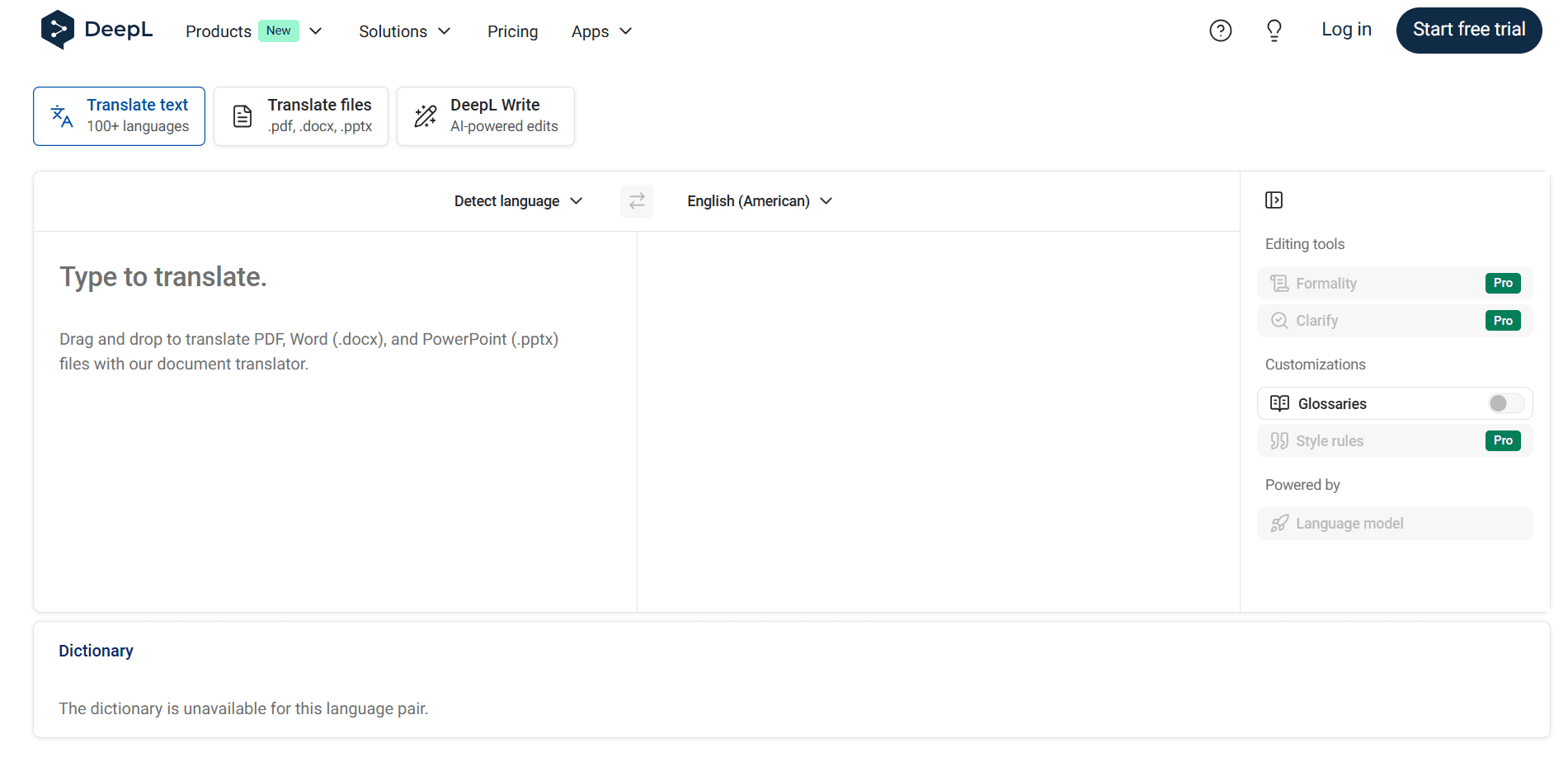
🌍 DeepL: Translation That Actually Sounds Human
While Google Translate handles basic translation, DeepL has become the most searched translation tool because its output feels natural and context-aware. It understands nuance, idioms, and cultural context in a way that makes translated text read as if it were written by a native speaker.
✅ Why professionals trust it
DeepL’s neural networks preserve the tone and intent of the original text, making it indispensable for international business communication, content localization, and cross-border collaboration.
🧠 What makes DeepL different
Rather than translating word by word, DeepL understands context and intent, producing translations that convey meaning instead of literal phrasing.
Tone preservation is a major strength. Formal business documents remain formal, while casual blog posts stay conversational, adapting naturally to the original writing style.
DeepL recognizes industry-specific vocabulary in fields such as legal, medical, and engineering, delivering accurate translations for specialized content.
Idiomatic expressions are translated intelligently. Phrases like “break a leg” or “the ball is in your court” are rendered as equivalent idioms in the target language instead of confusing literal translations.
🏢 Business use cases
International contracts can be translated with confidence, ensuring legal and technical terminology is handled correctly.
Marketing teams localize campaigns for new regions while preserving emotional impact, messaging, and brand voice.
Product documentation and user manuals are translated clearly without introducing ambiguity or safety risks.
Customer support teams respond to global users in their native language with natural, helpful replies.
Bloggers and publishers expand into new language markets, increasing reach without sacrificing writing quality.
⚙️ Features that set it apart
DeepL supports full document translation for Word files, PowerPoint presentations, and PDFs while preserving original formatting.
Alternative translation suggestions allow users to choose the best phrasing for their specific context.
The glossary feature lets companies define custom rules for brand terms, product names, and internal jargon.
Formality controls make it easy to select formal or informal tone, which is critical for languages with strict formality distinctions.
📈 The quality gap
Professional translators often report that DeepL reduces editing time by 40–60% compared to other machine translation tools because the output is much closer to natural language.
In real-world usage, a German e-commerce company saw a 23% increase in conversion rates in non-German markets after switching to DeepL, simply because product descriptions felt more natural and trustworthy.
Although DeepL supports fewer languages than Google Translate, it prioritizes quality over quantity, currently offering exceptional accuracy across 31 languages.
🎯 Best for: International teams, content creators working across languages, and anyone who needs professional-quality translation.
🎨 Content & Visual Productivity
AI has removed the need for expensive software and specialized design skills.
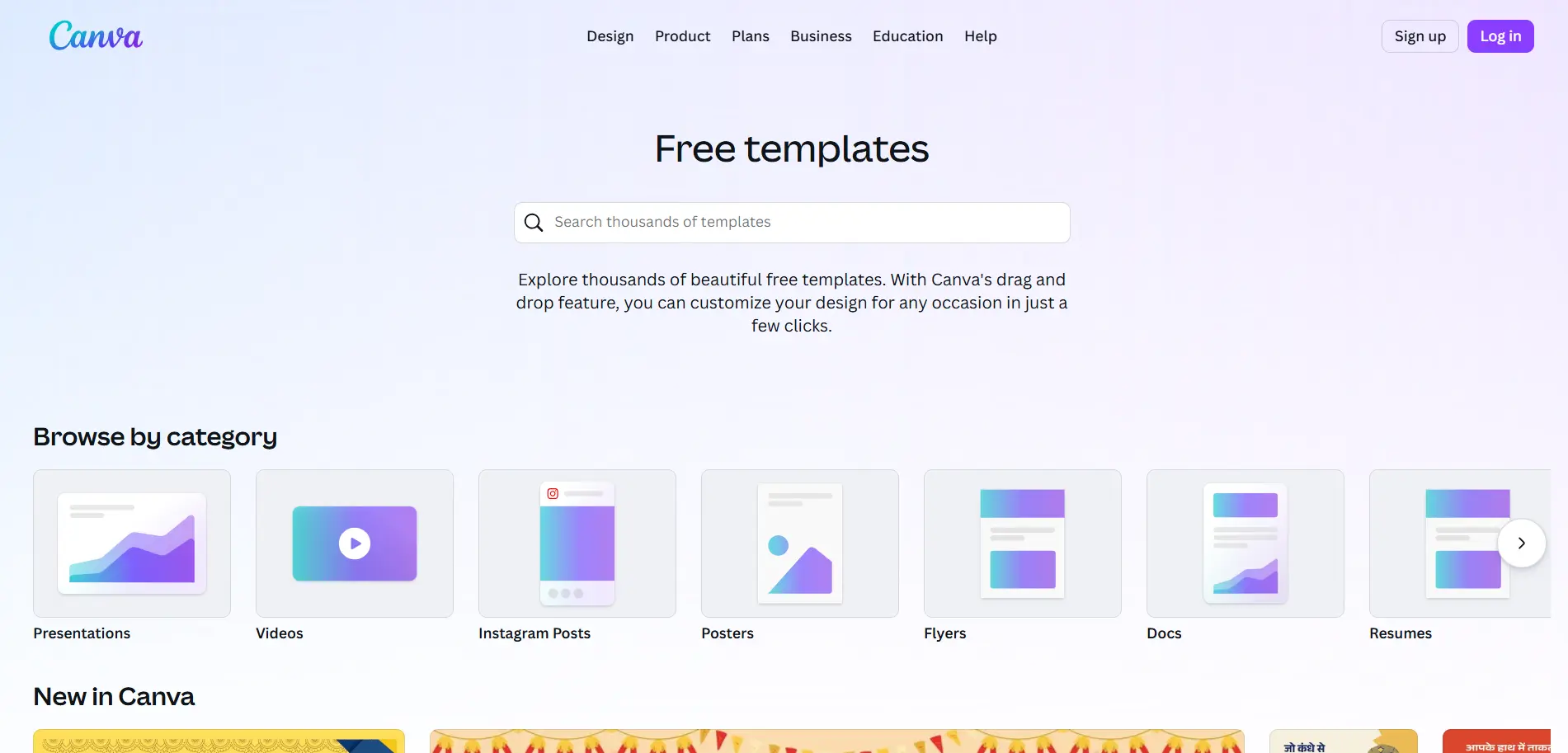
🖼️ Canva (Magic Studio): Design Without a Designer
Canva has become the most popular design tool for non-designers, and its AI-powered Magic Studio features have made it even more indispensable. From generating images using text prompts to instantly removing backgrounds and resizing designs for different platforms, Canva turns complex design tasks into a few clicks.
You can even transform a simple text prompt into a complete presentation, eliminating hours of layout and formatting work.
The democratization of design
Canva has removed the barrier between ideas and execution. Anyone can now create professional-looking graphics, presentations, and marketing materials in minutes instead of hours—no design degree required.
✨ Magic Studio features changing the game
Magic Design allows users to type prompts like “Instagram post about a summer sale” and instantly receive multiple professionally designed options complete with images, color palettes, and layouts.
Magic Eraser removes unwanted objects from photos with a simple brush stroke, making it easy to clean up product images or eliminate distractions.
The Background Remover delivers one-click background removal that works impressively well even on complex images involving hair, shadows, and transparent elements.
With Magic Edit, you can describe visual changes—such as adding flowers or adjusting scenery—and watch the AI seamlessly modify your image.
Magic Expand fixes tight crops by intelligently extending image edges, generating realistic additional content around the original image.
🏢 Real-world business applications
Social media managers use Canva to create an entire month’s worth of content in a single afternoon, designing posts for Instagram, Facebook, Twitter, and LinkedIn with one-click resizing.
Small business owners design menus, flyers, business cards, and signage without hiring designers or learning complex software.
HR teams create onboarding materials, training decks, and internal newsletters that look polished and professional.
Event planners design invitations, programs, signage, and promotional materials in hours instead of days.
Educators build engaging lesson materials, classroom posters, and student handouts that capture attention and improve learning outcomes.
📊 The presentation revolution
Brand Kit integration lets teams store logos, fonts, and brand colors so every design automatically stays on-brand.
Canva’s template library includes more than 250,000 professionally designed templates covering everything from social posts to multi-page reports.
Real-time collaboration allows teams to comment, suggest changes, and approve designs without endless email threads.
Built-in animation tools add professional motion effects to any element with a single click—no advanced video software required.
💰 The cost and learning advantage
Hiring a freelance graphic designer typically costs between $50 and $150 per hour, while Canva Pro costs roughly $13 per month. Even creating just a few designs each month can save hundreds of dollars.
Most users create their first professional-looking design within 30 minutes of opening Canva, compared to the weeks or months required to become proficient in tools like Photoshop or Illustrator.
Canva also includes video editing features, making it easy to create short marketing videos, social clips, and animated presentations alongside static designs.
🎯 Best for: Marketers, small business owners, educators, and anyone who needs to create high-quality visual content without hiring a designer.
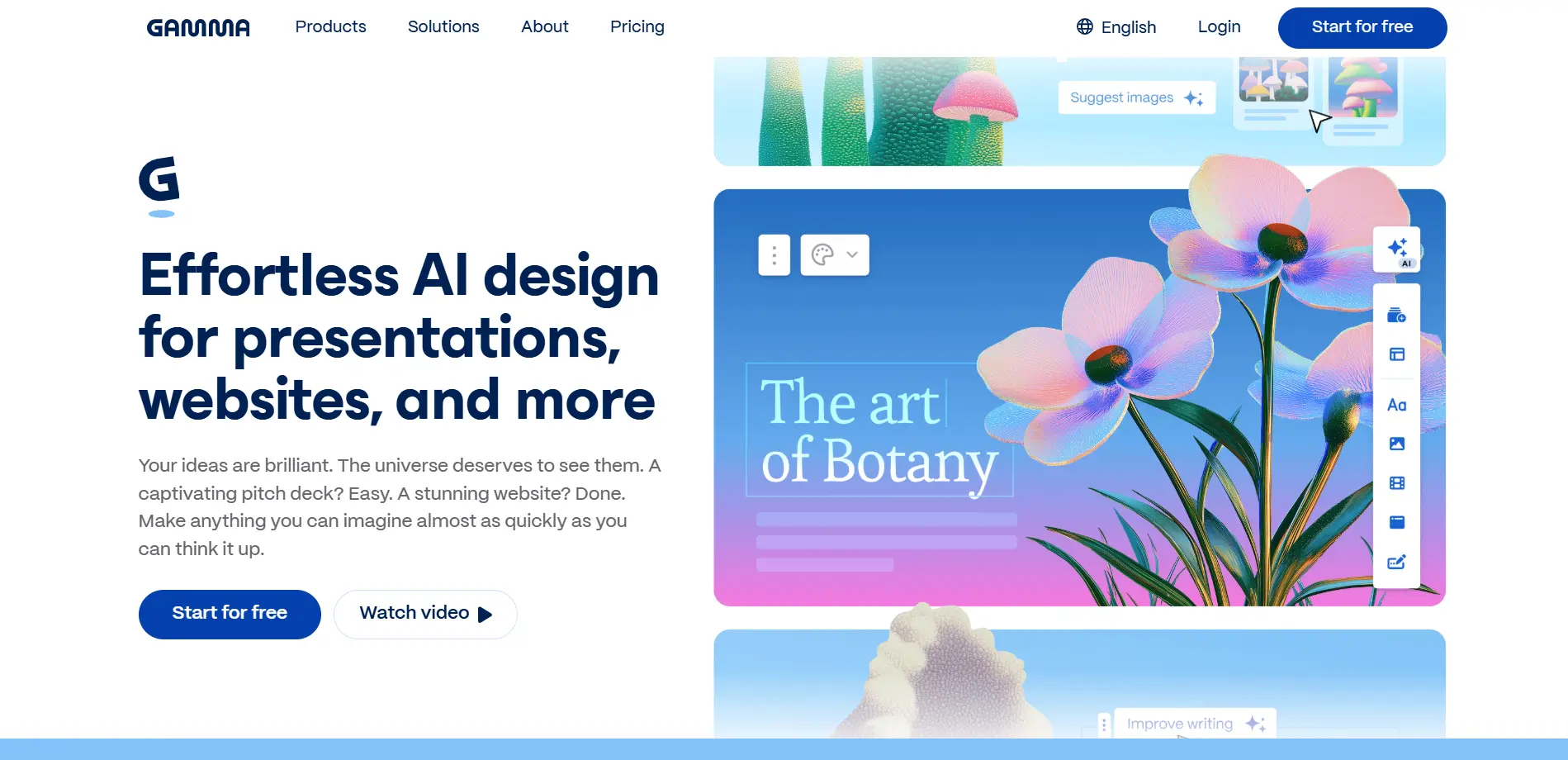
📊 Gamma: Presentations at the Speed of Thought
Gamma has become a trending favorite for creating presentations and microsites because it removes the tedious work of formatting and layout. By simply describing what you need, Gamma generates a polished slide deck or website complete with professional design, relevant visuals, and a clear structure.
⚡ The time-saver
What previously took hours of manual formatting and design now takes only minutes. You stay focused on the message and narrative while Gamma handles the presentation details.
🎯 Best for: Consultants, sales professionals, educators, and anyone who creates presentations on a regular basis.
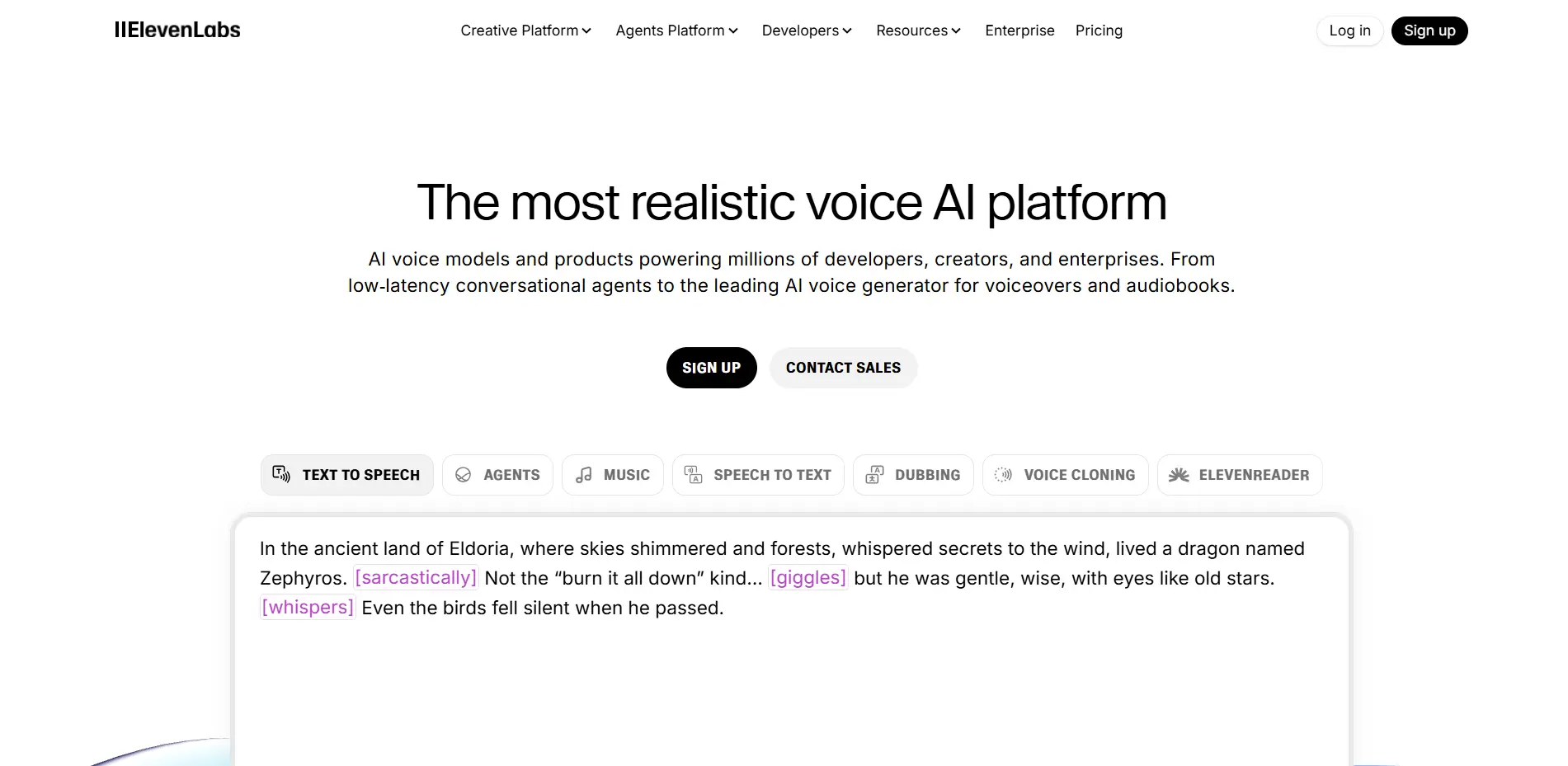
🎙️ ElevenLabs: Your Personal Voice Studio
ElevenLabs has become the leader in voice productivity by generating remarkably realistic audio from text. Whether you’re narrating articles, producing podcast content, or making written material accessible through audio, ElevenLabs delivers voices that sound virtually indistinguishable from human narration.
♿ The accessibility breakthrough
Content creators and organizations can now produce high-quality audio versions of written content without investing in expensive recording equipment or hiring professional voice talent.
🎯 Best for: Content creators, educators, marketers producing audio content, and organizations focused on accessibility.
⚙️ Task & Workflow Automation
The biggest productivity gains come from removing repetitive work entirely.
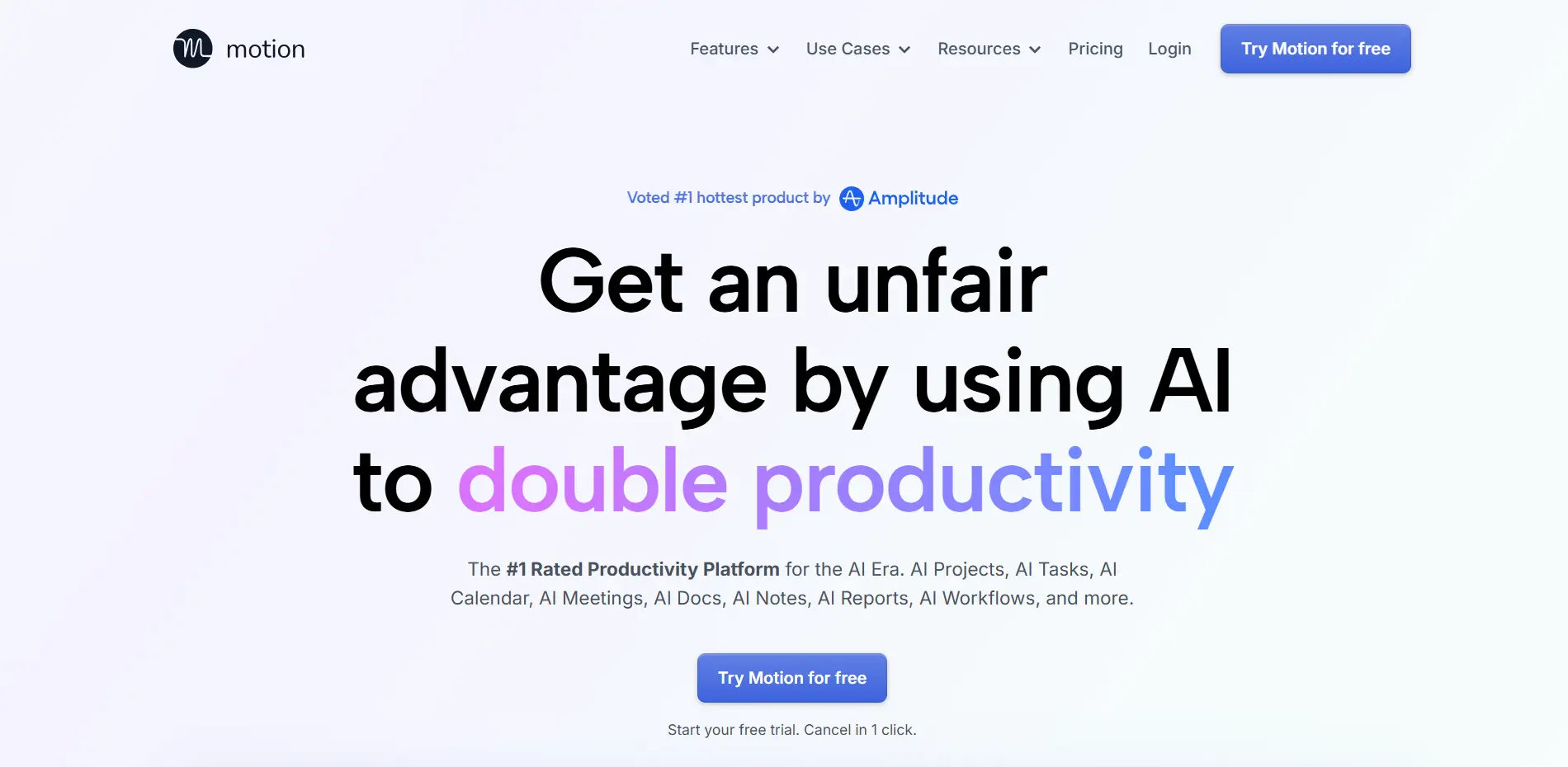
📅 Motion: The AI Calendar That Thinks
Motion is transforming personal productivity by automatically managing your calendar and to-do list. It goes beyond simple reminders by intelligently scheduling tasks based on deadlines, priorities, energy levels, and existing commitments.
When priorities change, Motion automatically reshuffles your schedule in real time, keeping your day optimized without manual intervention.
😌 The stress reducer
Instead of constantly rearranging your calendar, Motion continuously optimizes your schedule so high-priority work gets done while protecting uninterrupted time for deep focus.
🎯 Best for: Busy professionals managing multiple projects, tight deadlines, and constantly shifting priorities.
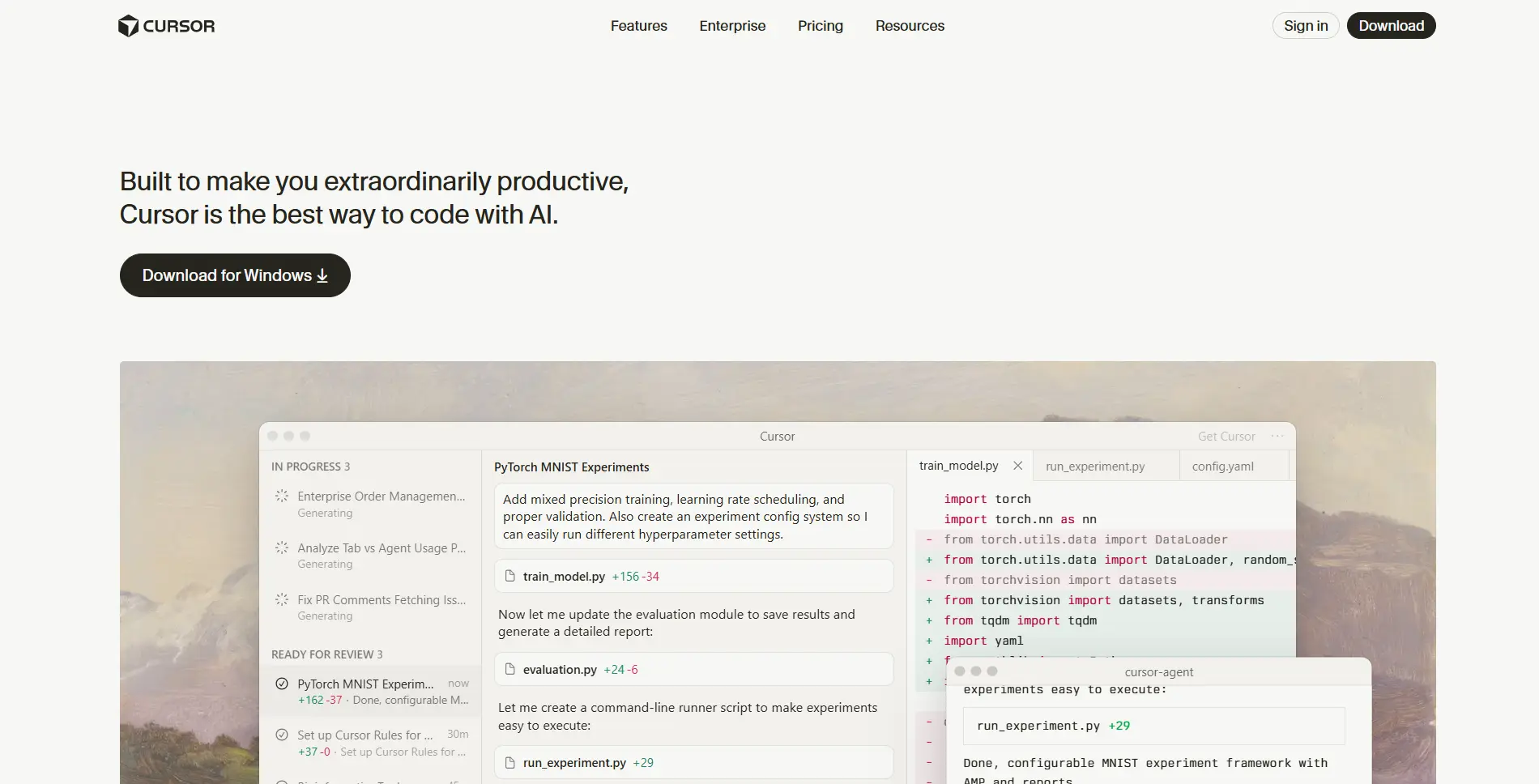
💻 Cursor: The AI Code Editor Revolution
Cursor has become the most searched AI code editor because it fundamentally changes how developers work. Built as an enhanced version of VS Code, it integrates AI directly into the coding environment, allowing developers to describe what they want to build and watch the code materialize through natural conversation.
🚀 The development accelerator
Developers report building features in hours that previously took days. Cursor understands the context of your entire codebase, enabling it to refactor existing code, debug complex issues, and generate working solutions instead of isolated snippets.
🎯 Best for: Developers at every level, from beginners learning to code to senior engineers shipping products faster.
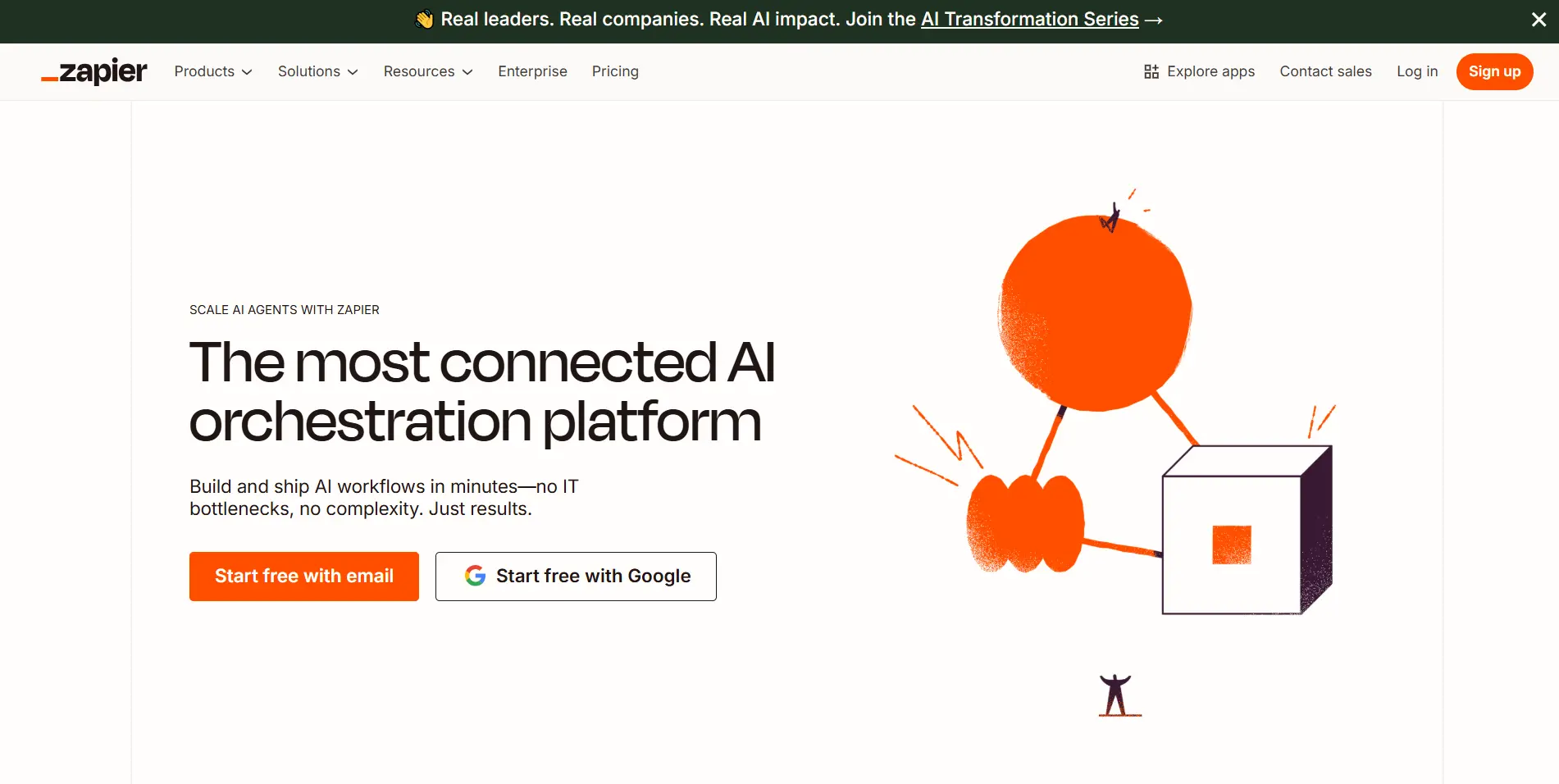
🔗 Zapier & n8n: Connect Everything
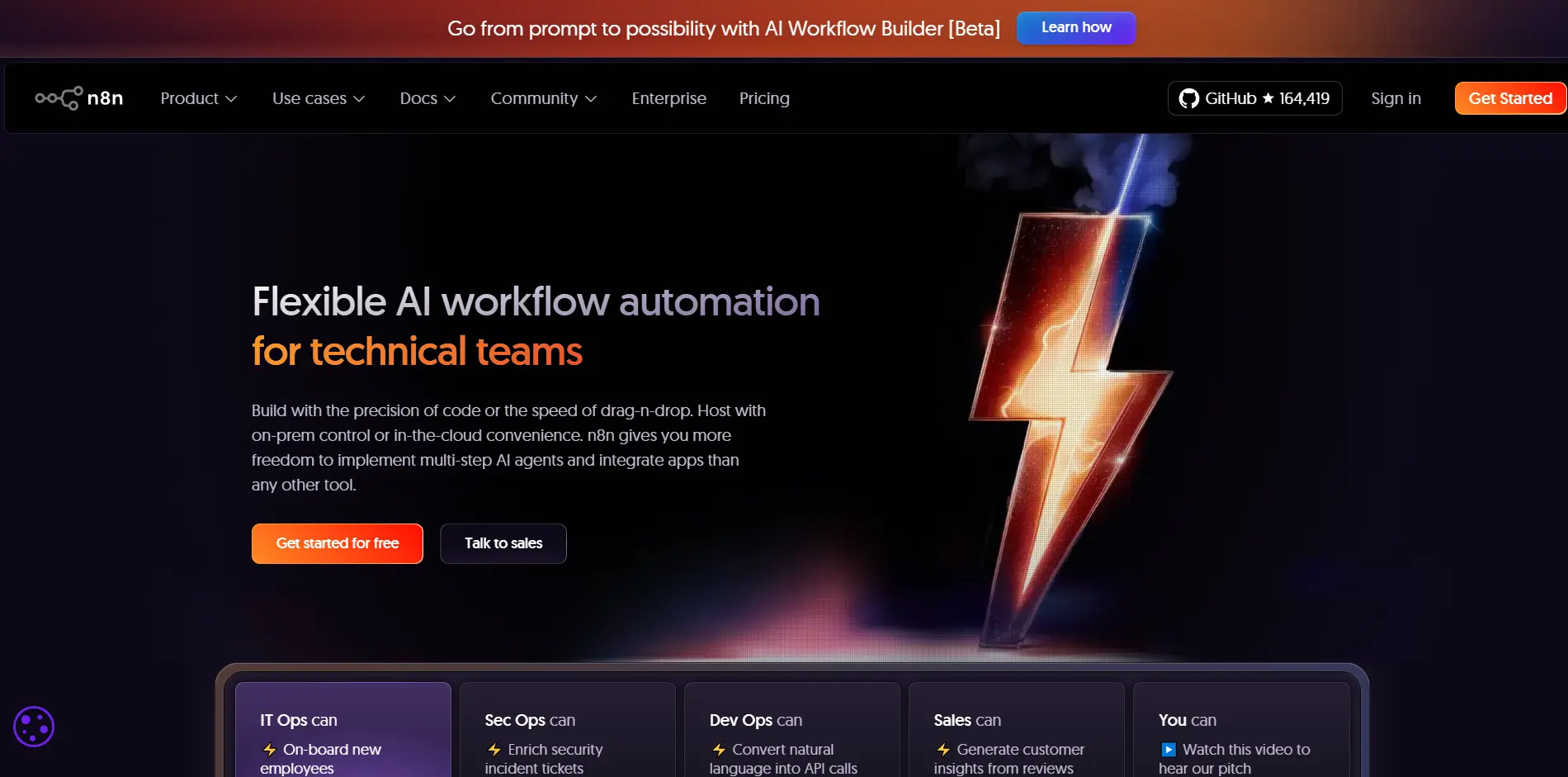
These workflow automation platforms let you connect different apps and services without writing code. You can trigger a Slack notification when a specific email arrives, automatically add form submissions to a spreadsheet, or publish social media updates across multiple platforms at once—the possibilities are virtually endless.
♾️ The automation multiplier
Once you set up a workflow or “Zap,” it runs automatically in the background forever. This removes repetitive manual work entirely and frees up hours every week that would otherwise be spent on routine tasks.
🎯 Best for: Operations managers, marketers, small business owners, and anyone handling repetitive workflows across multiple tools.
🎯 The Bottom Line
AI is no longer optional. Professionals who embrace these tools work faster, smarter, and with far less stress.
Start with one AI tool that solves your biggest bottleneck today—and build from there.