
AI Tools You Can't Ignore in 2026 If You Want to Work Faster
Discover the essential AI tools dominating 2026 that will transform your productivity. From ChatGPT to Cursor, learn which tools will help you work faster and smarter.

These are currently the most hyped AI tools because they save creators dozens of hours of manual video editing.
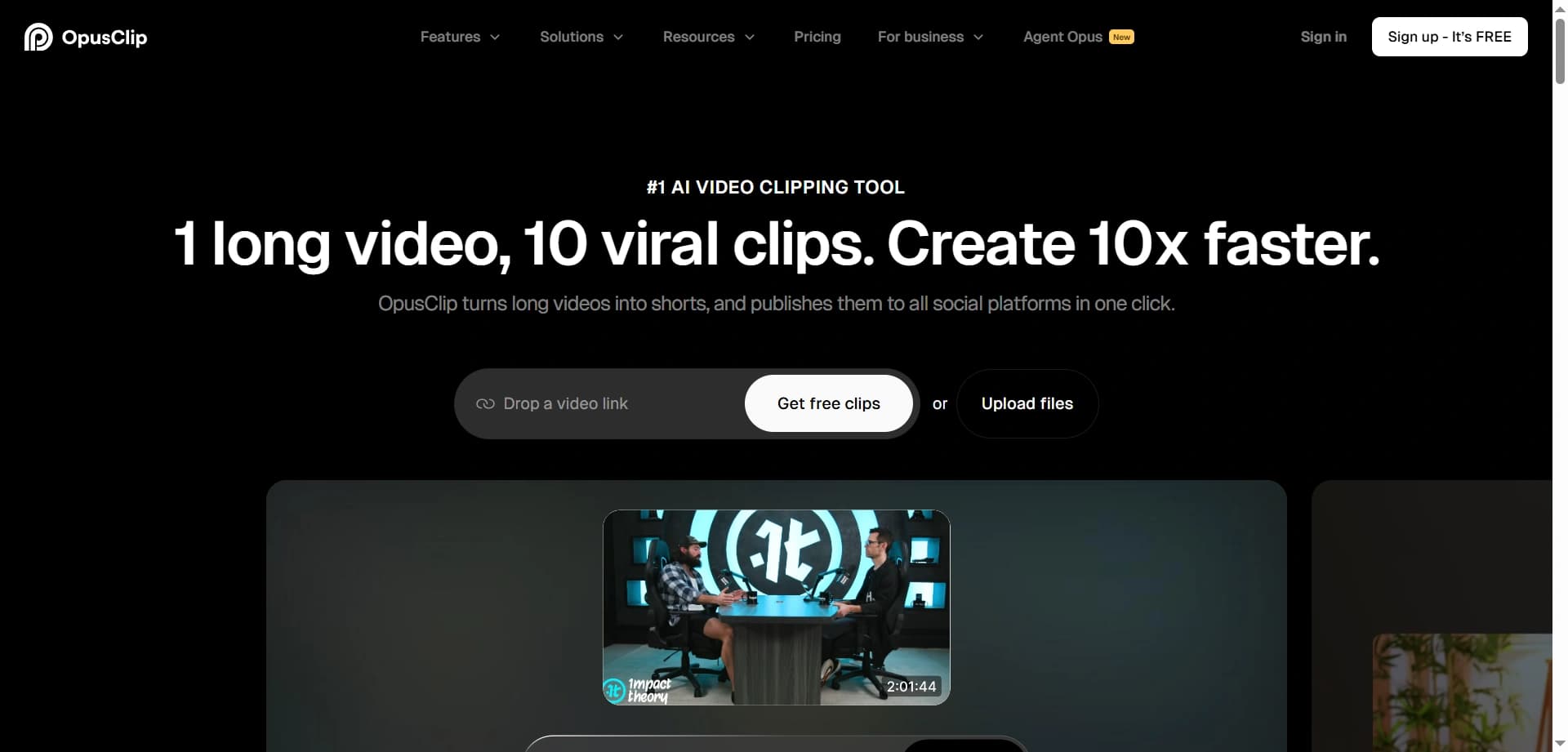
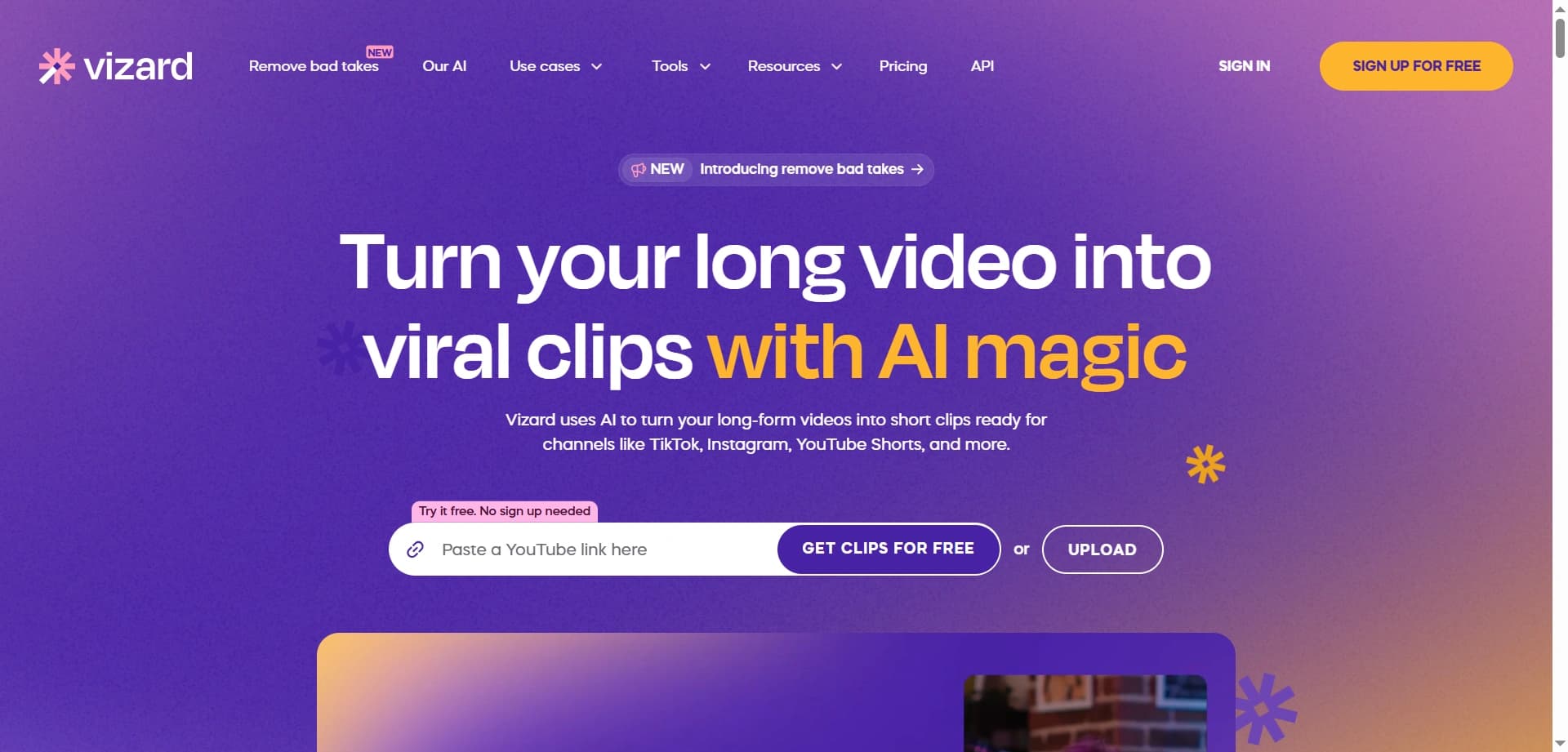
OpusClip and Vizard have become the secret sauce for YouTubers, podcasters, and long-form content creators who want to dominate short-form platforms without spending hours manually editing clips.
These tools take long-form videos—whether a 60-minute podcast, a 20-minute YouTube video, or a live stream—and automatically identify the most viral-worthy moments.
They crop footage into the vertical 9:16 format for TikTok, Instagram Reels, and YouTube Shorts, add animated captions that can increase watch time by up to 40%, and even predict which clips have the highest viral potential.
Podcasters upload weekly episodes and receive 10–15 ready-to-post clips complete with captions, b-roll suggestions, and viral scores.
YouTubers transform a single long-form video into an entire week of short-form content across multiple platforms, while educational creators convert hour-long lectures into 60-second teaching moments that drive traffic back to the full content.
Both tools analyze what makes content go viral—hook strength, pacing, emotional peaks, and pattern interrupts. Each potential clip is scored based on “virality potential,” helping creators prioritize which clips to publish first.
This data-driven approach has helped creators increase short-form engagement by 200–300% compared to manually selected clips.
Auto-caption generation creates animated, colorful captions that boost accessibility and retention.
Smart cropping keeps speakers centered and dynamically adjusts framing as they move.
Scene detection automatically identifies topic changes and natural breaking points.
Multi-platform export allows one-click publishing for TikTok, Reels, Shorts, and LinkedIn.
Batch processing lets creators upload multiple videos and process them overnight.
OpusClip excels at identifying emotional hooks and viral moments using facial expressions and tone analysis, making it especially strong for podcasts, interviews, and talking-head content.
Vizard offers deeper branding customization, including custom caption styles, intro and outro templates, and advanced editing controls, which makes it a favorite for agencies managing multiple creator accounts.
A mid-tier YouTuber with 100,000 subscribers reported increasing monthly short-form views from 500,000 to 2.3 million in just three months after adopting OpusClip, driving 35% more traffic to long-form content. The tool paid for itself within the first week.
💡 Pro tip: Upload your video immediately after publishing long-form content. While the AI processes the video—usually in 5–10 minutes—you can continue working. By the time you’re ready to schedule posts, your clips are ready.
What once required 2–3 hours of manual editing per video now takes around 15 minutes of review and scheduling. For creators posting three videos per week, that’s 8–9 hours saved weekly—or more than 400 hours per year.
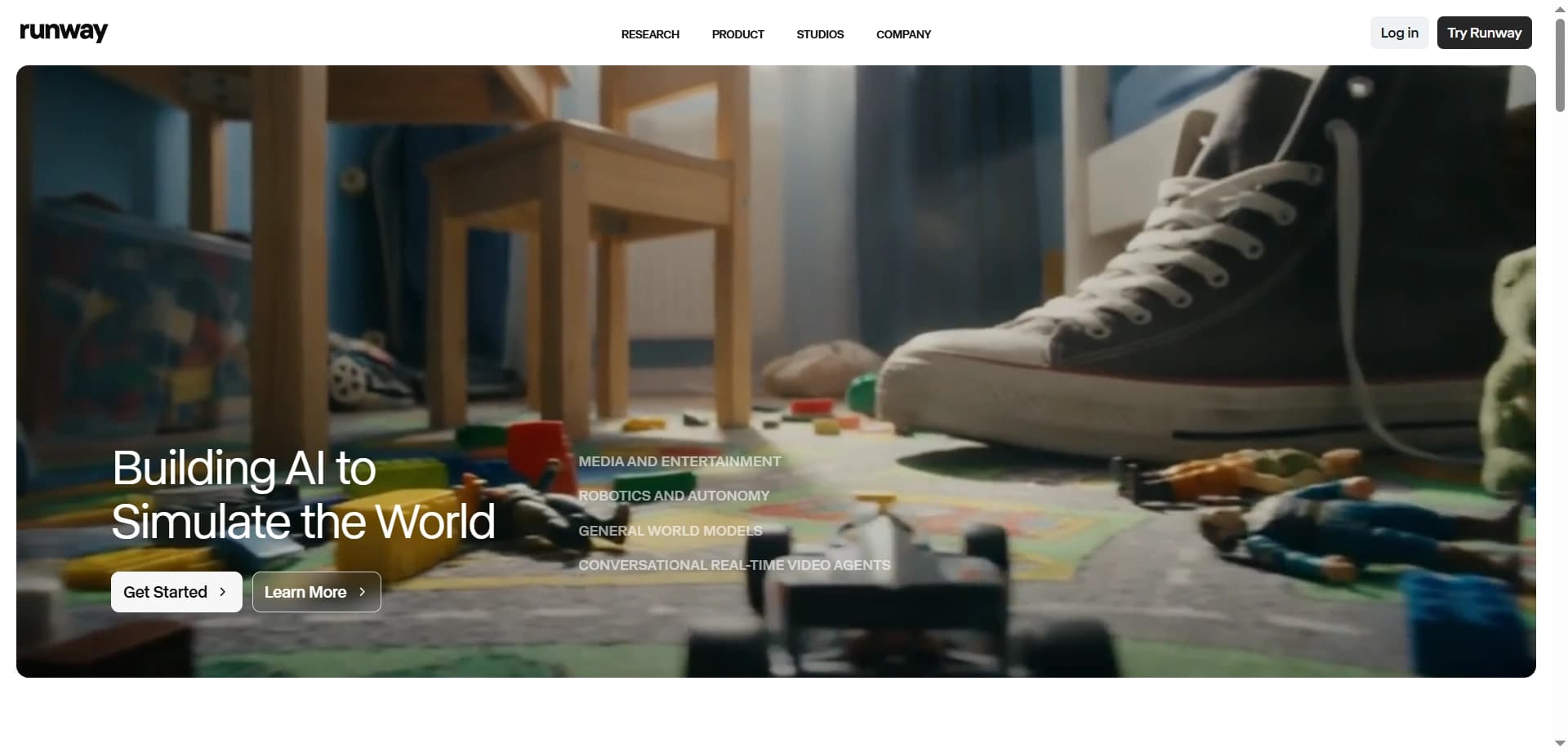
Runway has emerged as the tool of choice for creators who need high-end visual effects, b-roll footage, or entirely generated scenes—without a camera crew, location scouting, or large production budgets.
Runway’s Gen-4 model generates high-definition video from simple text descriptions. A prompt like “a futuristic neon city in the rain with flying cars” or “a product floating through clouds at sunset” can be turned into cinematic footage within minutes.
Creators can also generate time-lapses, environmental transitions, and complex visual narratives that would normally require expensive equipment or post-production teams.
Educational creators generate visual metaphors and abstract concepts that are difficult or impossible to film, such as particle interactions for quantum physics or historically accurate environments for history lessons.
Brand storytellers showcase products in impossible environments—demonstrating waterproof gear underwater, visualizing durability through extreme scenarios, or placing products in exotic locations without travel costs.
Music video producers create entire sequences of surreal and artistic footage that matches their creative vision without hiring full cinematography teams.
Spec ad creators use Runway to pitch concepts with fully realized video mockups, helping them win clients by showing ideas instead of describing them.
Video-to-video transformation allows creators to upload existing footage and change its style, such as converting daytime scenes to nighttime or realistic footage into animated visuals.
Motion and camera controls let creators define how elements move within a scene, including camera angles, transitions, and dynamic movement.
Consistent character generation enables multiple shots featuring the same AI-generated character while maintaining visual continuity.
Extension tools allow video clips to be lengthened by generating additional footage that seamlessly continues the original action.
Gen-4 represents a major leap over earlier AI video models. While previous tools produced short clips with visible artifacts, Gen-4 delivers 10–15 second clips with cinematic lighting, realistic physics, and coherent motion that many viewers cannot distinguish from traditional footage.
Hiring a videographer typically costs between $500 and $2,000 per day, excluding equipment and location fees. Runway subscriptions range from $12 to $95 per month while allowing unlimited concept generation, making the ROI immediate for creators who need diverse visuals.
Runway rewards strong prompt engineering. The difference between a generic prompt and a detailed cinematic description can dramatically affect output quality. To help creators improve, the platform provides prompt libraries and real examples.
An independent filmmaker used Runway to produce all visual effects for a sci-fi short film that would have required a $50,000 VFX budget. The film reached over 2 million views on YouTube and led to a Netflix short-series deal—all with a total production cost under $1,000.
Runway integrates seamlessly with professional editing tools such as Adobe Premiere, Final Cut Pro, and DaVinci Resolve, allowing creators to drop AI-generated footage directly into existing workflows.
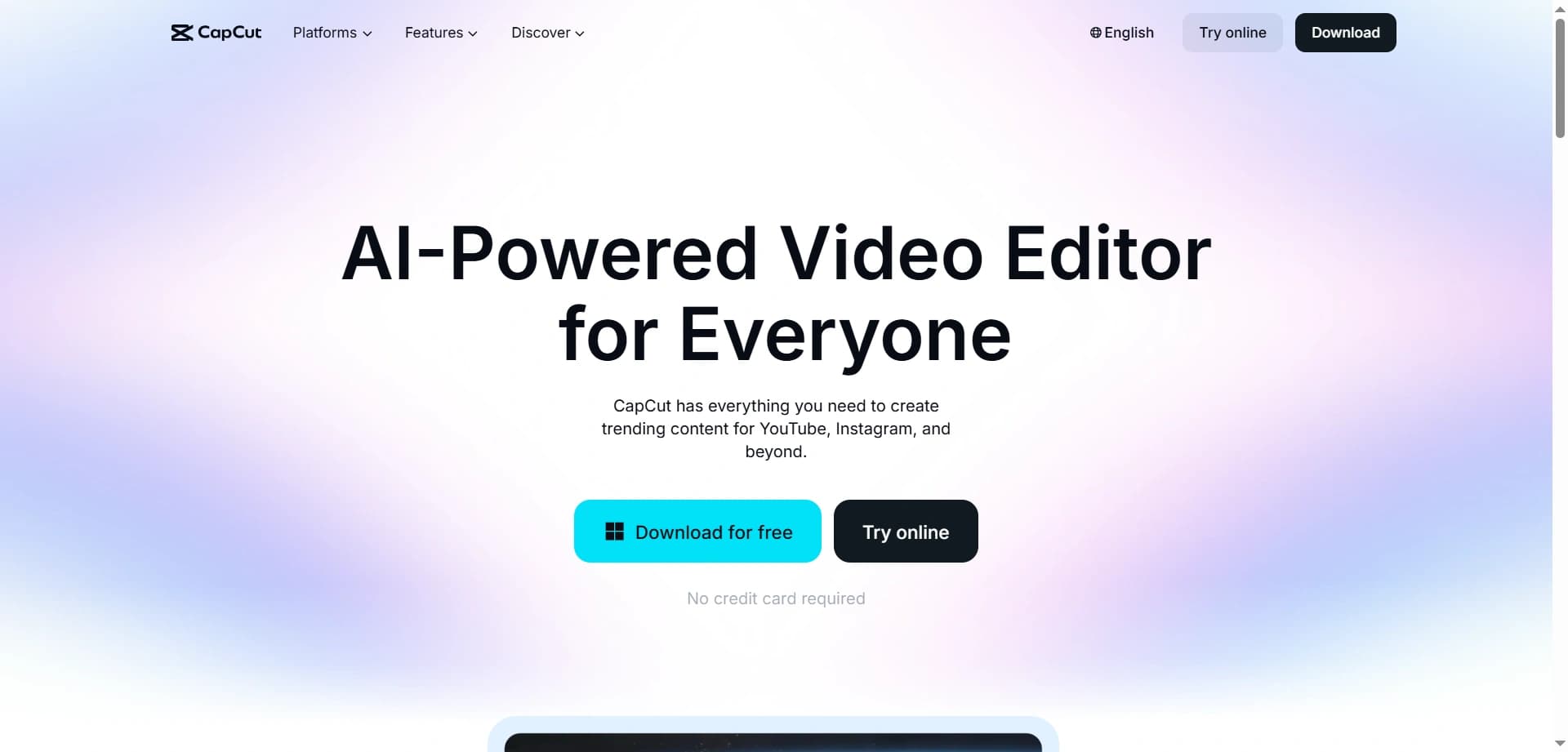
CapCut remains the king of mobile editing, but it’s the AI features added in 2024–2025 that have cemented its dominance among creators who need to edit quickly, often while on the move.
CapCut is free, works seamlessly across mobile and desktop, and includes AI features powerful enough to rival expensive professional software. For creators who shoot primarily on their phones, CapCut enables shooting, editing, and publishing without ever touching a computer.
Auto-Reframe (Smart Tracking) analyzes video footage and keeps the subject centered as they move. It also intelligently converts horizontal footage into vertical formats while maintaining perfect framing—essential for cross-platform repurposing.
AI Script-to-Video allows creators to paste a script, choose a style, and generate a complete video with b-roll, transitions, text overlays, and music. This has empowered strong writers to produce video content without advanced editing skills.
Isolate Voice removes background noise, echo, and ambient sound while preserving vocal clarity, making high-quality audio possible even in noisy environments.
Auto-Captions with Style generate animated, brand-matched captions in multiple languages. Accurate transcription and perfect sync increase accessibility and boost watch time—captioned videos are watched up to 40% longer.
Background Removal isolates subjects from their surroundings without a green screen, allowing creators to place themselves in any environment for professional-looking results.
Travel vloggers edit entire videos on their phones while in transit, using AI to select highlights, add transitions, sync music, and export finished content.
Fitness coaches rely on auto-reframe to keep movements visible in vertical formats, while isolate voice removes gym noise for clear instruction.
Small business owners film products and use script-to-video to add education, testimonials, and calls to action without hiring editors.
Tutorial creators screen-record workflows, add auto-captions for accessibility, and generate multilingual voice-overs to reach global audiences.
CapCut’s template library acts as a viral content engine. Creators can drop clips into trending templates that already match popular TikTok and Instagram formats.
Cloud syncing allows teams to collaborate on projects, share templates, and maintain brand consistency across multiple creators—making CapCut valuable for agencies and creator teams.
While CapCut shines on mobile, the desktop version offers advanced tools like keyframe animation, color grading, and multi-track editing. Projects can be started on mobile and finished on desktop through seamless cloud sync.
Built-in tutorials and a massive creator community help new users achieve professional-looking results within hours by following shared guides and templates.
⚡ The competitive advantage: Even creators who can afford premium software still use CapCut for fast edits. When speed matters more than pixel-perfect precision, CapCut consistently wins.
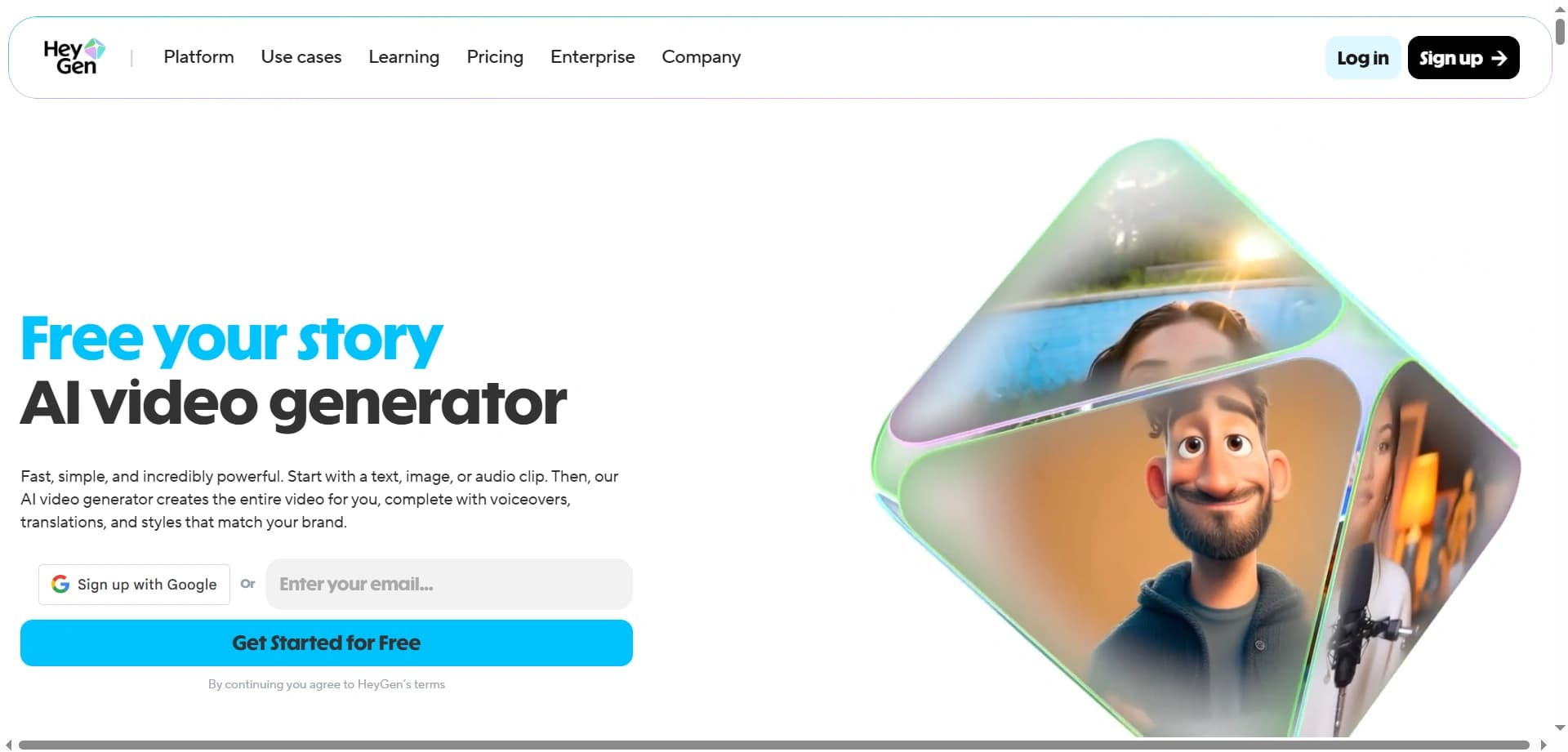
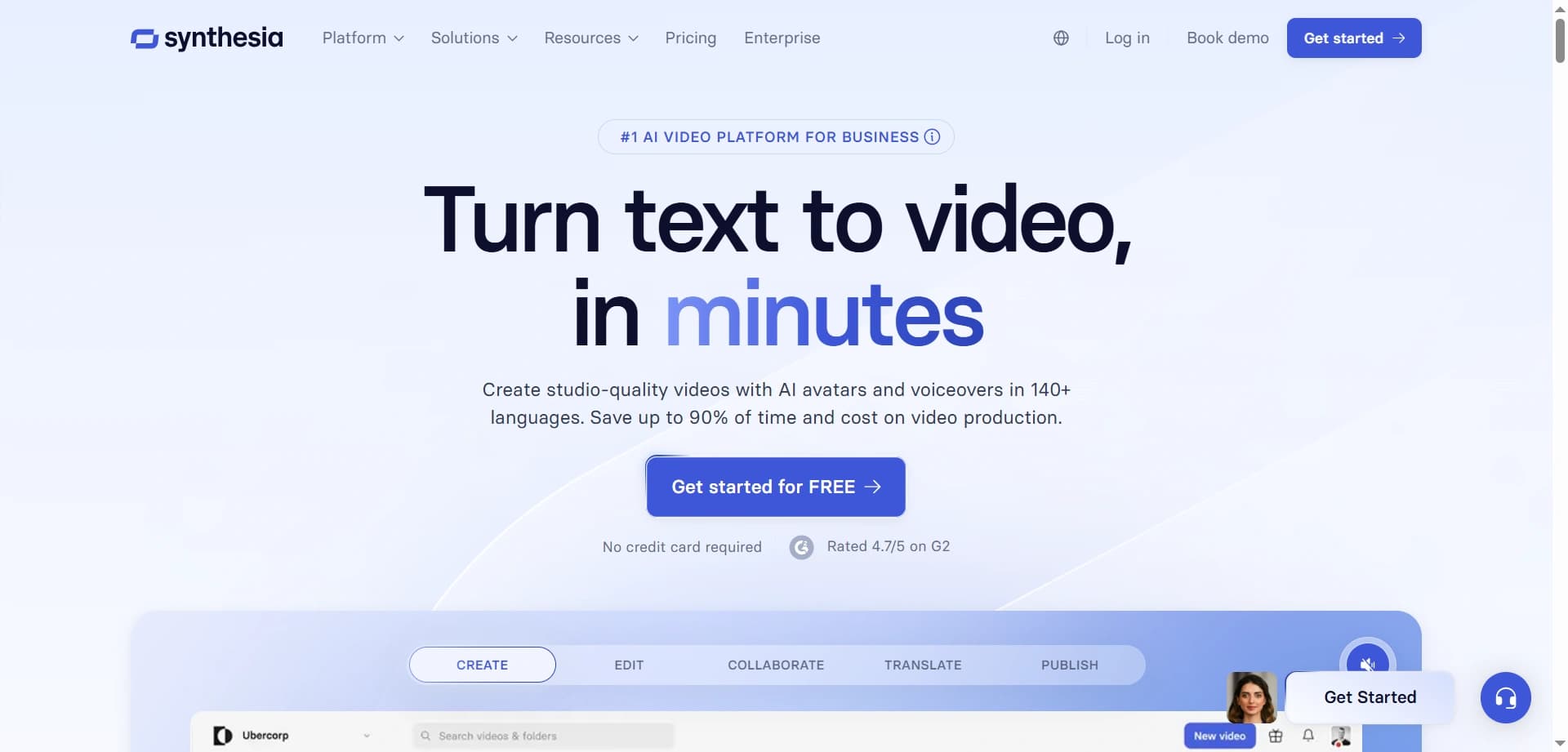
HeyGen and Synthesia have created an entirely new category of content: AI avatar videos. These tools let creators produce professional video content without appearing on camera, or scale their presence by generating videos in dozens of languages simultaneously.
Many experts, educators, and business owners have valuable knowledge but are camera-shy, short on time, or prefer privacy. AI avatars solve this by creating hyper-realistic digital presenters that deliver scripts with natural gestures, facial expressions, and accurate lip-syncing.
Educational channels in niches like finance, programming, and productivity use AI avatars to publish consistent daily content without filming fatigue. Some channels have grown to hundreds of thousands of subscribers using avatars as their primary presenter.
Course creators record content once with an AI avatar and reuse the same avatar for promotional clips, FAQs, and updates—without scheduling additional filming sessions.
Meditation and affirmation creators publish daily content at scale using calm, soothing avatars. Some creators release seven new videos per week, all generated directly from scripts.
Corporate training teams produce hundreds of training videos with consistent branding and messaging, reducing production costs by up to 90% compared to traditional video workflows.
Multilingual content empires are built by writing scripts once in English and generating videos in Spanish, Portuguese, Hindi, Mandarin, French, German, and Arabic using the same AI avatar—instantly reaching global audiences.
In 2025, AI avatars are nearly indistinguishable from real people in most use cases. They blink naturally, use appropriate gestures, display realistic facial expressions, and lip-sync accurately—even across multiple languages.
HeyGen excels at personalization. Creators can upload footage of themselves to create a digital twin that speaks any script in any language while preserving appearance and mannerisms. It also offers more casual, influencer-style avatars ideal for social media.
Synthesia focuses on professional and corporate use cases, offering polished avatars well suited for training videos, presentations, and formal content. It provides stronger enterprise integrations and collaboration features for teams.
Both platforms support background customization, screen recordings, image and video inserts, text overlays, and full presentation creation. Creators can build complete courses, product demos, and marketing videos entirely within the platform.
When paired with ElevenLabs voice cloning, creators can produce avatars that look and sound like them, delivering content in languages they don’t speak while maintaining vocal tone and personality.
Successful creators using AI avatars are transparent about their use of AI. This openness often builds trust, as audiences appreciate both the honesty and the increased value and consistency AI enables.
Traditional video production typically requires scripting, scheduling, filming, editing, and publishing—often taking three to eight hours per video.
AI avatar production follows a far simpler workflow: write a script, select an avatar, generate the video, review, and publish. The entire process usually takes just 15 to 30 minutes.
Hiring a spokesperson for ten videos can cost between $2,000 and $5,000. Recording ten videos yourself can consume 20 to 40 hours of time. Generating ten AI avatar videos typically costs $30–100 in subscriptions and only a few hours of scripting.
Modern avatar tools include pronunciation editors, emotion controls, pacing adjustments, and script refinement tools, allowing creators to fine-tune every detail before generating the final video.
📊 Success metrics: Channels using AI avatars often achieve similar or better retention rates than traditional videos when scripting, pacing, and content quality are strong—proving that value matters more than the delivery method.
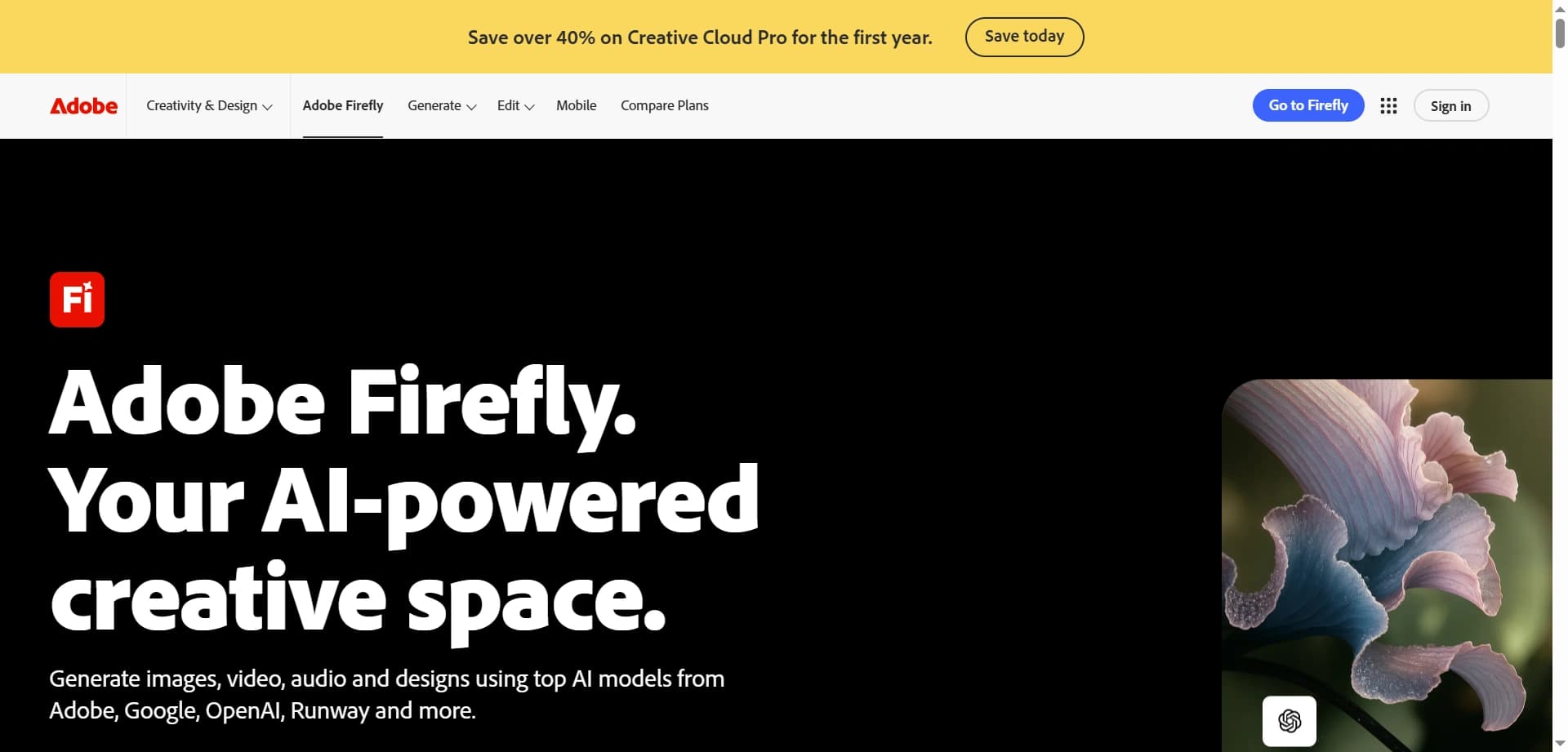
Adobe Firefly has become the go-to tool for creators who need professional-grade image manipulation and generation, especially those already working within the Adobe ecosystem of Photoshop, Illustrator, and Premiere Pro.
While Canva excels at fast social content and templates, Firefly is designed for pixel-perfect control and advanced creative workflows. Its deep integration with Adobe Creative Cloud makes it seamless for professionals who already rely on Adobe tools.
Generative Fill allows creators to select any area of an image and describe what should appear there. Firefly generates content that perfectly matches lighting, perspective, and visual style, blending seamlessly into the original image.
Product photographers place items into luxurious environments—such as watches on marble countertops or skincare products in spa settings—without complex setups or reshoots.
Fashion and beauty creators transform outfits, hairstyles, and backgrounds without filming again, making before-and-after tutorials and style experiments far more efficient.
Real estate and interior design creators virtually stage empty rooms, change wall colors, add furniture, and visualize renovations without physical staging.
Travel photographers enhance landscapes by improving skies, removing tourists, and adding natural elements, turning simple phone shots into magazine-quality images.
Food creators perfect dish presentation by refining garnishes, lighting, and steam effects to produce professional restaurant-style visuals.
Generative Expand intelligently uncrops images by extending edges, allowing creators to fix tight compositions and reframe visuals for different aspect ratios.
Text-to-Image generation produces commercially safe visuals from text prompts, ensuring creators can use Firefly images confidently in client and sponsored work.
Generative Recolor lets creators change color schemes or specific elements with text commands while preserving realistic lighting and shadows.
Text Effects generate stylized typography—such as fire, water, metal, or floral text—ideal for thumbnails, titles, and attention-grabbing social posts.
Style Transfer applies artistic styles to images, transforming photos into oil paintings, sketches, or any described visual aesthetic.
In Photoshop, Generative Fill and Expand are native tools, allowing AI-powered editing without leaving the workspace.
In Illustrator, Firefly generates vector graphics and patterns from text prompts, ideal for custom illustrations and branded assets.
In Premiere Pro, creators can generate b-roll, backgrounds, and motion graphics directly within their video timelines.
Firefly is trained exclusively on licensed content, stock images, and public domain materials. This ensures commercial safety and makes it a trusted choice for creators who need copyright confidence.
Adobe provides extensive tutorials, certifications, and community resources. While the learning curve is steeper than Canva, the creative potential is significantly broader for creators willing to invest time.
Firefly generates results in roughly 5 to 15 seconds, making it fast enough for iterative experimentation and creative refinement.
Although Firefly is most powerful on desktop, Adobe Express includes Firefly features on mobile for quick, on-the-go creation with simplified controls.
Firefly is included with Adobe Creative Cloud subscriptions, typically ranging from $55 to $85 per month, or available as a standalone option. For creators already using Adobe tools, it adds powerful AI capabilities at no extra cost.
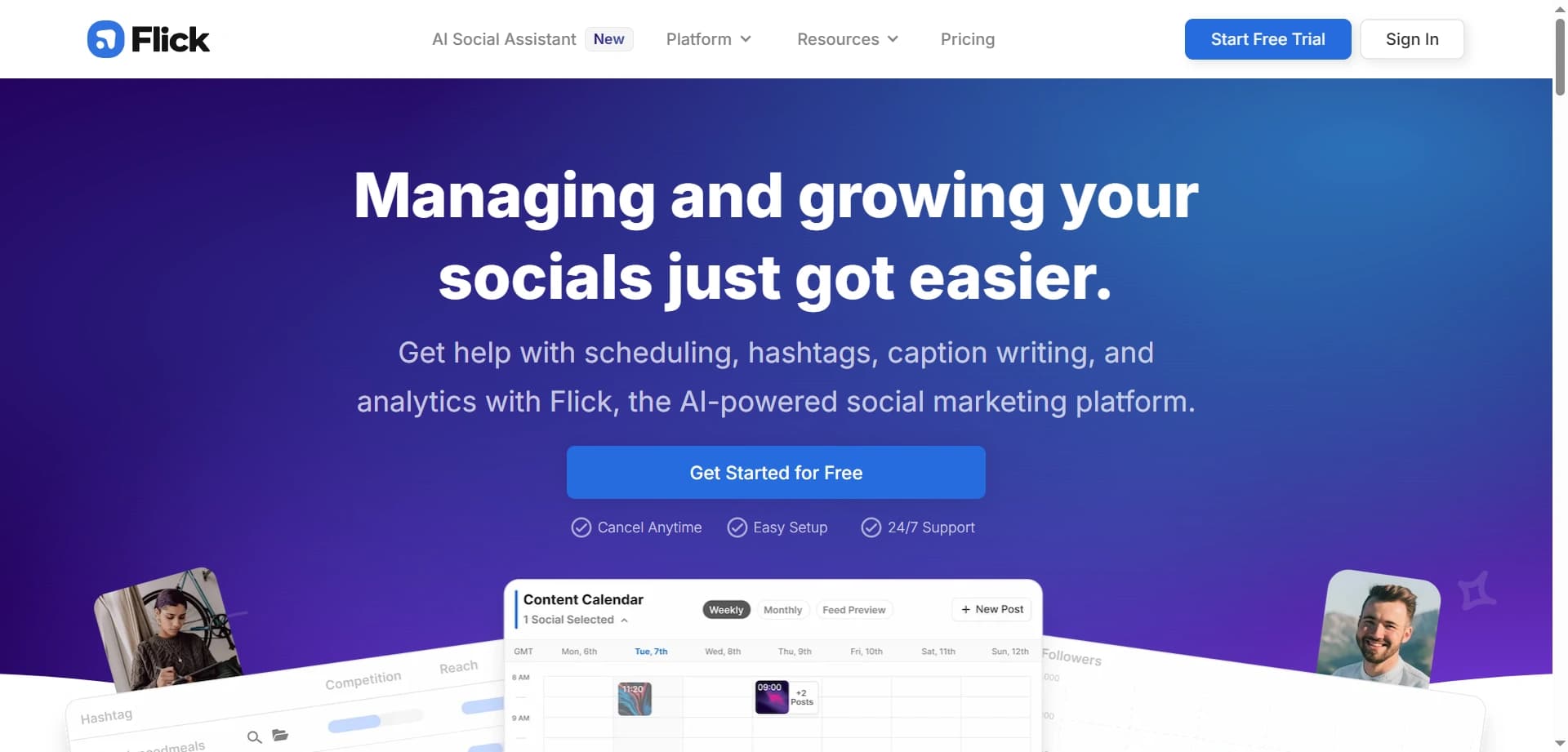
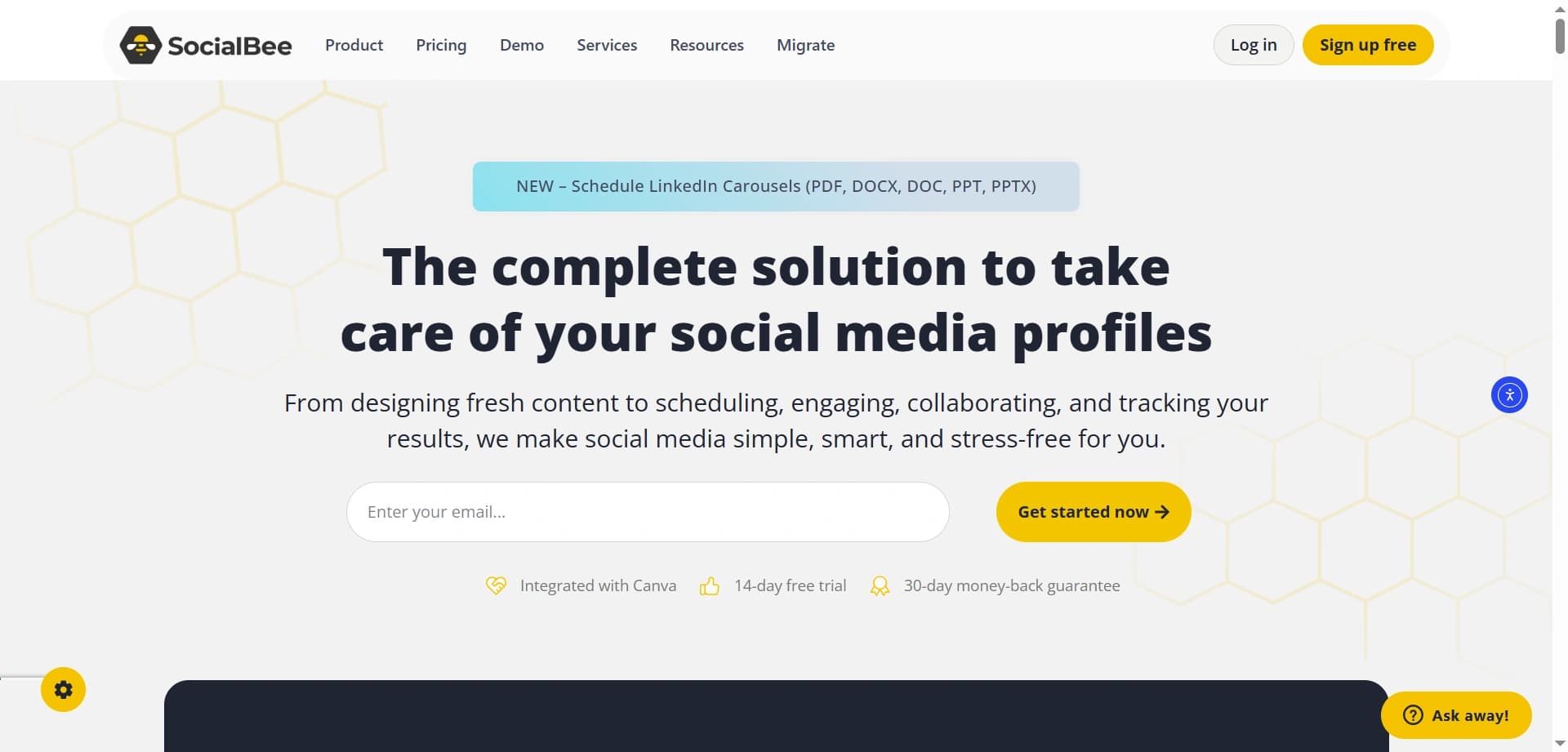
For creators struggling with the constant demand for fresh ideas, consistent posting, and platform-specific optimization, Flick and SocialBee act as AI social media assistants that handle strategy, ideation, and scheduling.
Most creators excel at their core skill—making videos, writing, or designing—but struggle with maintaining a consistent presence across multiple social platforms. These tools solve the “what should I post today?” paralysis that destroys consistency.
Content ideation AI generates 30–60 platform-specific ideas based on your niche, past performance, and current trends. For example, a fitness creator receives workout tips, motivational angles, transformations, and nutrition topics tailored separately for Instagram captions, TikTok scripts, and YouTube community posts.
Hashtag intelligence analyzes performance in your niche, suggests optimal hashtag combinations, identifies emerging trends before they peak, and warns against banned or spammy hashtags.
Posting schedule optimization studies when your audience is most active and recommends ideal publishing times for each platform to maximize early engagement and algorithmic reach.
Flick excels on Instagram and TikTok, offering deep hashtag research, AI captions that match brand voice, and idea generation aligned with trending audio and visual formats. It’s especially popular with influencers and personal brands focused on short-form content.
SocialBee is designed for managing multiple brands or clients. It supports category-based posting, strategic recycling of evergreen content, and RSS integrations for curated content strategies—making it ideal for agencies and teams.
Solo creators spend one to two hours each week planning content. They generate 14–21 ideas, choose the strongest ones, customize captions, schedule posts, and then focus on creation instead of daily posting stress.
Agency teams manage 10–20 client accounts by using AI to generate brand-specific ideas, maintain posting consistency, and produce reports—tasks that previously required multiple social media managers.
Course creators schedule educational tips, student testimonials, and promotional content weeks in advance while focusing on building their courses.
Product businesses balance value and promotion by following AI-suggested ratios, typically around 80% value-driven posts and 20% promotional content.
Both platforms identify top-performing posts and recommend strategic reposting times to reach new followers or audience members who missed them originally, maximizing the lifespan of high-quality content.
Creators describe a post in one sentence, select a brand voice, and receive multiple caption options complete with emojis, hashtags, and calls to action—removing the blank-page problem entirely.
Visual calendars show scheduled posts with thumbnails, making it easy to ensure variety, balance, and brand consistency across the feed.
AI analyzes performance and delivers actionable insights such as which post types perform best, optimal caption lengths, and engagement patterns specific to your audience.
Creators publish once and distribute content across Instagram, Facebook, Twitter, LinkedIn, Pinterest, and TikTok with platform-specific variations, eliminating repetitive manual posting.
Teams can approve posts before publishing, leave comments, track ownership, and maintain consistent brand voice—essential for multi-creator brands.
Without AI assistance, creators spend one to two hours daily on social media management. With AI assistants, this drops to one or two hours weekly—reclaiming up to 13 hours every week.
📈 The consistency advantage: Consistency is the single most important factor in social media growth. These tools make consistency achievable even during busy periods, vacations, or creative burnout by automating posting schedules.
Great content starts with great writing. These AI tools help creators overcome blank page syndrome and consistently produce compelling scripts, hooks, and copy.
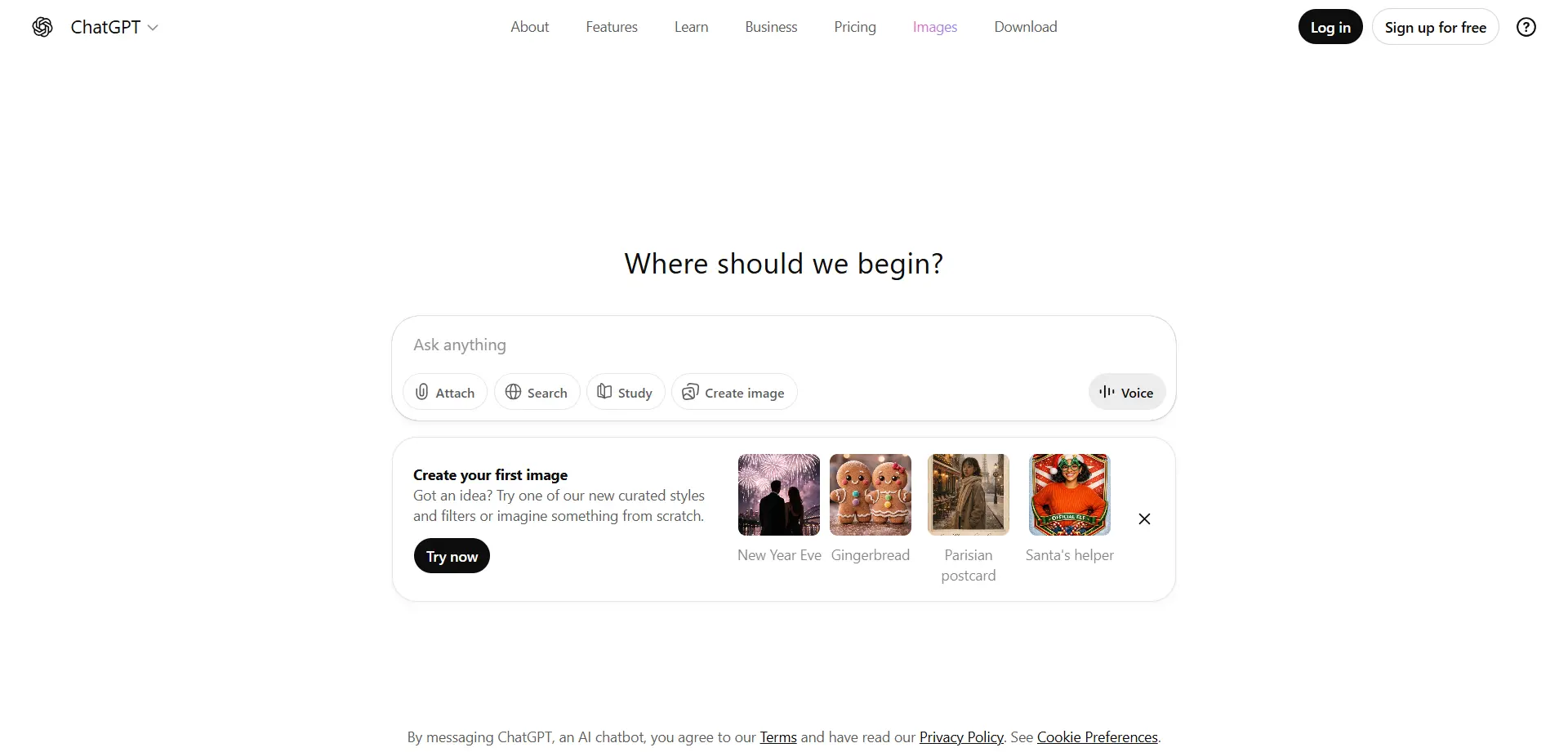
ChatGPT remains the go-to tool for creators when it comes to hook generation and script outlining—the two stages where creative blocks most often delay content production.
With shrinking attention spans and intense competition, the first three to five seconds of any piece of content determine whether viewers keep watching or scroll away. A weak hook kills even high-quality content.
ChatGPT is essential because it can generate dozens of hook variations in seconds, allowing creators to test angles instead of guessing.
Creators input a simple topic like “productivity apps for students,” and ChatGPT instantly produces 20–30 hook variations designed to grab attention.
Examples include curiosity-driven hooks, contrarian takes, cost-based comparisons, and authority-driven angles. Creators select the strongest hook, validate it against audience knowledge, and move into production with confidence.
ChatGPT excels at structuring long-form content. Given a topic and rough ideas, it generates a complete outline including an opening hook, problem framing, main points with supporting details, transitions, and a clear call to action.
This structure eliminates the “I don’t know how to organize this” paralysis that prevents many creators from starting projects.
GPT-4o is faster and ideal for brainstorming, captions, short-form scripts, and daily content workflows. Most creators rely on it for speed and volume.
The o1 reasoning model is slower but produces deeper long-form scripts, complex educational content, and research-heavy outlines. Creators use it for flagship videos and high-impact projects.
YouTube creators generate multiple viral title ideas and test them with community polls before filming, improving click-through rates.
TikTok and Reels creators generate scripts optimized for specific formats, including exact timing for hooks, reveals, and calls to action.
Podcast hosts create tailored interview question lists that ensure engaging conversations with clear narrative flow.
Newsletter writers overcome writer’s block by generating content angles, opening hooks, and structured outlines they refine with their own voice.
Email marketers build complete sequences—welcome flows, launches, and nurture campaigns—with strategic messaging baked in.
One of ChatGPT’s most powerful use cases is repurposing content. Creators can input a single YouTube script and generate platform-optimized versions for Instagram captions, Twitter threads, LinkedIn articles, TikTok scripts, and email newsletters.
Each variation preserves the core message while adapting tone, structure, and length to the platform.
Creators use ChatGPT as a creative partner to break mental blocks, discover unique angles on common topics, and explore contrarian perspectives that differentiate their content.
Successful creators generate multiple title patterns such as number-based hooks, curiosity gaps, negative framing, and time-based promises. Analyzing these patterns leads to higher average view duration.
Creators paste rough drafts into ChatGPT and refine them for clarity, engagement, flow, and persuasiveness—strengthening hooks, transitions, and calls to action without rewriting from scratch.
The quality of ChatGPT’s output depends heavily on prompt clarity. Detailed prompts consistently outperform vague requests and lead to more actionable, creator-ready results.
✍️ Creator insight: Treat ChatGPT like a junior creative partner—give it context, constraints, and examples, and it will dramatically outperform generic prompts.
Discover the essential AI tools dominating 2026 that will transform your productivity. From ChatGPT to Cursor, learn which tools will help you work faster and smarter.

Discover how modern professionals are transforming from manual app-switching to AI-powered integrated orchestration. Learn the tools and strategies that eliminate workflow friction and multiply daily productivity.

Discover how the software development landscape has transformed from AI-assisted coding to Agentic Engineering. Learn about the best AI tools developers use in 2026 to manage fleets of AI agents for autonomous development.

Discover the top AI tools revolutionizing content creation in 2025. From video editing to social media management, learn which tools will transform your creative workflow.